Question
Text cursor positioned horizontally on top left and text will not appear
I opened up my psd file to edit it for schoolwork. However, no matter how hard i try, i am unable to insert any text. I tried increasing my resolution, text size i even copy and pasted text from else where but it will not appear. I later realised my text cursor is positioned horizontally on the top left corner? how do i fix it?
Thank you!
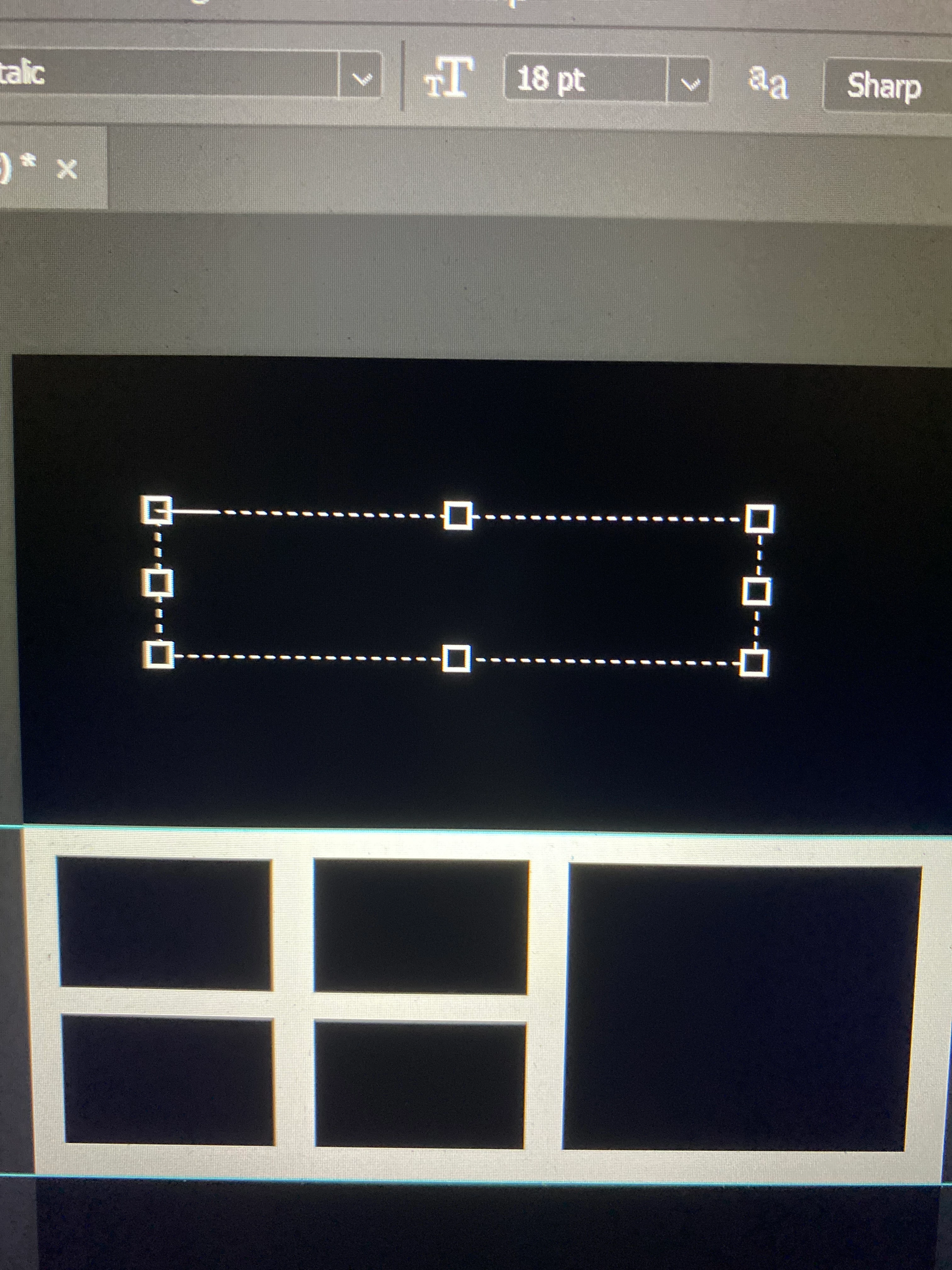
(image is flipped horizontally!)
 AdChoices