
Participant
November 27, 2018
Answered

Text GIF cutting off text

  • November 27, 2018
  • 2 replies
  • 1237 views

Hi - I'm making GIF's just using text but I find that in the second frame the text gets cut off in some places. I'm making all the layers first and then create the timeline and different frames, also making it as a frame animation. I've attached the GIF and you can see it happening at the top and bottom text. Any idea why this is happening?

THAAANKS!!
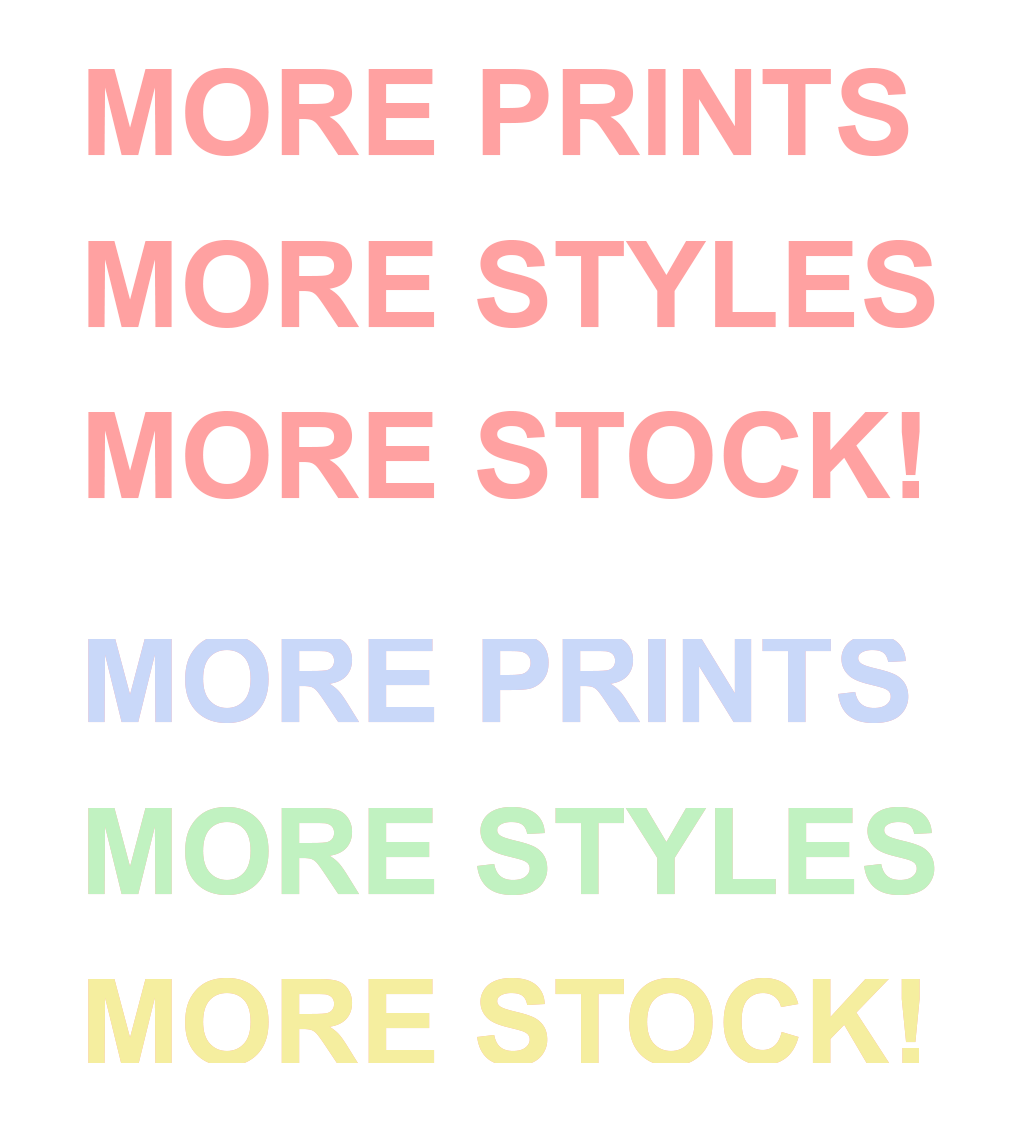
This topic has been closed for replies.
Correct answer Trevor.Dennis

If you are using CC 2019, try opening Preferences (Ctrl K) going to the Performance tab, and checking Legacy Compositing.

I can't say for sure this will fix it, but I think it has a good chance of doing so.

2 replies

Participant
January 16, 2019

Oh my gosh this has been bugging me for months... THANK YOU THANK YOU THANK YOU for the answer!

Trevor.Dennis
Community Expert
Trevor.DennisCommunity ExpertCorrect answer
Community Expert
November 27, 2018

If you are using CC 2019, try opening Preferences (Ctrl K) going to the Performance tab, and checking Legacy Compositing.

I can't say for sure this will fix it, but I think it has a good chance of doing so.

Participant
November 27, 2018

Thanks, that worked! Wouldn't have known to do that