I just followed your question and it is working on my machine.
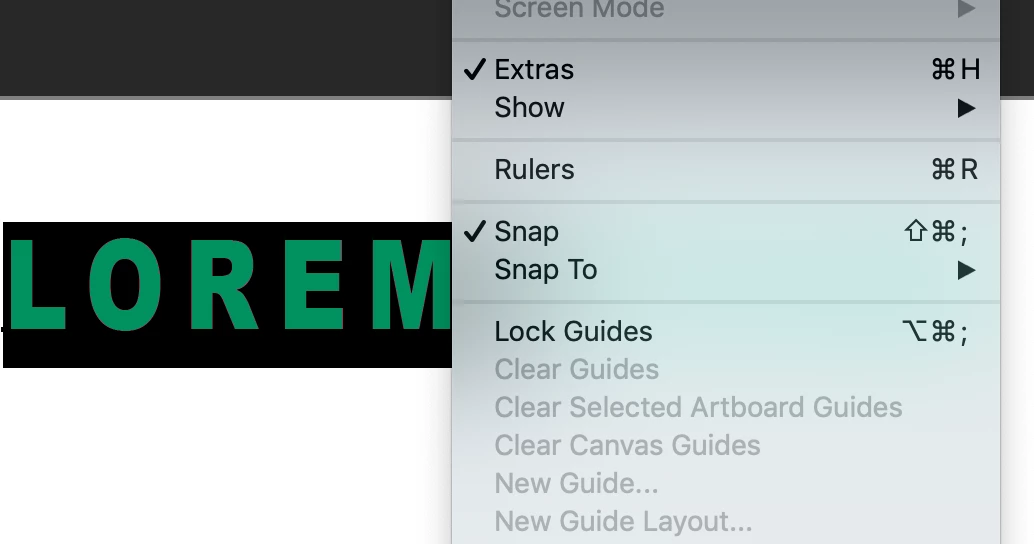
Try to restart PS and clean the preferences.
Did you update it to the latest one?
Thanks for you help.
I have actually managed to sort the issue. I actually don't know what was wrong but I think the issue may have been project based rather than to do with the preferences.
So to fix this, I had open in PS my troublesome file that I was experiencing this issue with. No matter what text layer I double clicked, nothing highlighted in the view. I thought it may have been something to do with the groups, but I did have some text layers that were in the top level of the layers tab that were also having this problem. In the end I created a new file which I added a new text layer to, double clicked the text layer in the layers tab - perfect, all the text was selected as it should. So I went back to my problem file and tried again (having done nothing to it) and great it started working there too!!
As a final test I closed my problem file (without saving the changes) and re-opened - back to the same problem. So I repeated my solution again, in creating a new file adding a text layer etc and once again, back in my file it's working again. This time I closed it and did save the changes. Re-opened it and viola, problem gone! Checked this several times and the issue is now resolved.
As I said it's great that it's now working but I do not understand how doing what I did actually fixed the problem.
Thanks again for your suggestions and I hope this may help anyone else having this problem.
Tom

 AdChoices