Participant
November 19, 2019
Answered

Text transform determine distortion - Photoshop macOS

  • November 19, 2019
  • 2 replies
  • 1011 views

Hello,

when i transform text box in PS 2020 disprportionally and apply transformation,

i cant determine text deformation from character panel (horizontal and vertical scale is 100%) nor transform tool again (horizontal and vertical scale is 100% too).

How can i fix distorted text back to non distorted? (except creating new box and insert plain text)

In PS 2019 there was horizontal scale in character panel when text was distorted. - This acts in Indesign like this.

Thank you.


{Thread renamed by moderator}
This topic has been closed for replies.
Correct answer silk-m

Hi, 

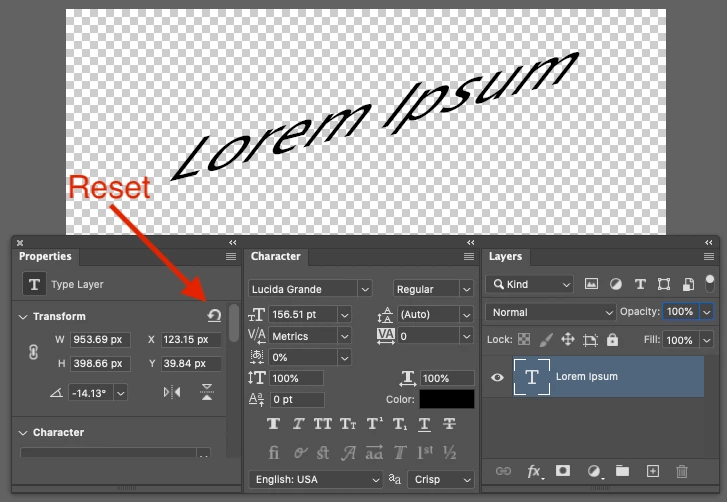
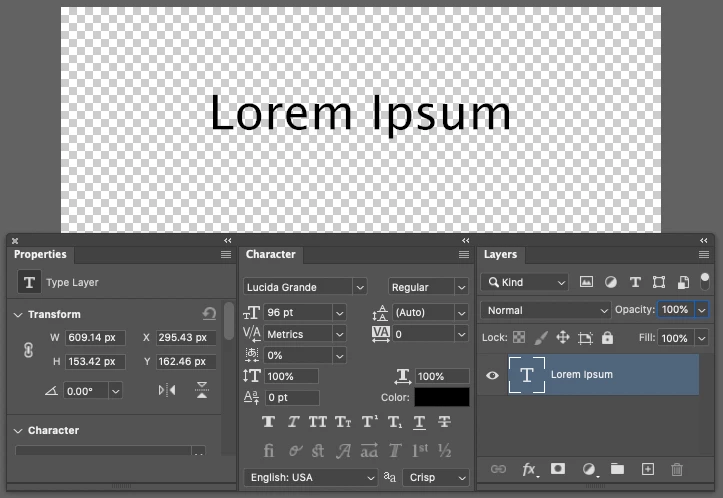
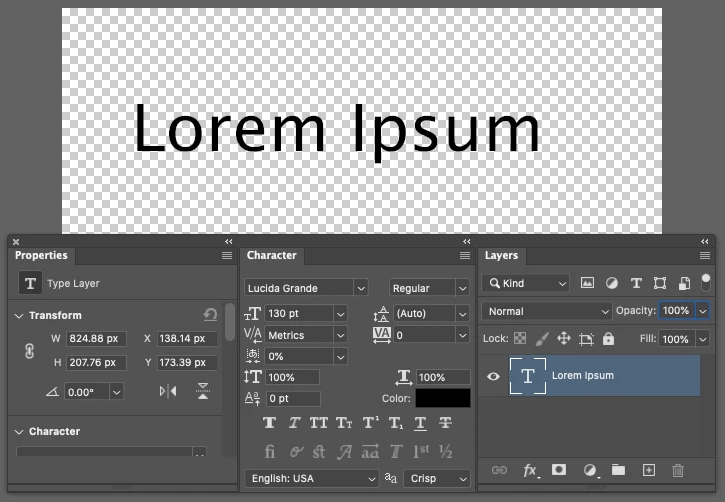
You can reset the text you transformed in the Properties panel. However, it does not return to the same text size as before transformation.


Before

Transformed

After Reset

2 replies

silk-m
Community Expert
silk-mCommunity ExpertCorrect answer
Community Expert
November 19, 2019

Hi, 

You can reset the text you transformed in the Properties panel. However, it does not return to the same text size as before transformation.


Before

Transformed

After Reset

--Susumu Iwasaki
Rison1Author
Participant
November 20, 2019

Thank you,

it is better than setting properties in the new text frame.

And it even remains scale of different font sizes in same frame.

Helpful.

Sahil.Chawla
Adobe Employee
Adobe Employee
November 19, 2019

Hi there,

Welcome to the Adobe Community!

As you want to distort the text in Photoshop, please have a look at this article and let us know if it helps: https://helpx.adobe.com/photoshop/using/creating-type-effects.html


Regards,
Sahil