
Question
Text writing in reverse
For some reason photoshop text tool started writting text in reverse for me. Every letter I write jumps to the left side of the box. The default text that drops in when you use the text tool is "muspI meroL" isntead of "Lorem Ipsum". If I want to write a word "song" per se, it writes out "gnos" istead.
How do I fix this? Did I select this somewhere by accident?
The txt here is supposed to be "Lorem Ipsum".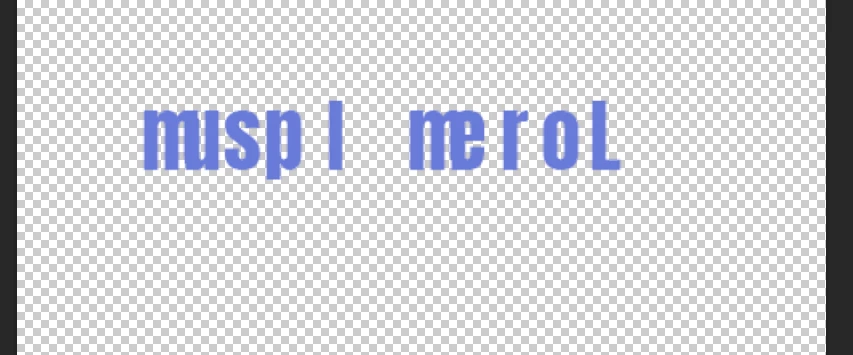
 AdChoices