
Participant
May 29, 2024
Question

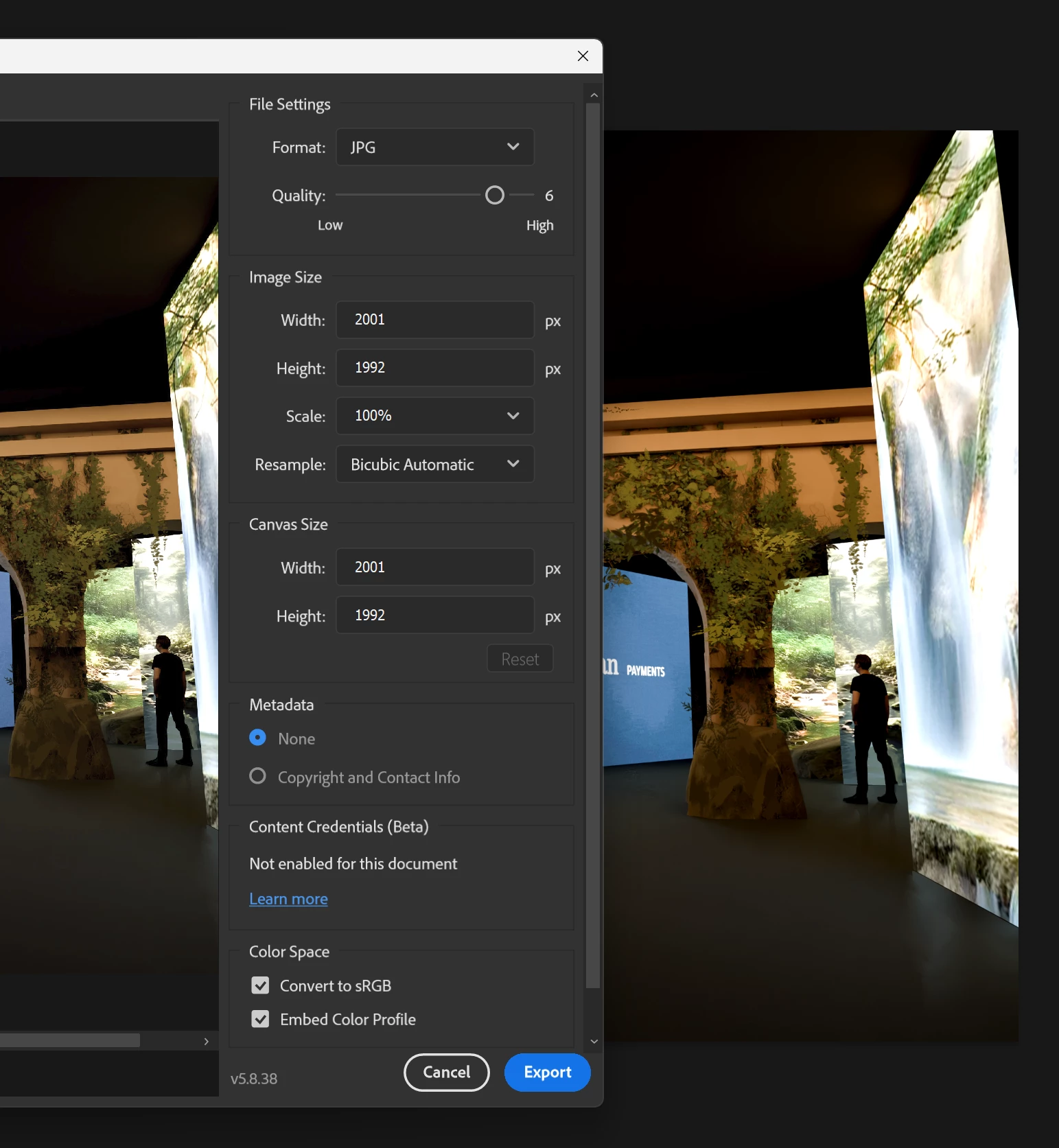
The colors in the export window preview is different from the photoshop canvas.

  • May 29, 2024
  • 1 reply
  • 272 views

Hey everyone! I had to format my windows 11 and after installing Photoshop I came across this weird problem: The preview in the export (and also the exported image) has a different color than the file I'm working on, the preview is a bit less "vibrant". Both of them are in sRGB and doesn't matter what I do it keeps the same way.

It was not like that before reinstalling Windows.

Any suggestions? 
 

1 reply

D Fosse
Community Expert
Community Expert
May 29, 2024

That's a bug in Export color management that has gone unfixed for a long time.


The exported file is correct - it's only a misleading preview in the Export dialog. As long as you have "embed color profile" checked you'll be fine.


If it bothers you (it bothers me; on principle) - you can use Save For Web instead. Save For Web works much better and more reliably than Export. The whole Export module seems to have been abandoned completely.

.

Participant
May 29, 2024

You are completely right - The exported file is indeed in the correct color. It's just the export preview.

So sad that the export thing is so bad like that, it's very useful when I need to export multiple layers.

Thanks dude 🙂