Participant
January 24, 2021
Question

The command NEURAL FILTERS is not currently available.

  • January 24, 2021
  • 3 replies
  • 2161 views

Hi. This is my first post in this community, I need your help.

Today I been installed Adobe Photoshop, and I was attracted to the new functionality of Neural Filters.

When I wanted to use it in the test image, I had the next notice:  
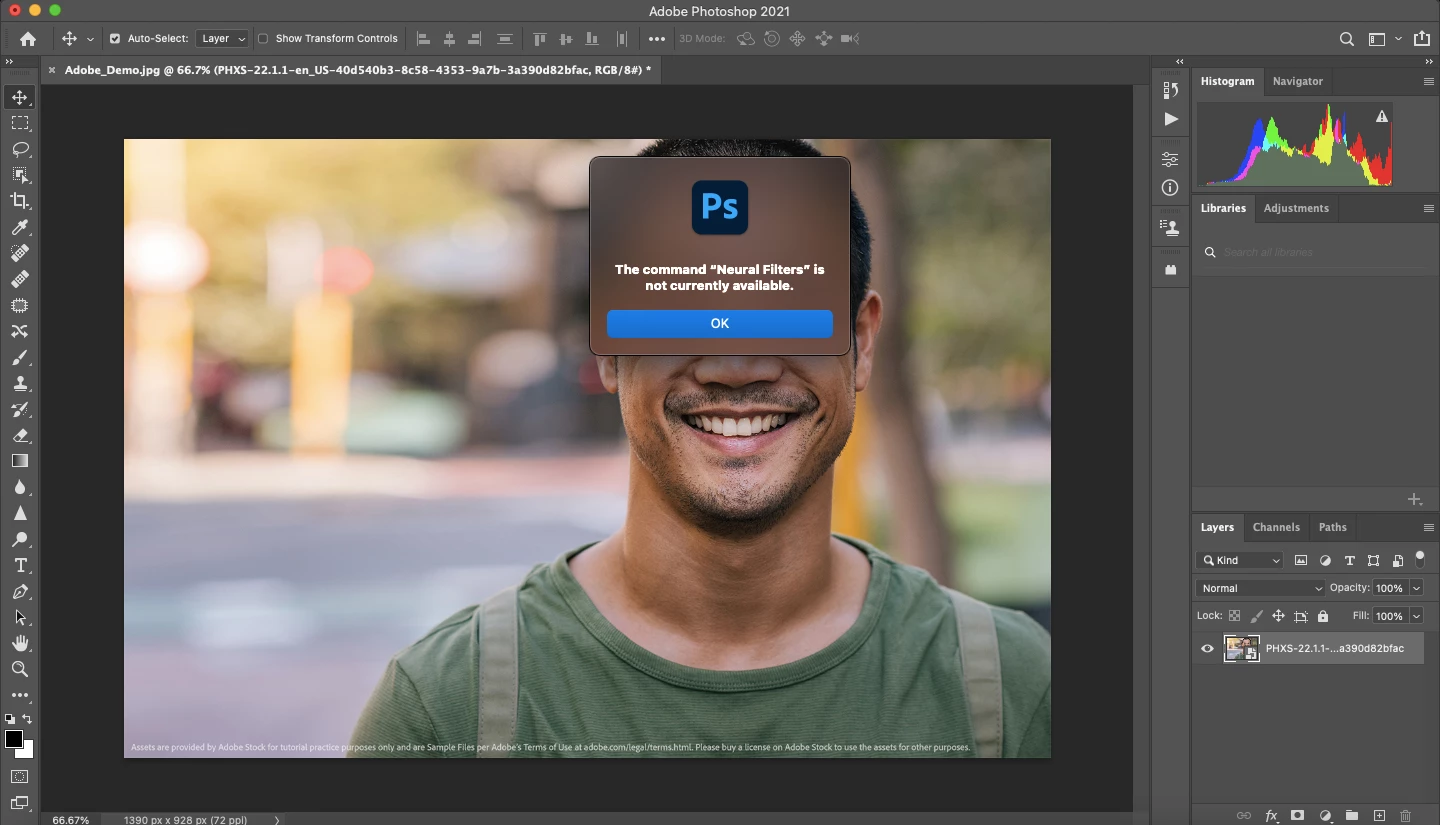


I tried with another image, but the option is still not available.
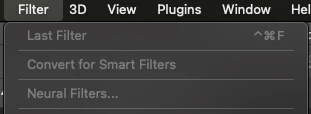
 

What I can do? Thanks.

I have a MacBook Air (2017) with macOS Big Sur 11.1

This topic has been closed for replies.

3 replies

javfa
Participant
February 4, 2021

What are the Performance and Scratch Disk Preferences settings? 

What have you done about Photoshop performance so far? 

https://helpx.adobe.com/photoshop/kb/optimize-photoshop-cc-performance.html

https://helpx.adobe.com/photoshop/using/scratch-disks-preferences.html

>https://javfa.net<br>
Akash Sharma
Legend
January 25, 2021

Hi there,


Sorry that you are getting an error message while using Neural Filters that says "it is currently not available" 


Please update to Photoshop 22.0.1 or later and if that doesn't solve your issues, try the following troubleshooting steps:
  1. Restart Photoshop and try again
  2. Download the filter models again
  3. Quit Photoshop, delete or rename the following folder, Start Photoshop and try again:
    Mac: ~/Library/Application Support/Adobe/UXP/PluginsStorage/
    PHSP/22/Internal/com.adobe.nfp.gallery/PluginData


Also, please checkout the troubleshooting steps mentioned here: https://helpx.adobe.com/photoshop/using/neural-filters-feedback.html#Knownissuesandworkarounds 


Thanks,

Akash

Participant
February 4, 2021

Hello. I have same issue with Mark2806 but your recommendation couldn't work for me. What can I do?

S_Gans
Community Expert
Community Expert
January 25, 2021

Please check your computer against Photoshop's system requirements. And, please also check the link for graphics processors (GPU)

https://helpx.adobe.com/photoshop/system-requirements.html


Adobe Community Expert / Adobe Certified Instructor