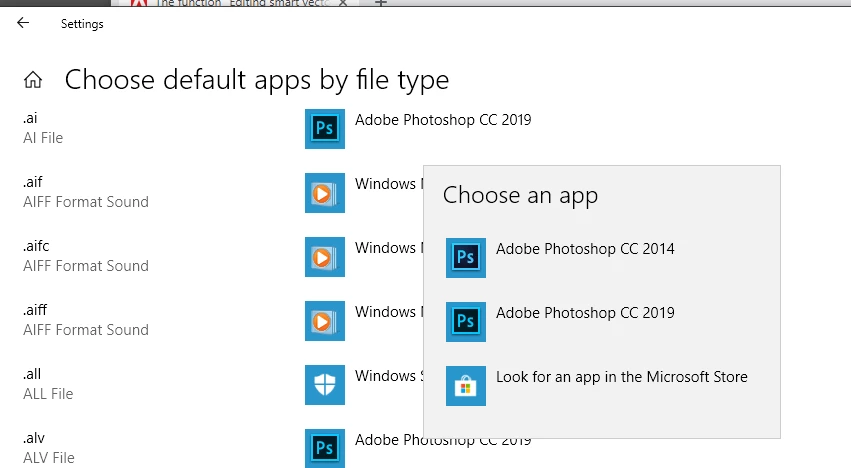
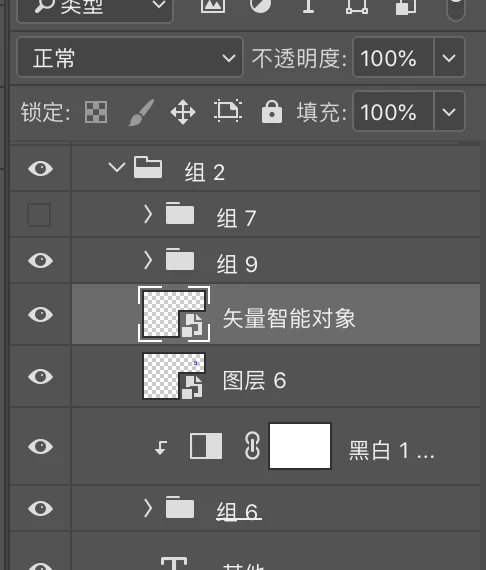
The only thing I know of the Adobe call vector smart objects are placed Illustrator file like .AI I and .SVG files. These File types are not supported by Photoshop and if you open them with Photoshop the will be resterized like other file types the are not supported natively by Photoshop like EPS and PDF file the will not be vector objects in Photoshop they will be pixels layers. If your smart vector object are not opening in AI it may be because the File Association for extension .AI and .SVG are not longer associated with Illustrator. If they are opening in Photoshop the could alsi be a bug in CC 2019.
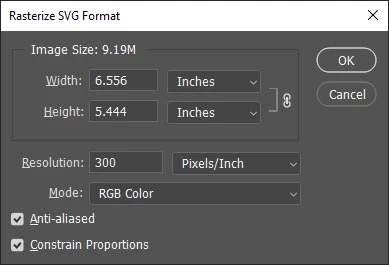
In CC 2019 if I open a .svg file it is rasterized via a different dialog
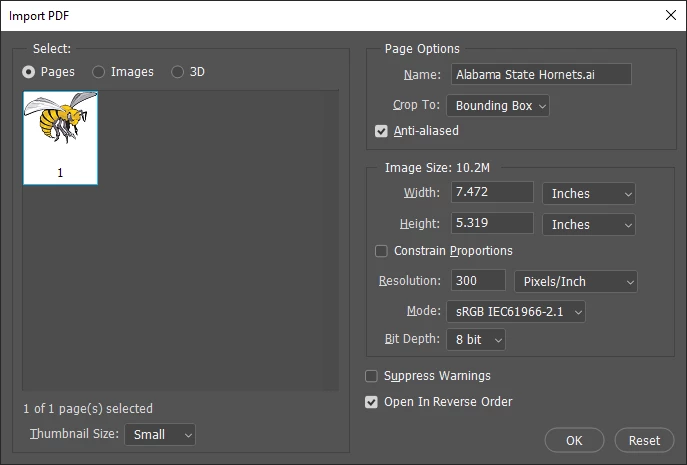
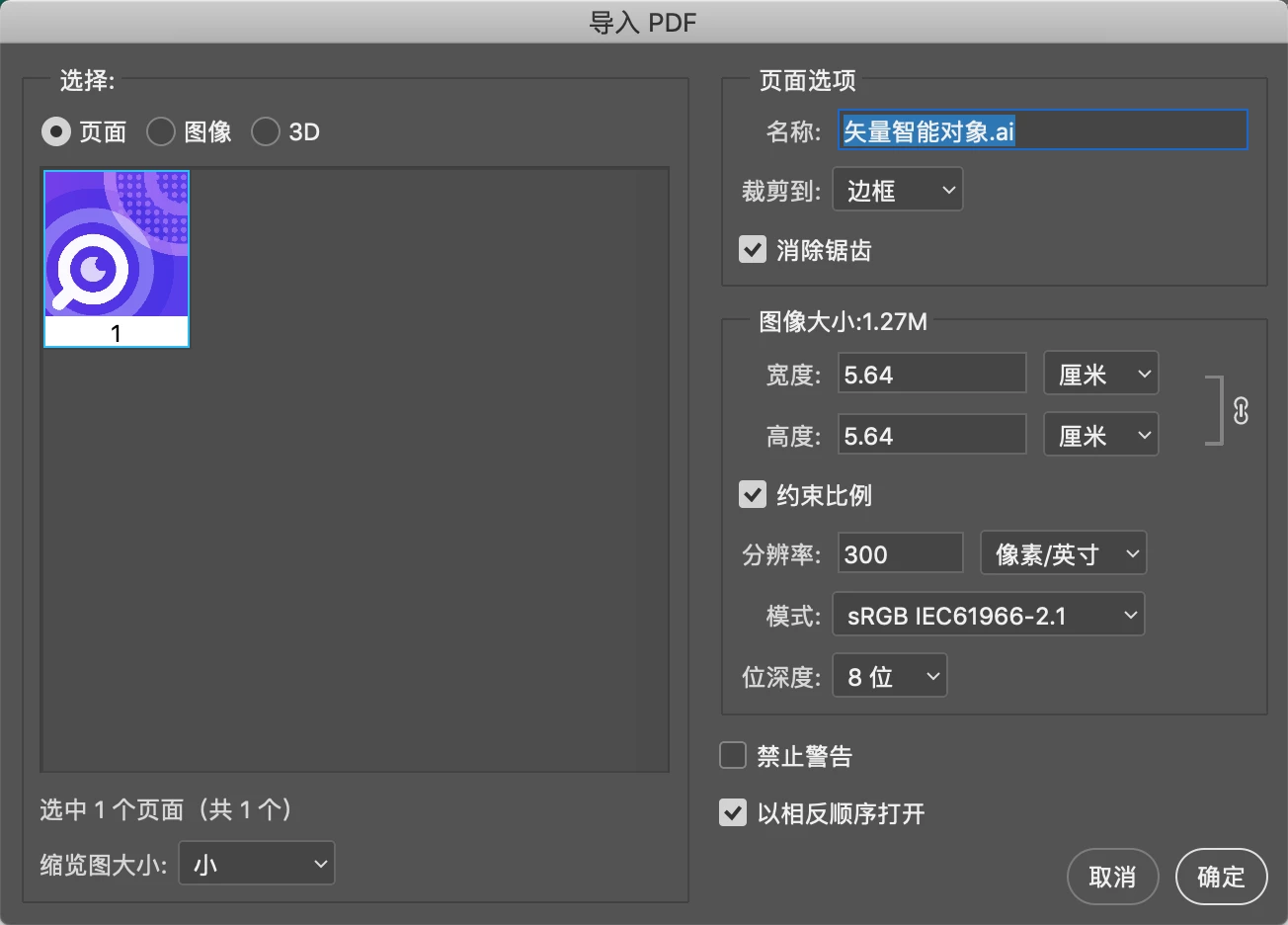
However Photoshop doe rasterize .AI file via Import PDF
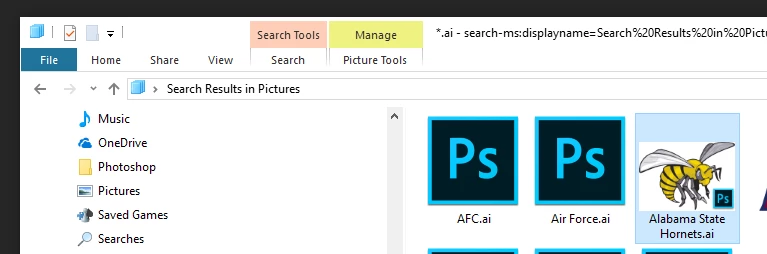
I can not tell on my machine I do not install Illustrator I do not know how to use it.
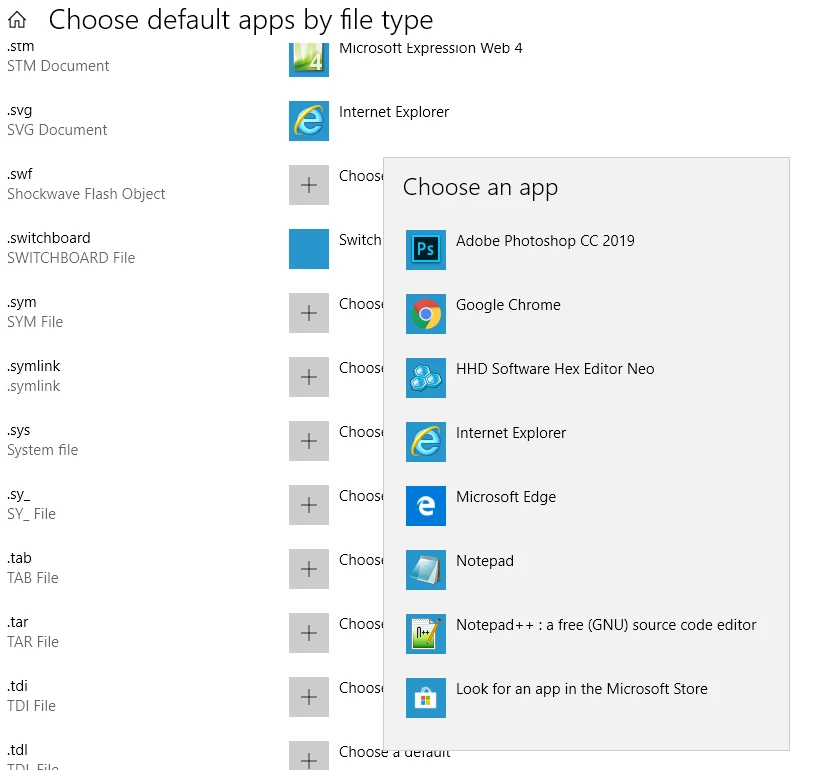
However, on my machins it looks like Phtoshop CC 2019 set .AI file associations to Photoshop CC 2019 but ,svg are associated with Microsoft's Internet exvlorer IE
Place .svg opject open in IE and places .ai objed open in PS cc 2019 via Import PDF. I feel it may be a bug in Adobe PS install process.
I may have changeg my .svg association Photoshop CC 2019 may have been set it one of the options

 !
! AdChoices