
HuayiWu
Participant
March 4, 2023
質問

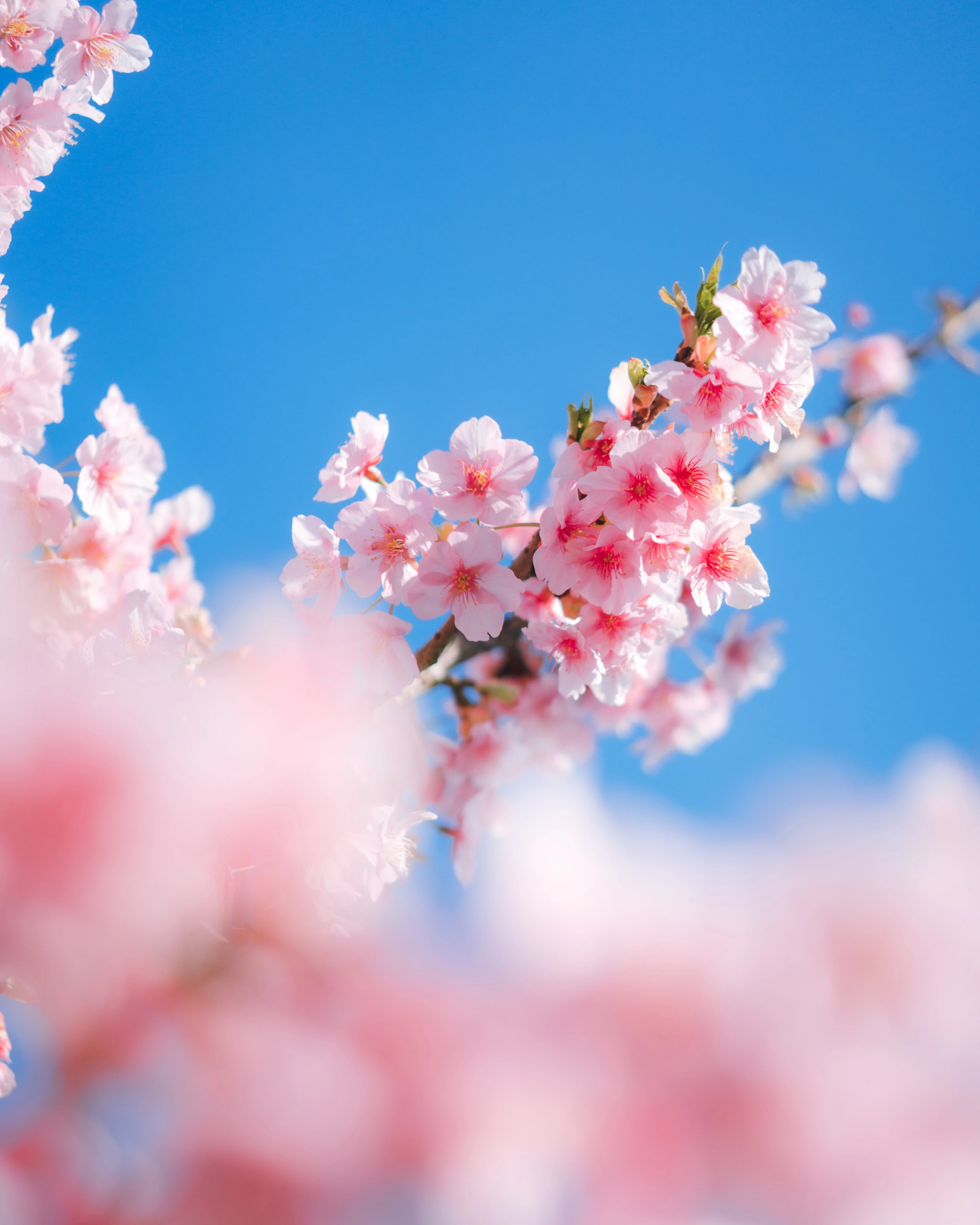
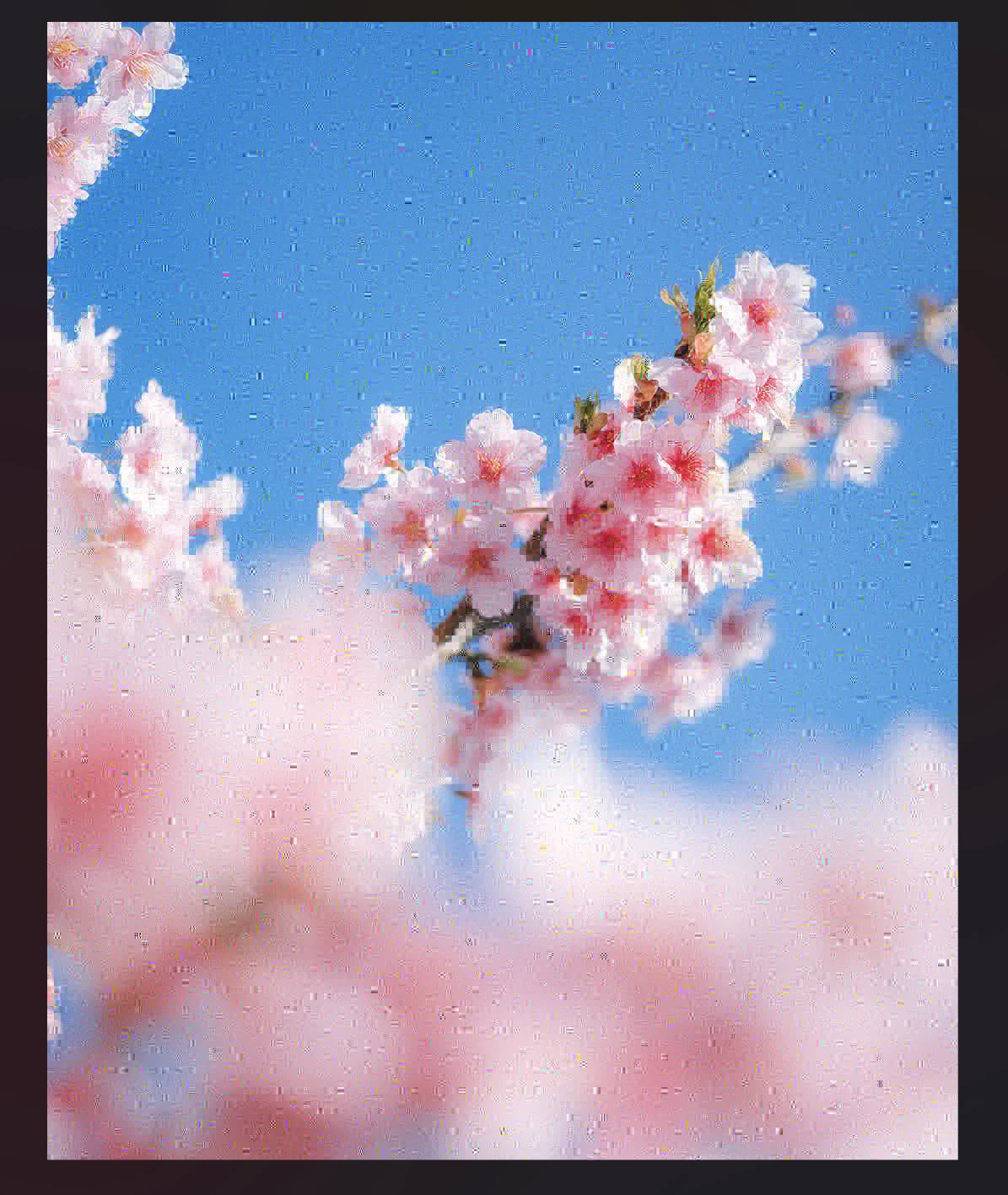
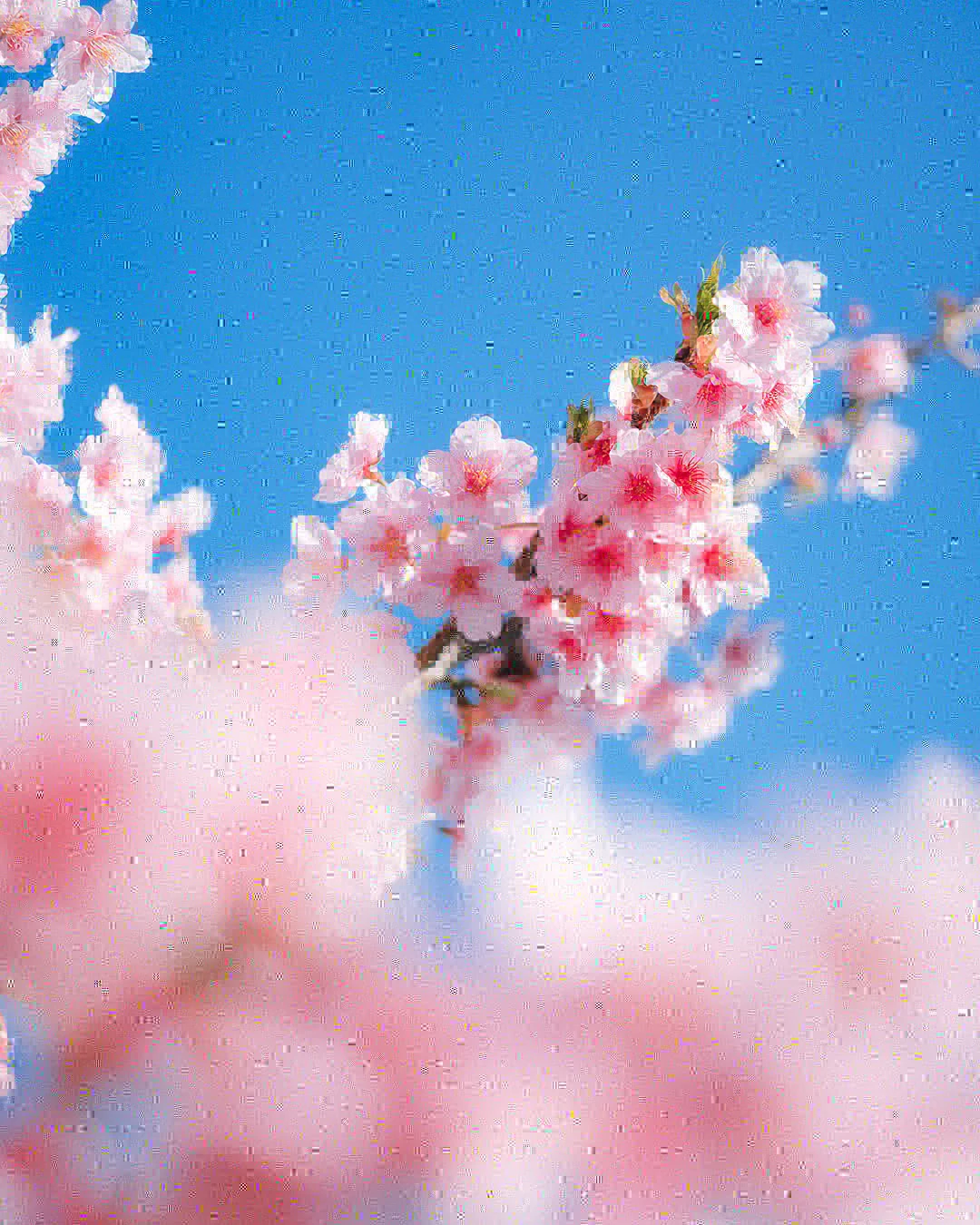
The image will become blurred and indistinct after I saving it in Photoshop.

  • March 4, 2023
  • 返信数 3.
  • 1482 ビュー

Hi, I found some problems with my Photoshop.

After doing some change like adjusting the size of image and saving the .jpg file, the image will become like broken. Can anyone help me ?
このトピックへの返信は締め切られました。

返信数 3

HuayiWu
HuayiWu作成者
Participant
March 5, 2023

Thank you for your replies.
I am doing the following.

I exported the JPEG image with Lightroom. After that, I opened it with PS and resized it to 1080px on the short side, followed by USM sharpening. Then Ctrl-S to save the photo. Save was set to High Quality (10), Standard.

I know I shouldn't process photos in JPG format, but I've never encountered this problem in 8 years. The saved photos don't look compressed but outright corrupted. When I open the saved photos in PS, PS says it can't open them because of a program error.


I opened Explorer to check the saved files. I found that the file size is about 1mb and the size is 1350x1080. a photo of this size should have been around 100-300kb.
Another thing I noticed is when I finished the above operation in PS, I saved the picture and used the brush to click on the part outside the canvas to save the photo again. The image corruption problem does not occur. I don't think this is caused by JPEG compression.

Per Berntsen
Community Expert
Community Expert
March 5, 2023

I agree that this is not compression artefacts, it does look like file corruption.

The fact that the corruption doesn't happen when you click outside the canvas before saving might indicate a hardware problem with with your graphics card, or possibly a driver problem.
Is your graphics driver up to date?
Does the problem go away if you disable the GPU in Preferences > Performance ?


As for the increased file size, this is how jpg compression works. Image content has a big influence on file size. A sharp, detailed image is much harder to compress than an image with predominantly smooth or out of focus areas, resulting in a much larger file size. And the corruption has added a lot of sharp detail to your image.


HuayiWu
HuayiWu作成者
Participant
March 6, 2023

Thanks for replying. My Pc specs are Ryzen 5700x+RTX 3060. All drives are up to date. I turn of the GPU in Preferences but the problem still there. Maybe I should reinstall Photoshops.

jane-e
Community Expert
Community Expert
March 4, 2023

As DFosse said, this is the nature of jpegs. It is not a Photoshop bug.


Best practice is to work in tiff or psd, then save once to jpeg if that's the format you need. Keep the tiff or psd for edits and make a new jpeg each time.


Jane


D Fosse
Community Expert
Community Expert
March 4, 2023

You need to describe your procedure in detail.


You cannot "adjust the size" of a pixel-based raster image without permanent quality loss. If done carefully, with a clear target size, there are ways to minimize the damage. If not done carefully, the image is quickly ruined for good.


In addition, jpeg compression is destructive, non-reversible and cumulative. Jpeg compression is very aggressive and can in itself destroy the image. You should never resave a jpeg if avoidable, and never use it as a working format.