даниилф63728040
Participant
April 5, 2020
Question

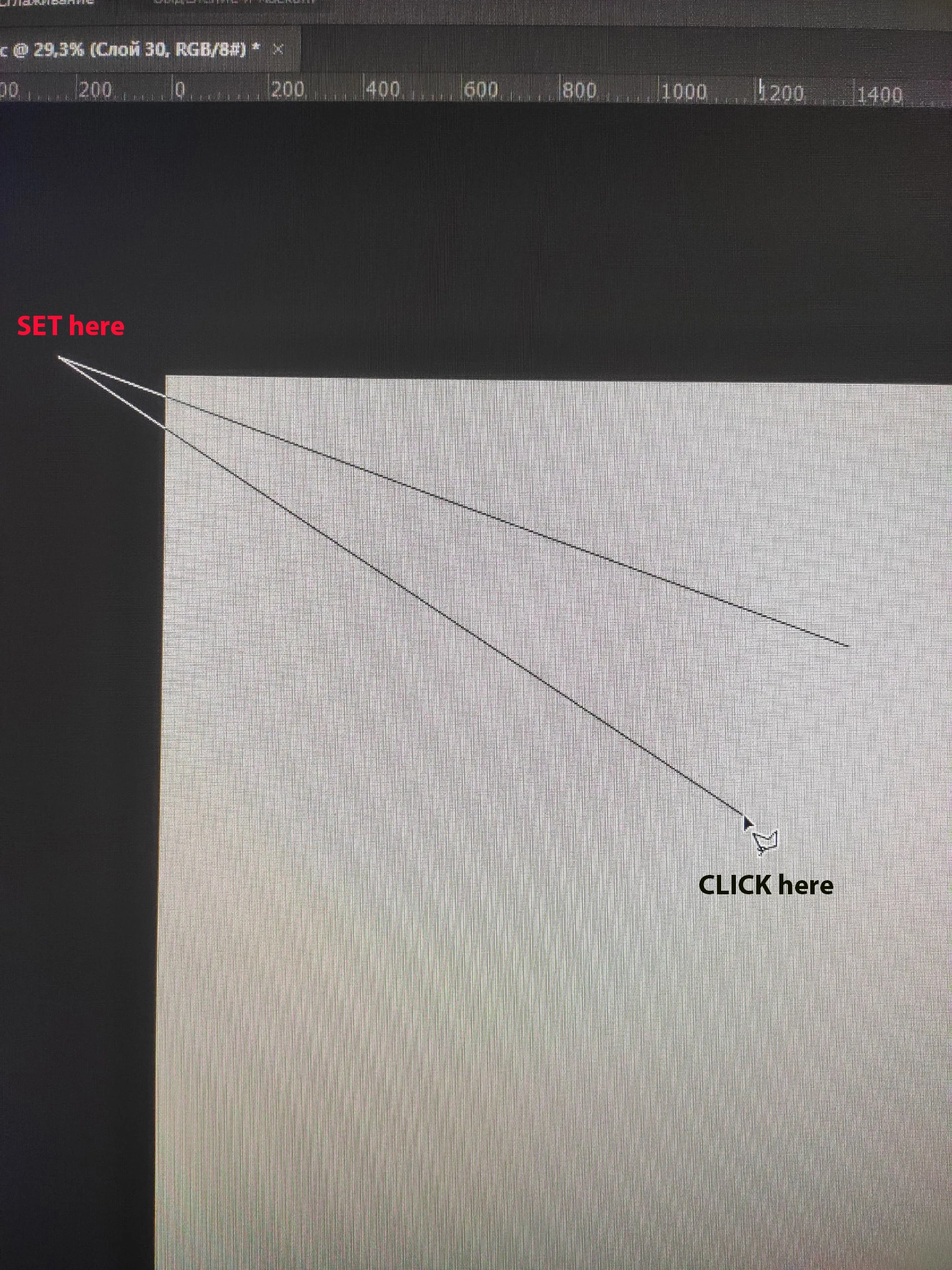
The Lasso tool does not work correctly in Adobe Photoshop, the wrong place to click
  • April 5, 2020
  • 2 replies
  • 773 views

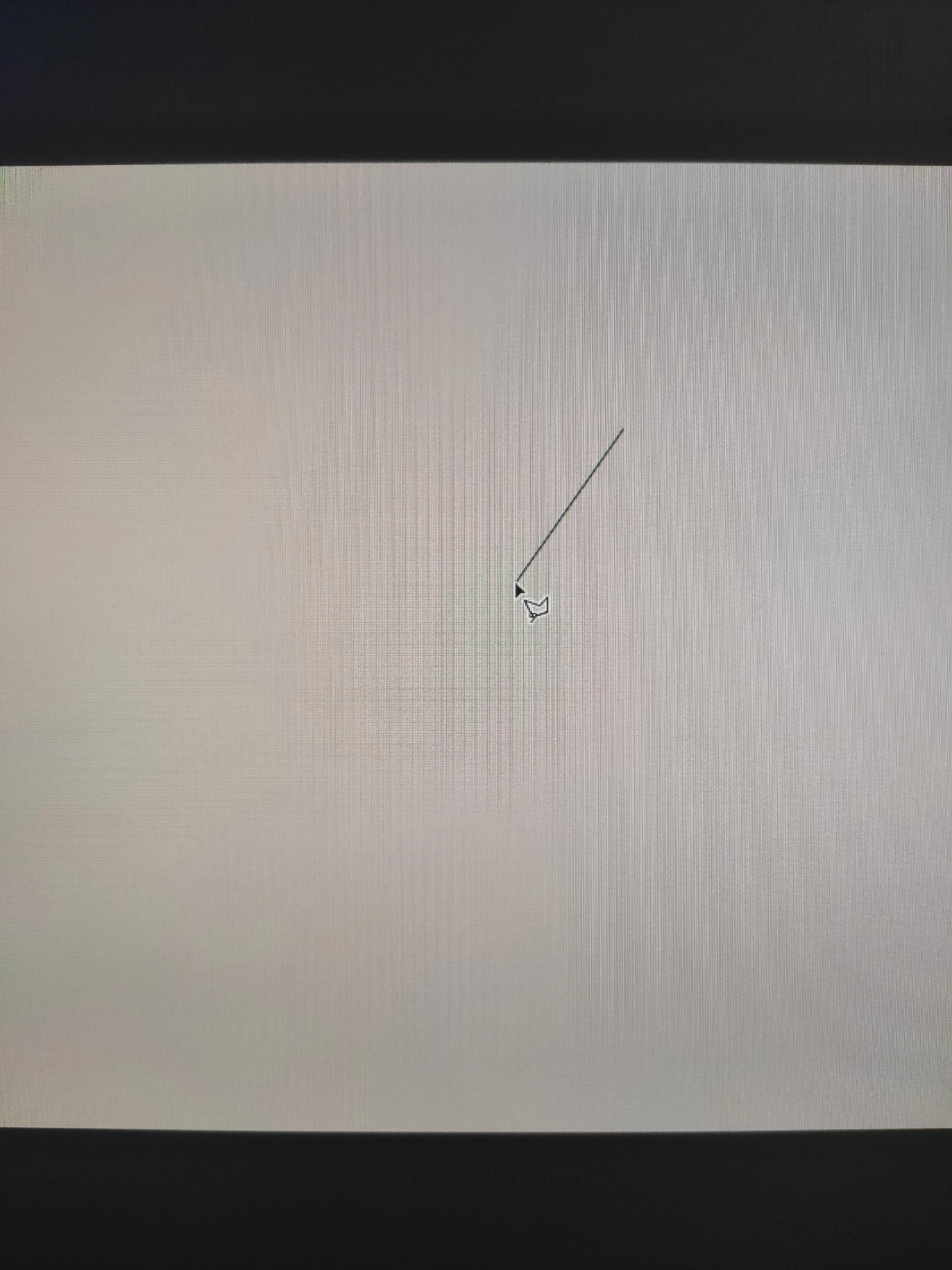
When using the Lasso tool, the highlight line (which we pull to highlight the shape) jumps to the corner of the screen, as if the program recognizes clicking in another place on the screen, this happens randomly and often, it is simply impossible to highlight something, you constantly have to cancel a step back (Backspace) and try to repeat the face correctly, someone has encountered a similar problem? 

This topic has been closed for replies.

2 replies

davescm
Community Expert
Community Expert
April 6, 2020

The above advice is incorrect.

There is a bug in the current version (v21) when using Wintab drivers for pen and tablet. Using Windows Ink is fine and you should consider switching to Windows Ink to use the current version or stepping back to an older version.

The bug report is here:

https://feedback.photoshop.com/photoshop_family/topics/ps-21-1-every-drawing-action-snaps-to-upper-left-hand-screen-corner


Dave

Sunny6
Participating Frequently
April 6, 2020

You can not jump to another tool while using lasso tool. You have to make a selection and join both ends. Then you can use other tools freely. Your problem can be fixed in that way.

SunNy
даниилф63728040
Participant
April 6, 2020

No, I'm not talking about other tools, when using the lasso, the highlight line runs away to another part of the screen, although I clicked exactly in the place where the cursor is located (see photo 2), you click in one place and the frame is formed in another place