
Participant
June 7, 2025
Question

The lastest Photoshop have a shortcut not working problem

  • June 7, 2025
  • 4 replies
  • 227 views

Hi, after I install my latest version Photoshop application, I find all the Photoshop default shortcut are cleared. I always use default shortcut during my work. I don't know how to recover the default shortcut.
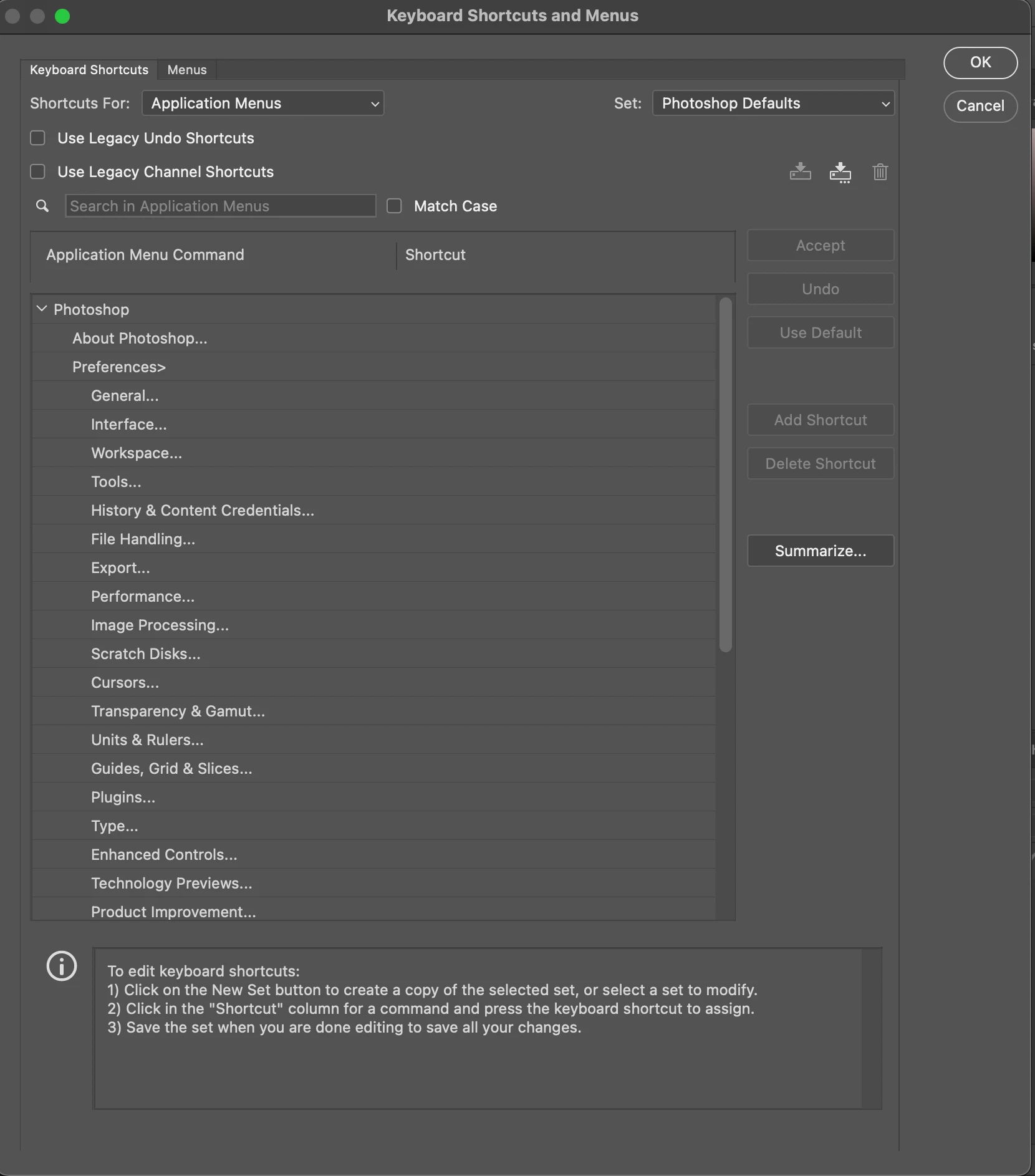
Please help me! I don't want to set the shortcut one-by-one base on my memory.


Thank you so much!

4 replies

c.pfaffenbichler
Community Expert
Community Expert
June 8, 2025

That does seem mystifying; do you have access to another installation (a previous version or a different computer) where you could save the default shortcuts as a .kys-file? 

WuYunJieAuthor
Participant
June 8, 2025

Hi, thank you for your reply!


I've tried this solution but it's still not work on my Photoshop.


And I have even uninstalled my Photoshop and reintalled, it not work as well.


Best.

WuYunJieAuthor
Participant
June 7, 2025

Hi, thank you for your reply!


I've tried this solution but it's still not work on my Photoshop.


And I have even uninstalled my Photoshop and reintalled, it not work as well.


Best.

Bojan Živković11378569
Community Expert
Community Expert
June 7, 2025

Have you tried resetting preferences? That’s the first thing that comes to my mind. Just be aware that unsaved presets and actions will be lost.

Preferences in Photoshop