riegens
Inspiring
May 7, 2020
Question

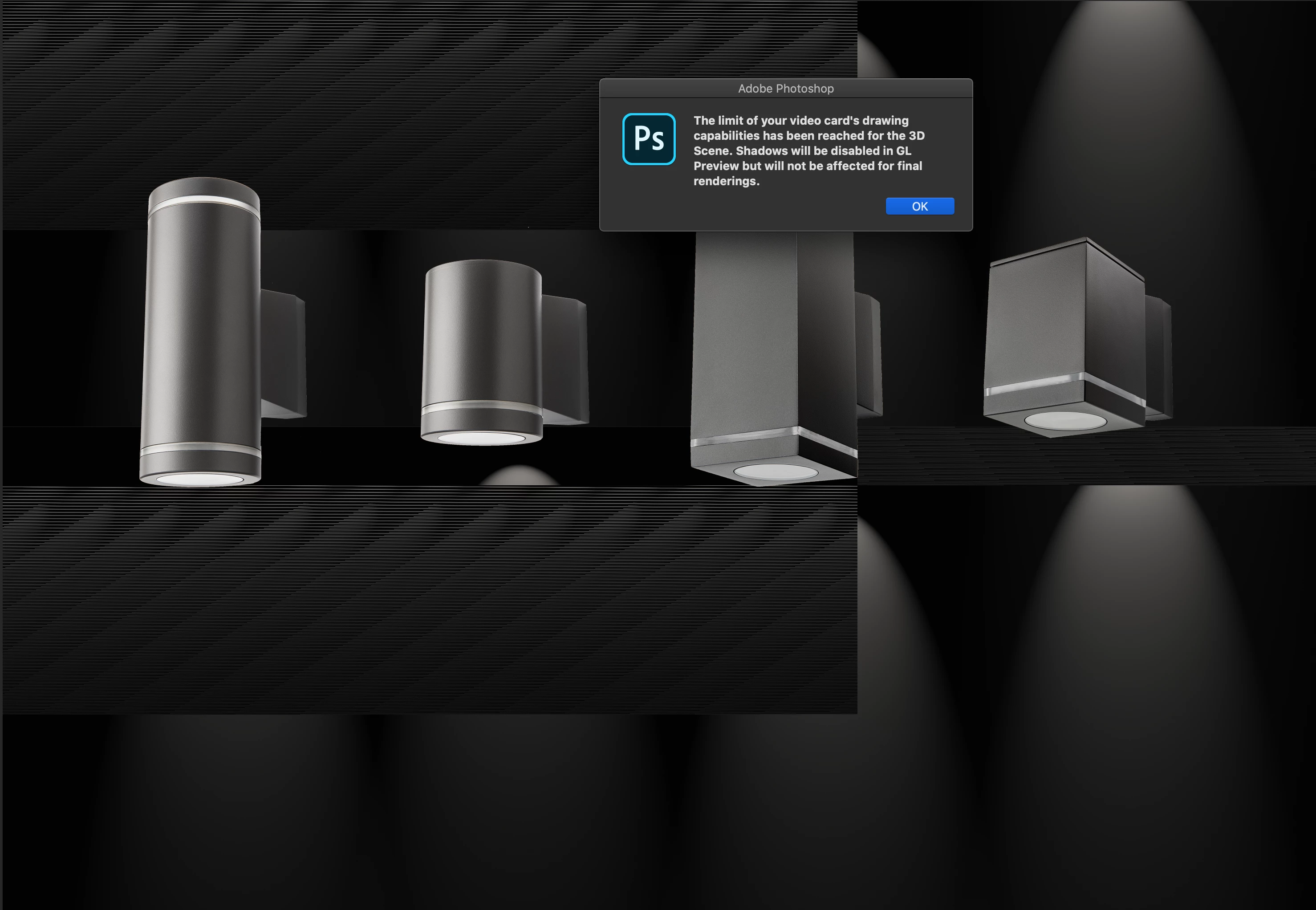
The limit of your video card's drawing capabilities has been reached....

  • May 7, 2020
  • 2 replies
  • 2598 views

What does this message mean? Is my Mac to old, slow, outdated? Or is there a setting somewhere to help me?

I am trying to make lighting effects to these luminaires, but Photoshop shows this message or the result is just a white background.


I have Photoshop version 21.1.2

I work on a MacBook Pro 15 inch, 2017 with MacOS Catalina 10.15.4

Processor: 2,9 HGz i7, 16 GB RAM, Graphic: Radeon Pro 560 4GB
 

This topic has been closed for replies.

2 replies

davescm
Community Expert
Community Expert
May 7, 2020

The message is what it says.


Previews in 3D use the GPU processor and memory (VRAM). If you reach the limit in terms of GPU power or memory you will get the 'option' to continue with reduced preview quality and functions. It does not affect the final render as the ray tracing for final render, in Photoshop, is done with the CPU and system RAM.


You can alter the preview quality settings in Preferences - 3D.

Dave

riegens
riegensAuthor
Inspiring
May 7, 2020

Thanks. But that will make it allmost impossible for me to make the lighting effects. When I click OK after the error, the picture background i now white and the lighting effects in filters is now grey and unaccessable.


italosan
Community Expert
Community Expert
May 7, 2020

Hi, does this problem also occur with other Adobe software?

riegens
riegensAuthor
Inspiring
May 7, 2020

No, only in Photoshop and only when applying lighting effects