
Inspiring
July 28, 2020
Question

The more you zoom, the more unresponsive photoshop becomes...

  • July 28, 2020
  • 1 reply
  • 390 views

Last version and just updated photoshop and now I am unable to zoom in and use the grid to drop guides.


Photoshop becomes more and more unresponsive when zooming in on images, more so if the grid is on, at around 500% its next to unusable, there is also something wrong with the grid.


It doesn't quite lock up but it may as well as I can't create a guide. This is one of the main features I use photohop for to cut out assets for web development, and it is no longer usable... Time to move to affinity?

https://youtu.be/N07R255OxUc
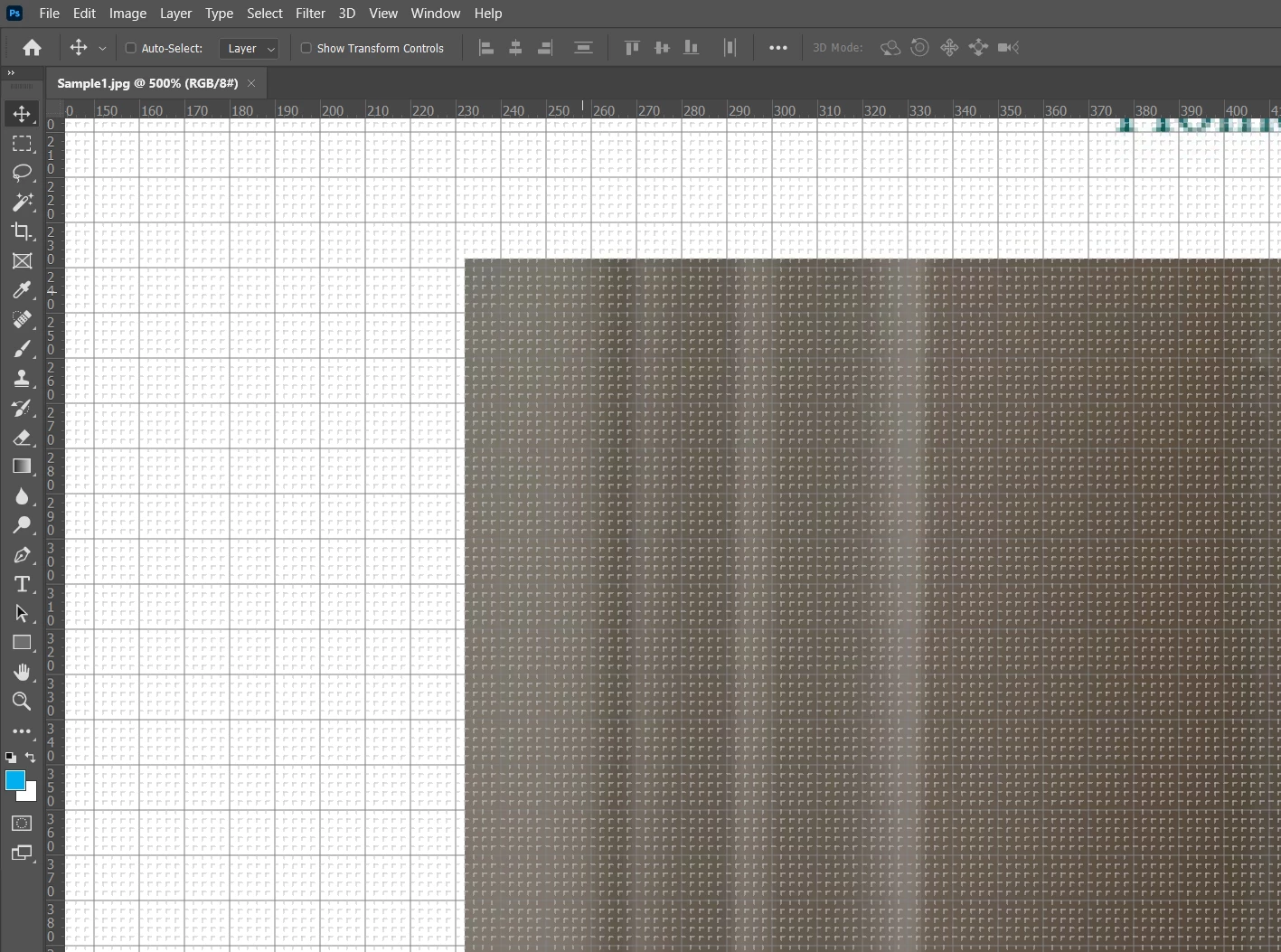


Anyone got a fix or is yet another bug that adobe might fix who knows when?


i9990k @4.7 all cores - 64GB 2080ti - win 10 x64 latest

This topic has been closed for replies.

1 reply

JJMack
Community Expert
Community Expert
July 28, 2020

Zooming with Photoshop  grid showing  does bog  down. Use Ctrl+' to turn it off the Pixel grid will zoom well. Its Photoshop's overlay grid that has the performance problem.

JJMack
Inspiring
July 28, 2020

Even with the grid off photoshop starts to slow down zooming in, when I turn it back on it's next to unusable...

JJMack
Community Expert
Community Expert
July 28, 2020

Try resetting Tools and if that does not work reset preferences.  I create a document 30,000px by 30,000px fill it with a small pattern  my machine is OK its not a fast one Windows 10 ps 21.2.1 (grid on forget about performance). Core may help seems to use 10 to 12 of mine zooming. little GPU


two 6 core slow 2Ghx processors

40GB Ram

256GB SSD 

quadro K2200 graphics.  Zooming that  document is lighting fast with grid off

JJMack