
Participating Frequently
August 16, 2018
Answered

The spherize filter

  • August 16, 2018
  • 1 reply
  • 2716 views

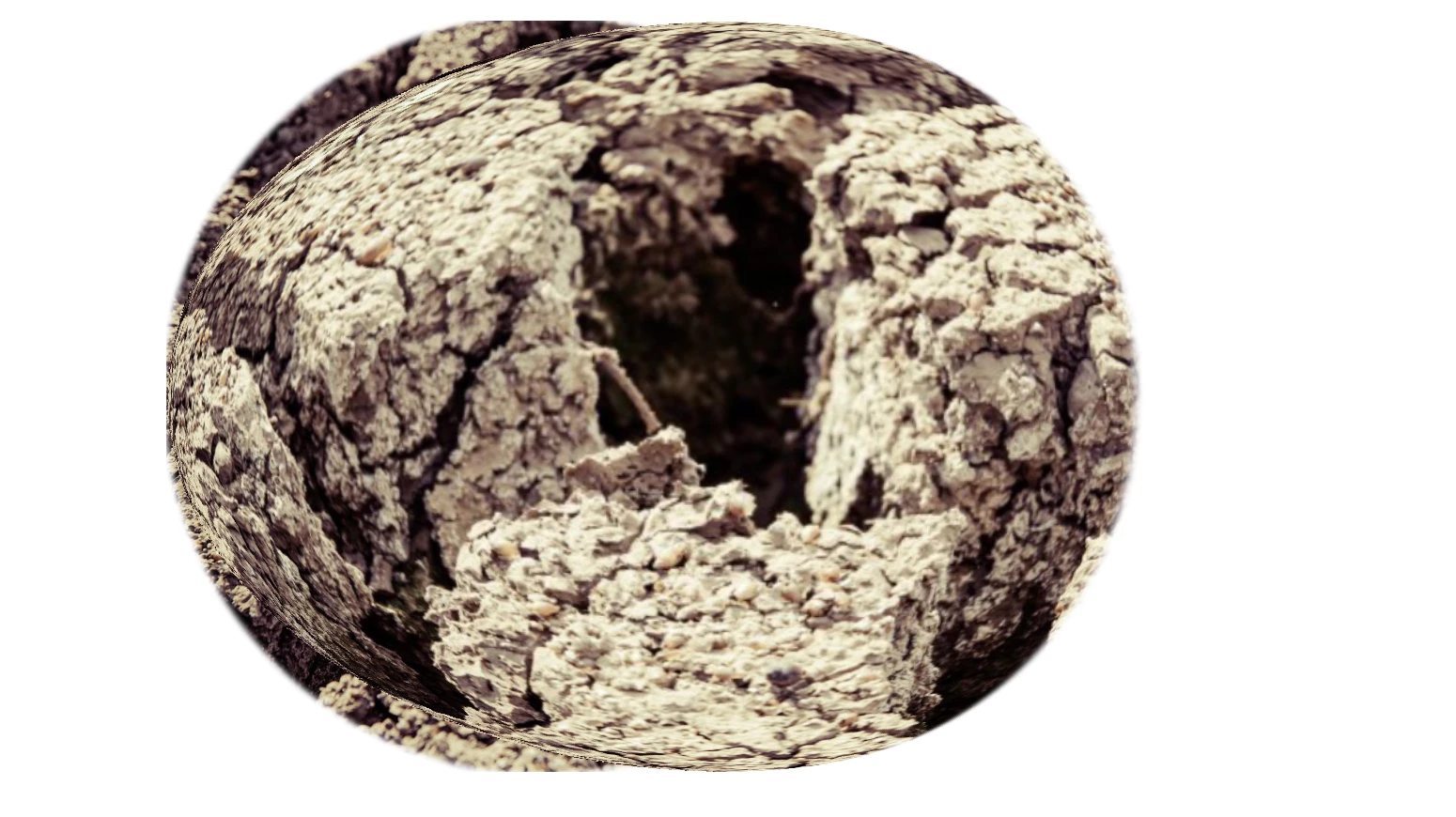
I did see questions regarding the spherize filter, however the response that was given doesn't help so I'm hoping someone can help me. I tried to spherize a texture and it absolutely didn't come out right. The response to someone else's question was that it won't spherize a smart object however I was not using a smart object and this is what I got... Not the effect I was going for...any suggestions?
    This topic has been closed for replies.
    Correct answer Chuck Uebele

    The spherize filter works best on square images. What effect were you going for?

    1 reply

    Chuck Uebele
    Community Expert
    Chuck UebeleCommunity ExpertCorrect answer
    Community Expert
    August 16, 2018

    The spherize filter works best on square images. What effect were you going for?

    Caleb809Author
    Participating Frequently
    August 16, 2018

    I was trying to make a cracked sphere. this is the image is was using:   So is it because the image is not a perfect square and that's why it came out like that?