
Answered
The Windows Ink Pressure Problem, but somehow worse.
Hi, everyone
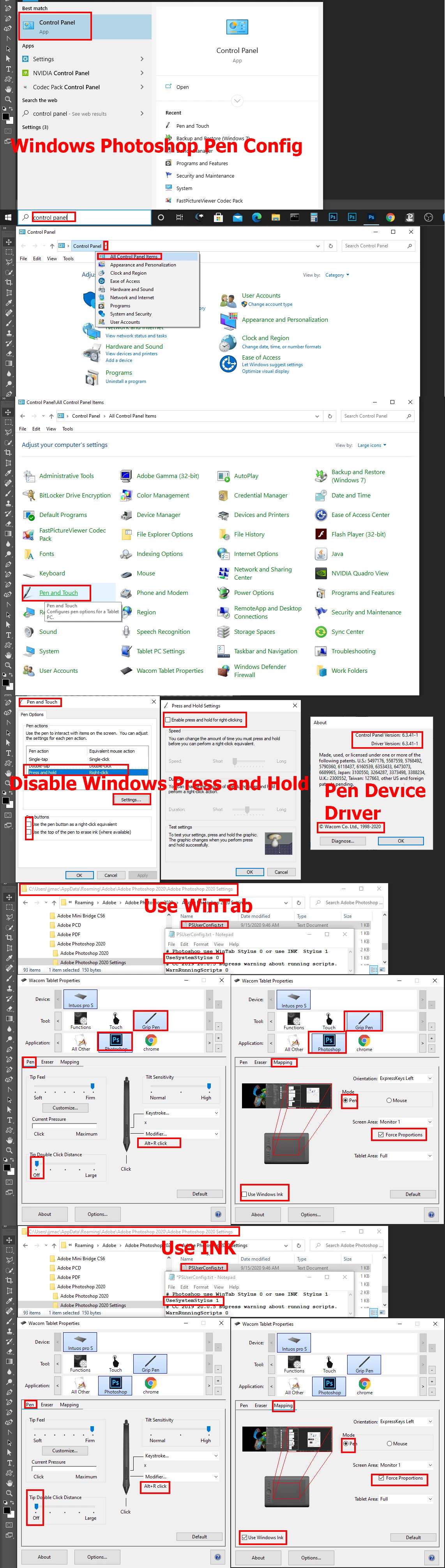
I'm sure you've seen the above problem asked about many times. I had the same issue, but none of the solutions posted have worked for me. If I have the PsUserConfig txt file in my Photoshop Settings folder, I can't use the pen to paint at all. It just acts as an eraser, no matter what tool I have selected. But then without that file, I'm back to square one, where I can't enable Windows Ink because my pen won't work at all, and I can't disable Windows Ink without losing pressure opacity.
I use an XP-Pen Pro E 22, and it worked beautifully up until today. Please tell me someone found a Plan B to this problem, because Plan A truly did not work for me. Thank you so much!
 AdChoices