Question
there were no source files that could be opened" how do i fix it?
When I run the image processor in Photoshop to save PSD files it says, "there were no source files that could be opened" how do i fix it?
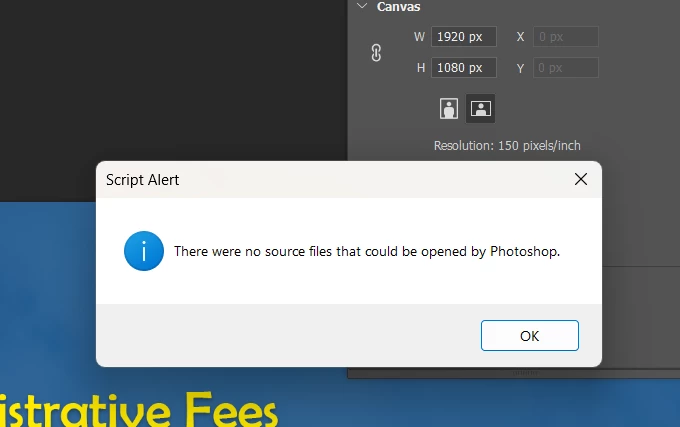

When I run the image processor in Photoshop to save PSD files it says, "there were no source files that could be opened" how do i fix it?
Already have an account? Login
Enter your E-mail address. We'll send you an e-mail with instructions to reset your password.
 AdChoices