
vancauwenbergel16720860
Known Participant
April 15, 2020
Question

Thicken the lines in a drawing

  • April 15, 2020
  • 1 reply
  • 367 views

Hello,


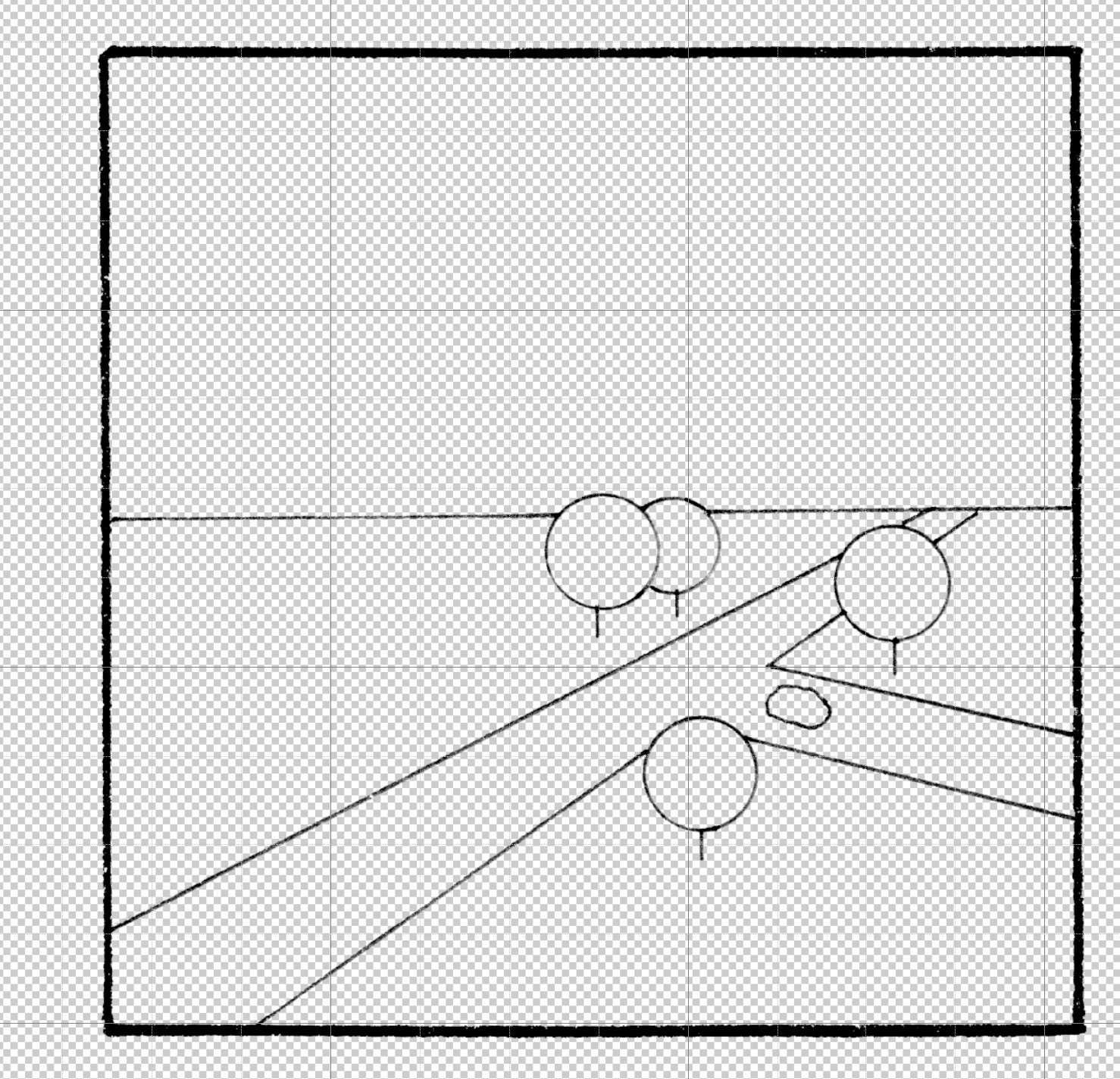
I'm drawing on a piece of paper and i scan it afterward..In photoshop,i'm isolating lines but sometimes it is too thin so in that case i reselect the lines and thickening it with "Fill"..


But can i fill in only the inside of the square and not the square himself? as you can see on the picture attached the lines of the border square are thick enough so i don't wan't to thicken that only the inside of the square (road,tree,horizon)


Is that possible?


Thanx!
This topic has been closed for replies.

1 reply

D Fosse
Community Expert
Community Expert
April 15, 2020

You have enclosed a non-transparent file so I can't demonstrate - but in this case I would duplicate the area inside the frame multiple times, building partially transparent up to solid, layer by layer.


I have a feeling, however, that the whole problem is better solved by photographing the original properly, with - this is important - perfectly even lighting. Then it should be very easy to set white and black point to clearly separate drawing from paper.