wizardwithpen
Known Participant
November 20, 2018
Answered

This shadow simply doesn't look authentic, how to fix?

  • November 20, 2018
  • 5 replies
  • 2304 views

Hello to all of you,

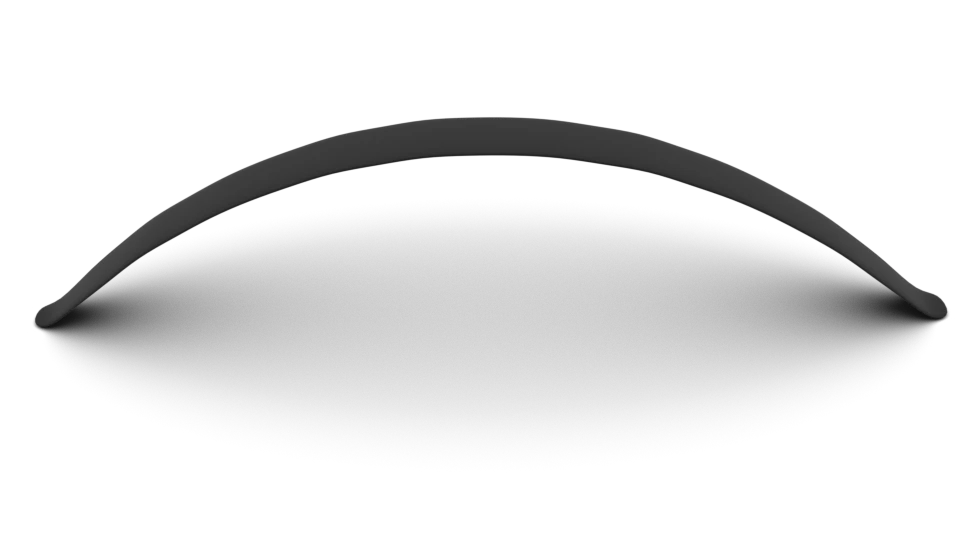
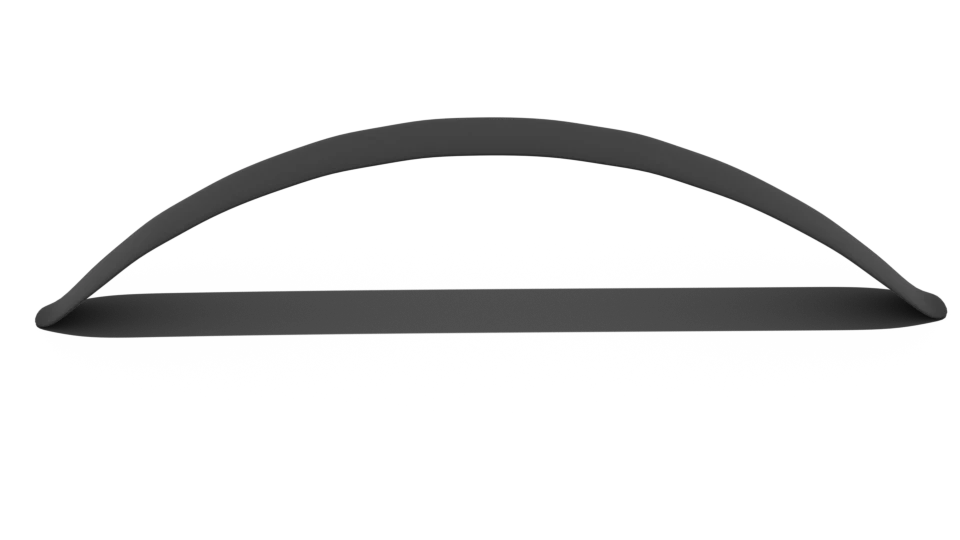
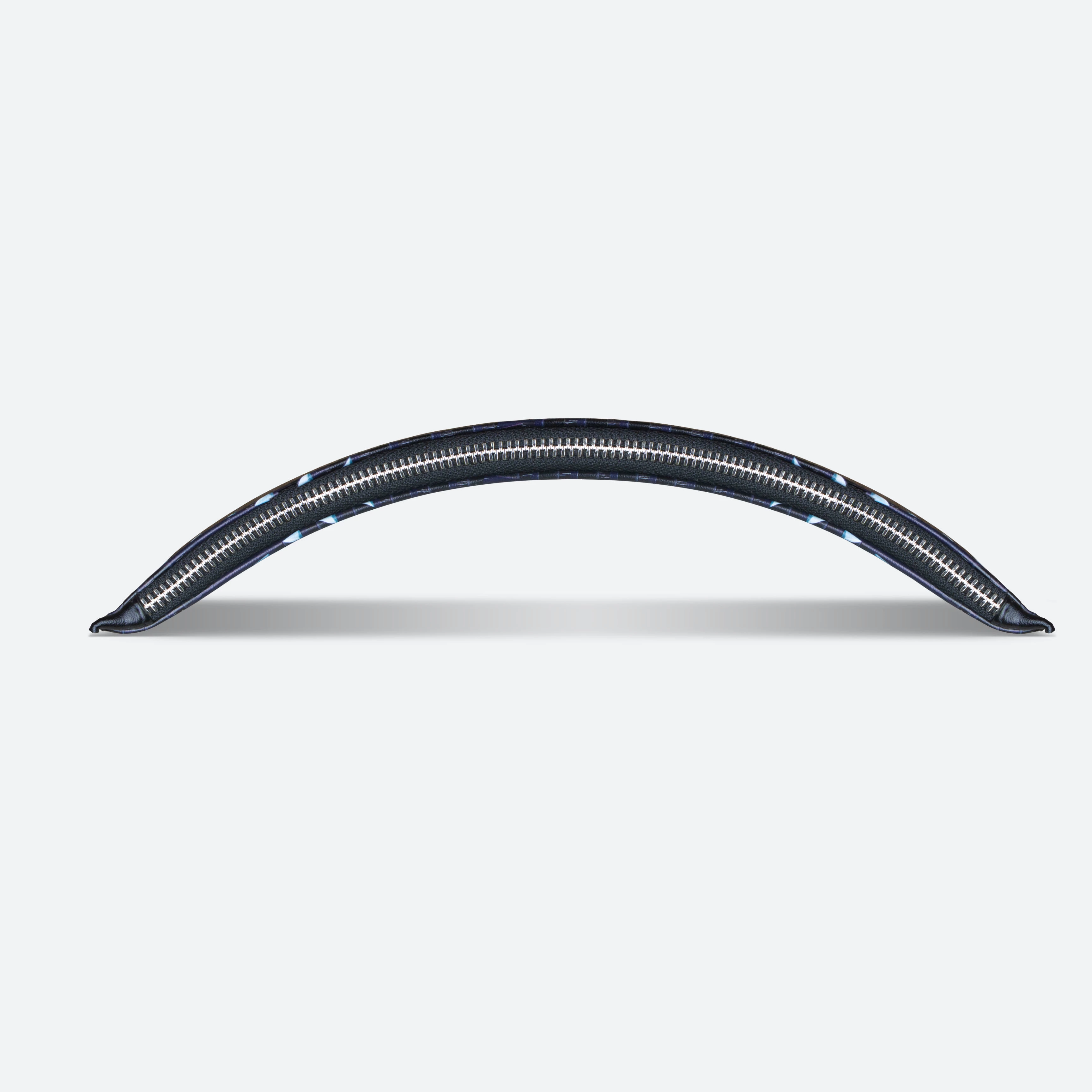
I am having trouble making the shadow in this picture look authentic.

Can the thickness even be this much?

Am I blurring it too much?

Thank you in advance for the help!

    This topic has been closed for replies.
    Correct answer rayek.elfin

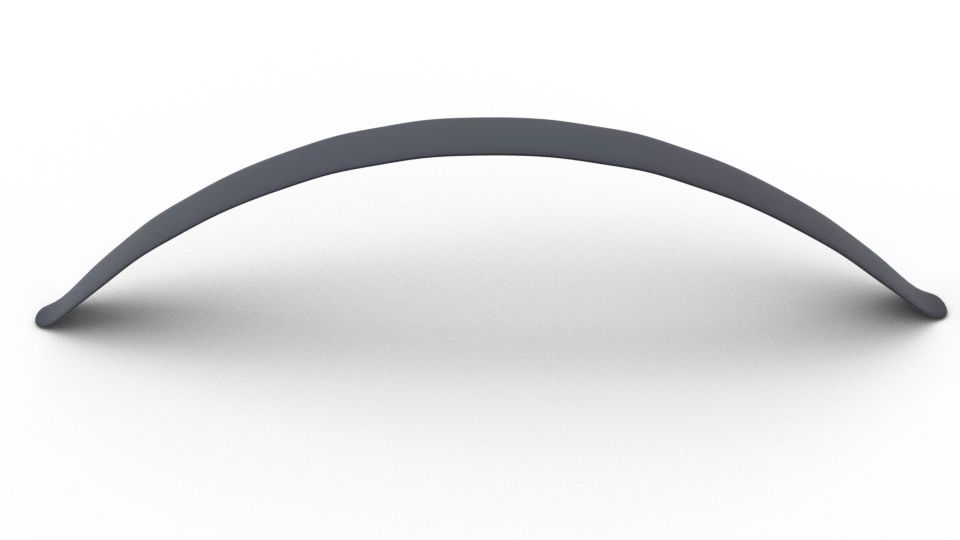
    There really are an infinite ways to light this. A couple of quick renders in Blender:

    First three are a simple point light positioned directly above, at varying sizes (or distances). The smaller a light source, the sharper the shadows will be.

    The 4th one is equivalent to out Sun's size, overhead.

    The ones after that I used an environment lighting (HDR) which simulates 'real' lighting conditions. The final one is a simple spot light, aimed from an forward angle.

    Then there's the contrast as well to consider. It really depends on the lighting conditions you would want to emulate.

    5 replies

    rayek.elfin
    Legend
    November 21, 2018

    Here's the Blender file in case you'd like to test this for yourselves. It produces this version:

    http://www.upl.co/uploads/shadows1542787142.zip

    D Fosse
    Community Expert
    Community Expert
    November 21, 2018

    ...which illustrates my point perfectly

    The OP doesn't need to simulate any particular conditions. He just needs something credible, so an abstract of Rayek's (all of them except 4 and 8). Or mine, which was entirely manual.

    D Fosse
    Community Expert
    Community Expert
    November 21, 2018

    The shadow softens the further away the object is from the surface:

    Trevor.Dennis
    Community Expert
    Community Expert
    November 21, 2018

    There is not enough information to say exactly how big and far away, and what direction the light source is coming from.

    This example assumes centre and in front of the zip, and fairly small (tiny Shadow Edge Transfer).

    The shadow will be harder and denser where it is closer to the zip, so darker towards the edges.

    Dag's example in post #4 assumes a large light source directly above the zip, so a huge Shadow Edge Transfer.  In practice we probably wouldn't light exactly light this, because the lens front element is likely to be hit with direct light causing flare.  A lens hood and careful use of flags (black card) will prevent this, but it is easier to  move the light towards the camera, and tilt it towards the target.

    Doing this sort of thing with Photoshop is best done with multiple layers (at least two), because it makes it so much easier to achieve the different shadow properties. We can make use of Mask Properties.

    I paint the close in hard shadow with the paint brush, which is tricky to get just right, but being on a separate layer I use the blur and smudge tools to soften and drag the shadow into best position.

    I'd love for davescm to do this with 3D and render the shadows.

    D Fosse
    Community Expert
    Community Expert
    November 21, 2018

    I assume soft light, Trevor, the way you would do product photography. A large overhead softbox. Flare is not a problem in those circumstances.

    A naked light bulb hung from the ceiling would produce those hard shadows. We don't want that, do we?

    Participating Frequently
    November 21, 2018

    There are so many ways to accomplish a drop shadow.

    Found this online tutorial which may help.

    https://photoshopcafe.com/tutorials/cast_shadow/cast_shadow.htm

    Szalam
    Community Expert
    Community Expert
    November 20, 2018

    What software are you using? Photoshop? Photoshop Elements? Illustrator? After Effects? Something else?

    wizardwithpen
    Known Participant
    November 20, 2018

    Hello,

    Photoshop

    [Here is the list of all Adobe forums... https://forums.adobe.com/welcome]

    [Comments is to ask about the operation of the Forum, not a specific program]

    [Moved from the Comments forum to the specific Program forum... Mod]