
Inspiring
October 9, 2021
Answered

TIFF Saving Options

  • October 9, 2021
  • 2 replies
  • 1450 views

After the latest update to Ps (22.5.1 is what I'm currently running) the saving options for TIFF files has changed.


When I want to do a Save As and select TIFF, the Compression option is now defaulted to zip and the byte order is Mac. 


I've looked in the Preferences and can't see where to change these so that the default compression is None and they byte order is IBM PC.


Useful thoughts appreciated. Thank you.
This topic has been closed for replies.
Correct answer J453

Nothing on this?


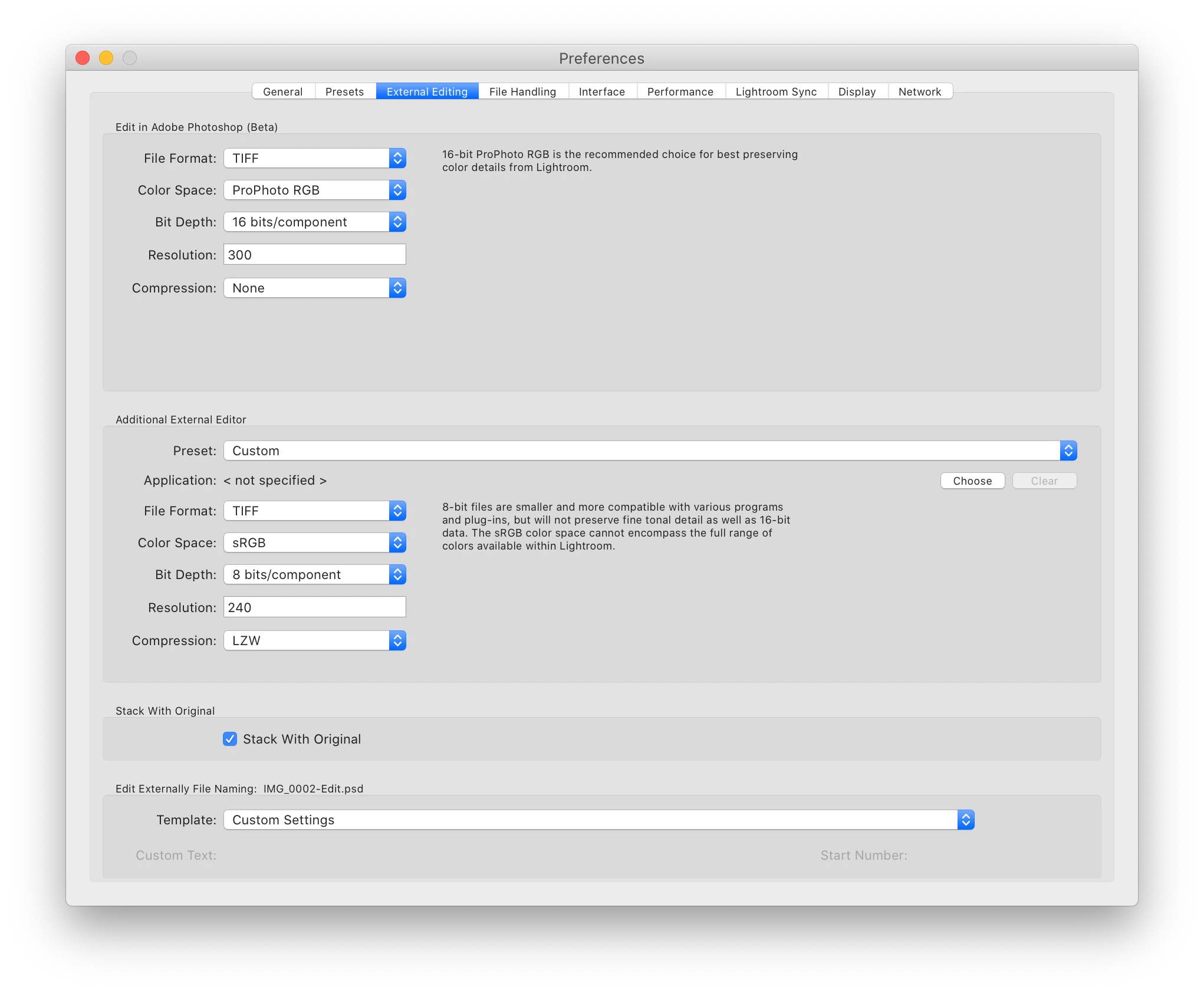
Check your settings in Lightroom Classic:


2 replies

Conrad_C
Community Expert
Community Expert
October 26, 2021

Just a side note...the byte order no longer matters in most cases. The option was added in the 1990s, but since then most image applications are OK with either byte order.


(The option name is so old that IBM has not made PCs for many years...)

Earth Oliver
Legend
October 9, 2021

do you see this when saving a tif that's previously been saved or all new files?

PhotogCdaAuthor
Inspiring
October 10, 2021

New files. Opened from Lr as SO into Ps. 


With a TIFF that has previously been saved it wouldn't be an issue because I just do a Save, not a Save As, unless I wanted to rename it (rare and not since the last Ps update).

PhotogCdaAuthor
Inspiring
October 26, 2021

Nothing on this?