
Question
Time lapse crop question Photoshopt to Premiere Pro
i am working on a time lapse video. historically i have done these in camera on my Lumix GH5 with great results. On a recent trip, i made some time lapses and didn't render the video in camera so I am trying to learn the in and outs using my adobe products. my workflow is to edit the photos in LR > export to a folder> open in PS as a sequence, then render video> place that video in my sequence in adobe premier prop
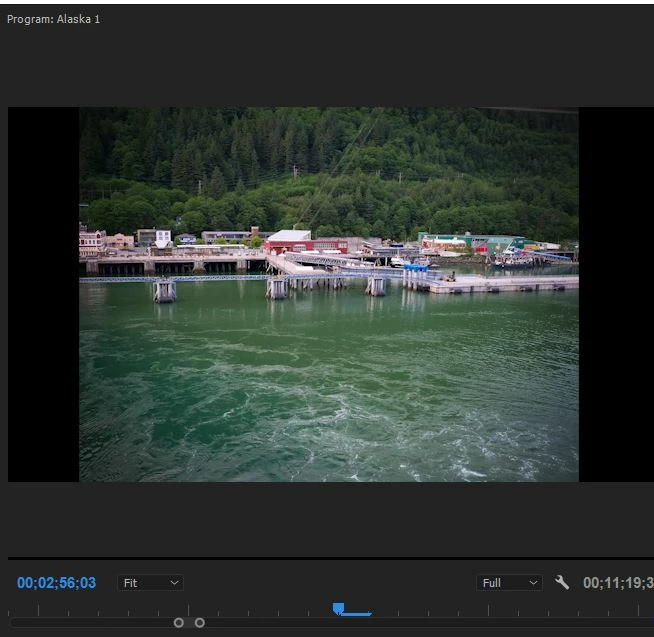
my dilemma is this, my video i'm working with is is 3840 x 2160 and the photos from my GH45 are 5184 x 3888. so when i put my video in my sequence, it's producing a clip with black bars running up the side of the clip, Sample shot below from my program window in premier.
my questions:
- prior to rendering the video is there a way to crop the whole sequence to exactly 3840 x 2160? I'm not seeing that option like i do when i edit an individual photo in PS?
- is this the most efficient way to accomplish this?
 AdChoices