
Participant
November 15, 2016
Question

Tiny text and icons on PS CC17

  • November 15, 2016
  • 2 replies
  • 418 views

Searched through forums- Plenty of topics that are marked "Answered" which really aren't. 

Problem: Photoshop text, menus and icons are tiny.

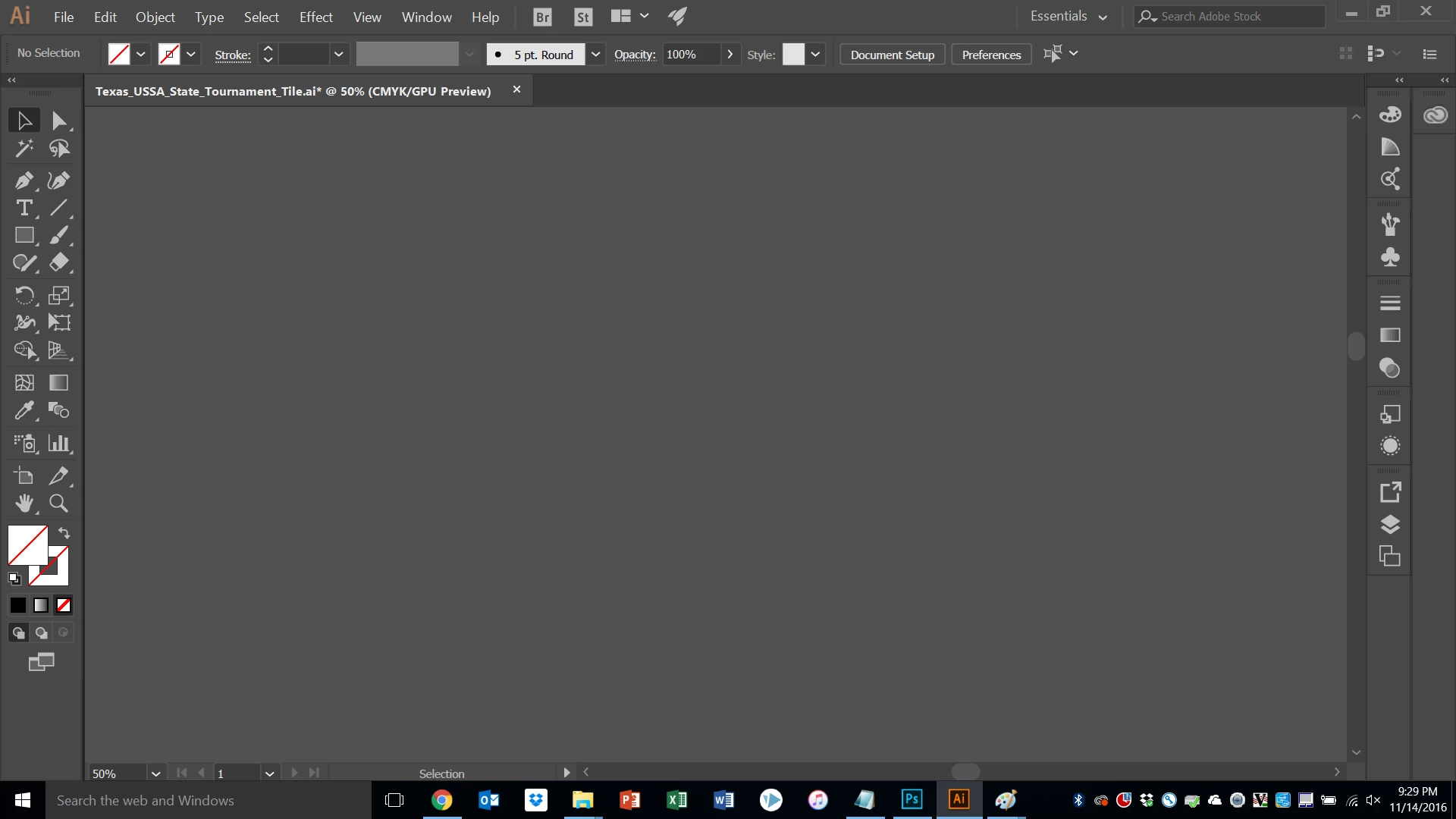
This is what my Illustrator screen looks like.  You can read it, icons are legible.  All is right with the world...
Photoshop after 2017 update, is unreadable:
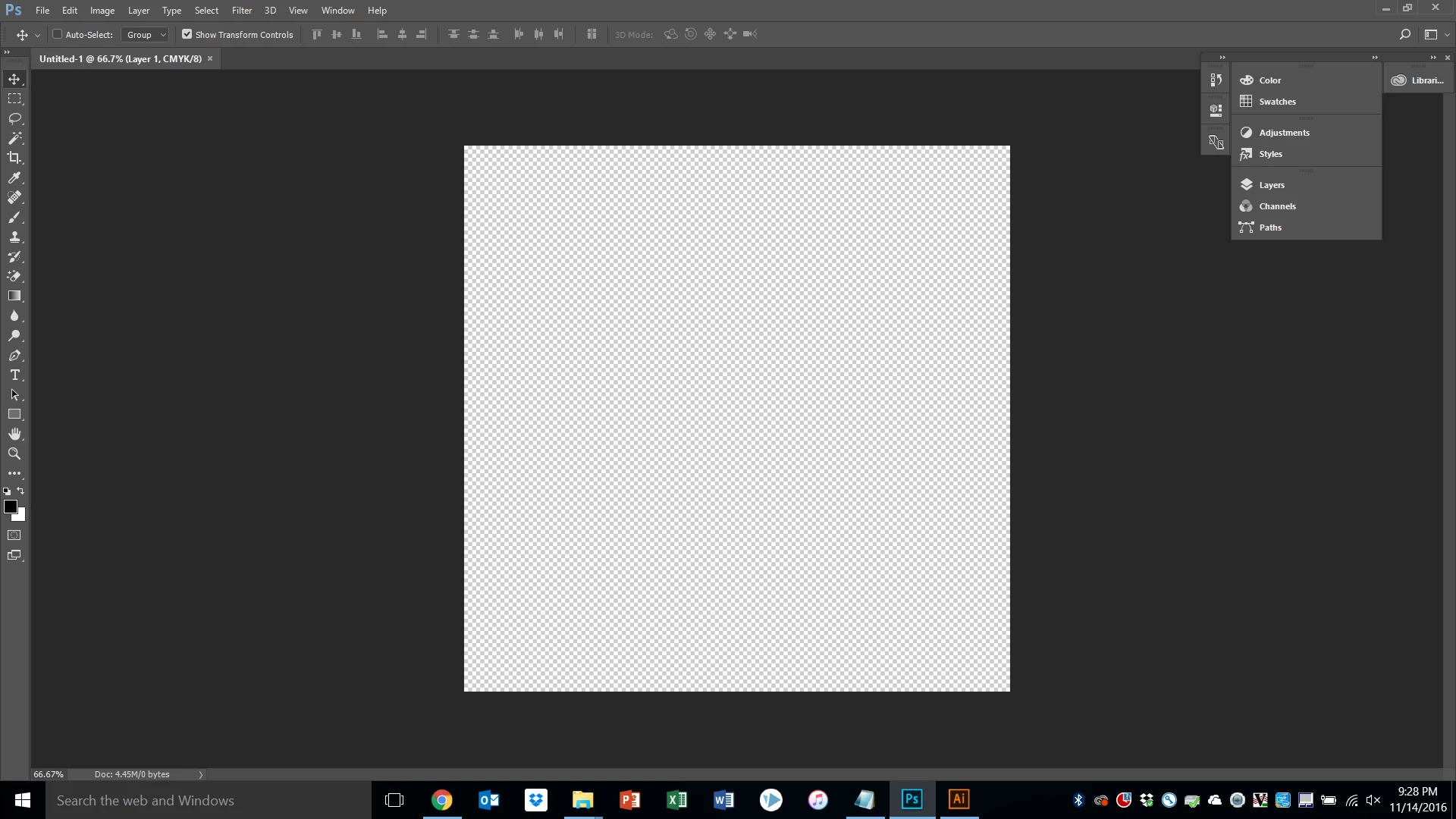
- This is NOT a screen resolution problem.  Same machine, no change in resolution, and you see what PS looks like.  It's literally the ONLY program like this.

- I've adjusted the UI to 200% (which is the only other option beyond Auto/100%) and that is HUUUUGE! 

So... how can this be adjusted?

Thanks in advance.

    This topic has been closed for replies.

    2 replies

    Participant
    December 11, 2016

    I have a 4k screen and I'm experiencing the same problem! I have a good 12+ images I need to have done by Tuesday and I'm panicking now! Adobe, FIX THIS PLEASE!!!

    Trevor.Dennis
    Community Expert
    Community Expert
    December 11, 2016

    ks59746537 wrote:

    I have a 4k screen and I'm experiencing the same problem! I have a good 12+ images I need to have done by Tuesday and I'm panicking now! Adobe, FIX THIS PLEASE!!!

    Are you saying that the 200% UI is not working for you, or that you want Adobe to fix your problem before Tuesday?   One of those things is not going to happen.

    Jeff Arola
    Community Expert
    Community Expert
    November 15, 2016

    Yeah 200% is made for high resolution screens like 4k displays, not low res screens like yours.

    Did you try going to Edit>Preferences>Interface and changing the UI Font Size?

    Also, Edit>Preferences>Workspace and checking Large Tabs?