



Too many new versions of Photoshop, My system is going in circles [Mac]
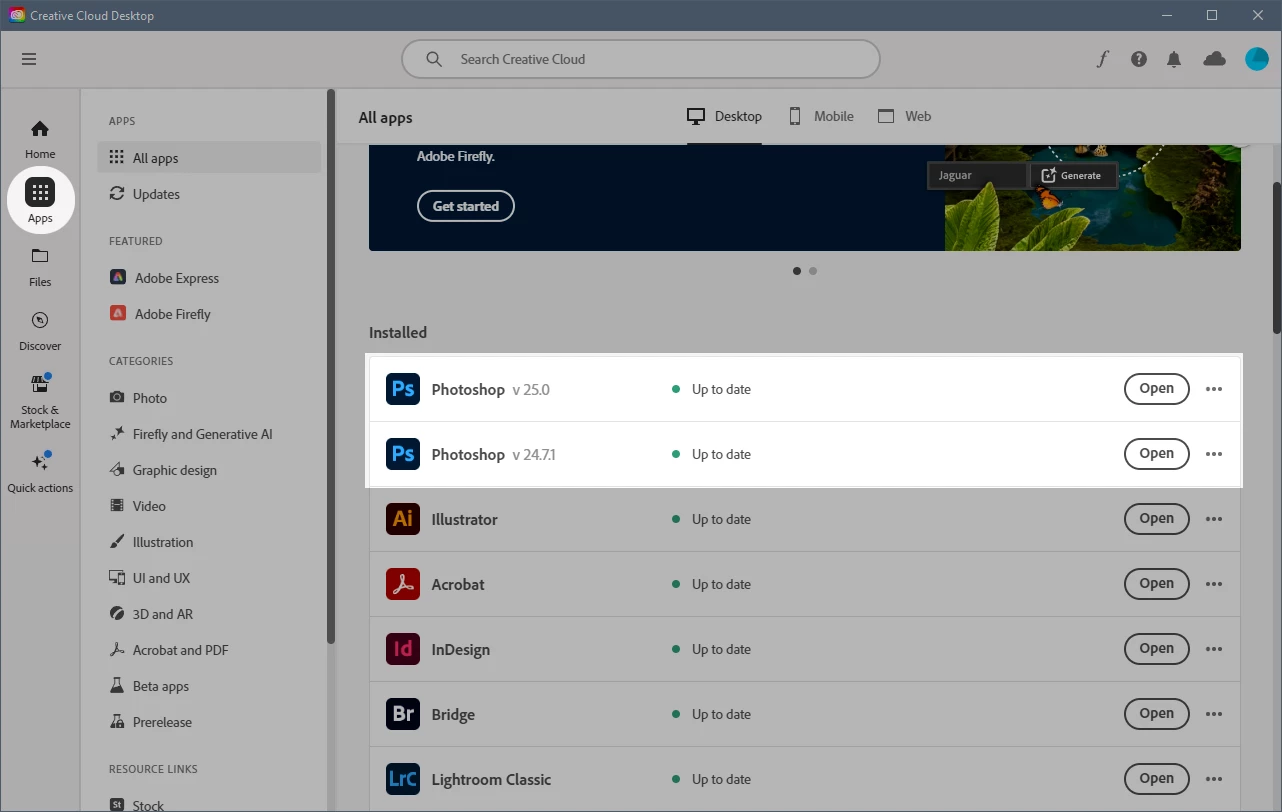
I can't keep track and have no idea how to get rid of this 'Beta' version of Photoshop that keeps trying to pop up. Everything is up to date but there are two versions of photoshop that are fighting to be in control of my workflow. One says version 25.0 and the other says version 24.something I can't find it right now. It's the version 24.something that was running fine until a recent update for Photoshop installed a version 24.something, I'm busy and didn't keep track and trust the Adobe Cloud to keep track of what it is feeding me. Right now, I need help because when I am in Lightroom and right click on the image I want to edit in Photoshop I get a Photoshop warning message that warns me that I'm about to open my image in Photoshop. Why warn me? This is what I want. I don't want a warning and want to get rid of that. Too much fussing interrupting my work flow. How do I stop the warnings and version and just get back to simply using Photoshop?
 AdChoices