
Answered
Toolbar
I have an extra toolbar that showed up when PhotoShop is open. Any ideas on how to get rid of it?
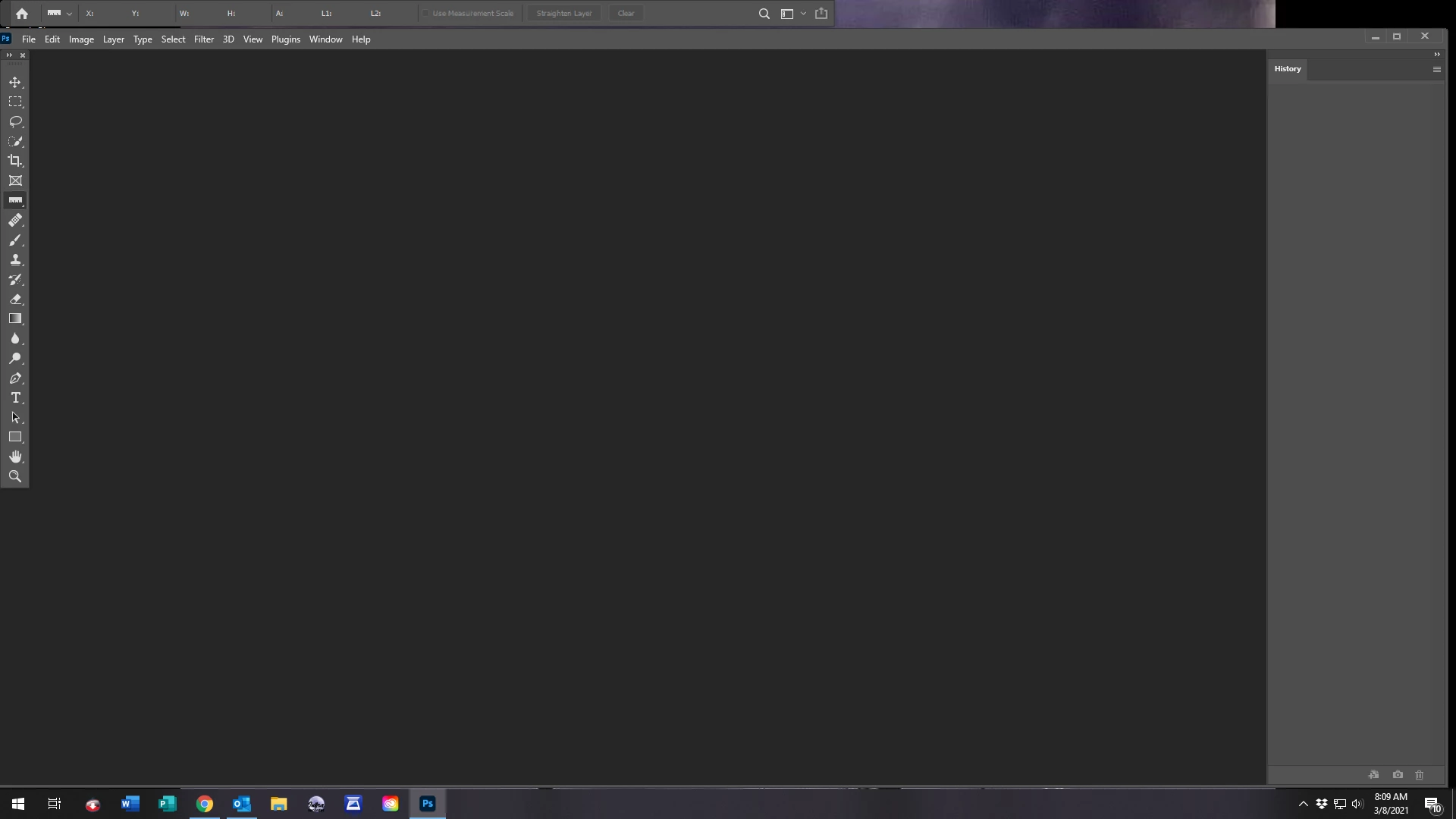
I have an extra toolbar that showed up when PhotoShop is open. Any ideas on how to get rid of it?
This is the Options bar, which displays options for the currently selected tool, and you should keep it visible.
You can move it by dragging the left edge, and also dock it below the menu bar.
To show or hide the Options bar, go to Window > Options, or press Ctrl + comma.
Already have an account? Login
Enter your E-mail address. We'll send you an e-mail with instructions to reset your password.
 AdChoices