Try this:
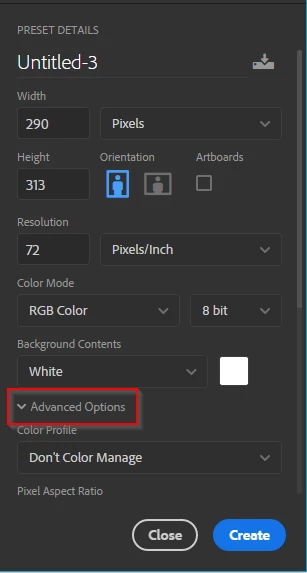
Create a new document. It needs to be bigger than your artwork.
Twirl out Advanced Options
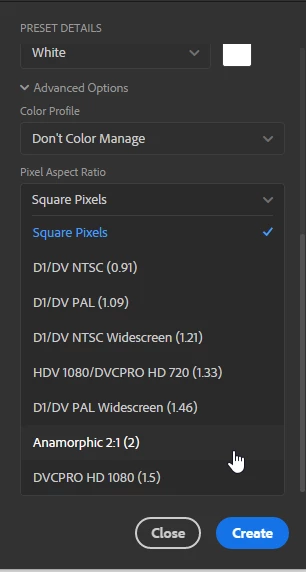
Use the Pixel Aspect Ratio drop box and scroll down to Anamorphic 2:1)
Open your art work in another document, and drag its layer to the 2:1 document tab.
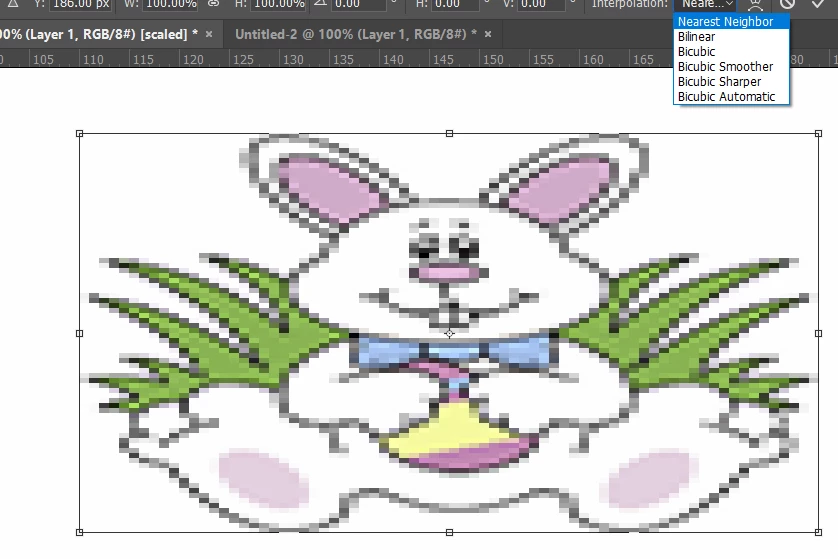
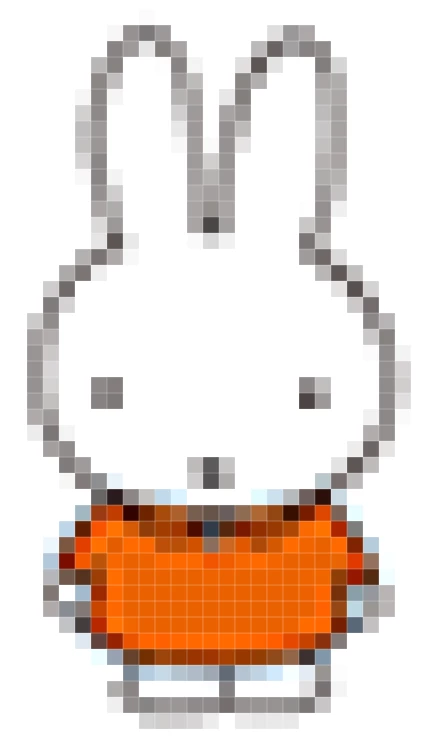
If you want to pixelate it, use Free Transform to resize it, and set the Interpolation to Nearest Neighbor
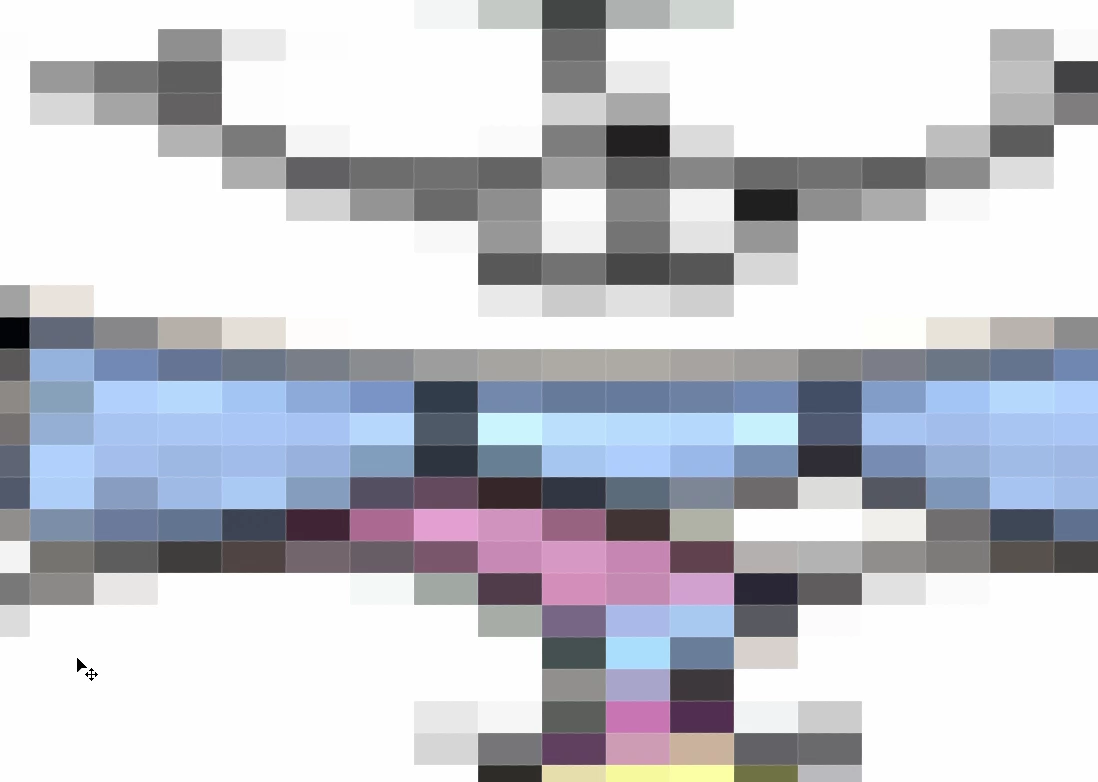
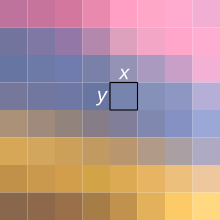
If we zoom in to the pixel grid, we can see that you have rectangular pixels, so the question then is what do you want to do with it?
To use it on the Web or most anywhere else, you are going to have to lift it from the screen with a screen grab, and paste it to a conventional 8 bit square pixel image. If you have Windows, then the Snipping Tool will do this, or just hit the Print Scrn key and paste into a Photoshop document.
If you want more than the Snipping Tool, most of us use GreenShot
http://getgreenshot.org/
Let us know a bit more about how you'd like to use this if you need more help, but good luck with your project. 


 AdChoices