Answered
Transform Tool Help
Hi there, when selecting transform on a layer the bounding box does not select the image but selects a wider area. Does anyone know how to just select the image? Many thanks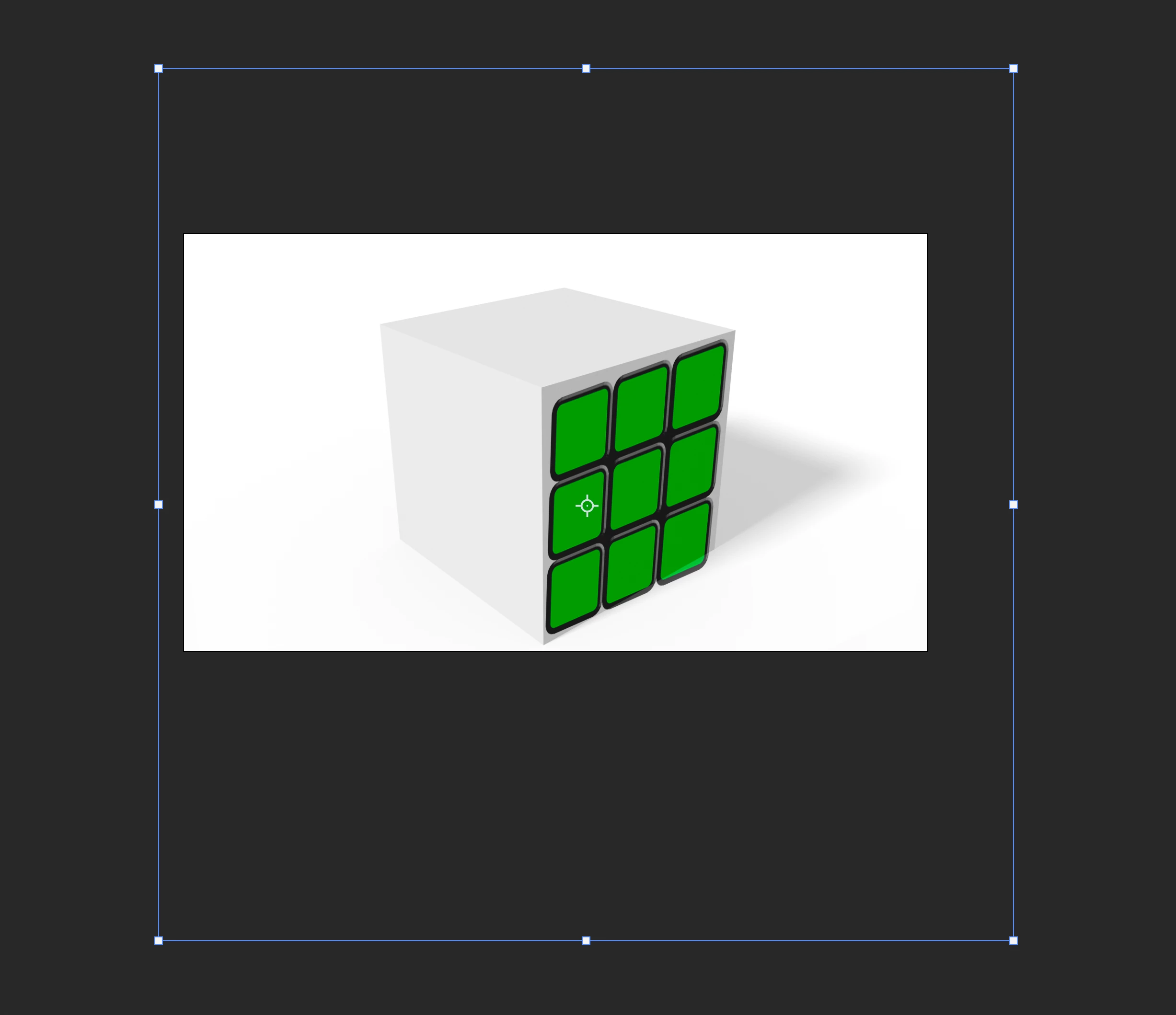
Hi there, when selecting transform on a layer the bounding box does not select the image but selects a wider area. Does anyone know how to just select the image? Many thanks
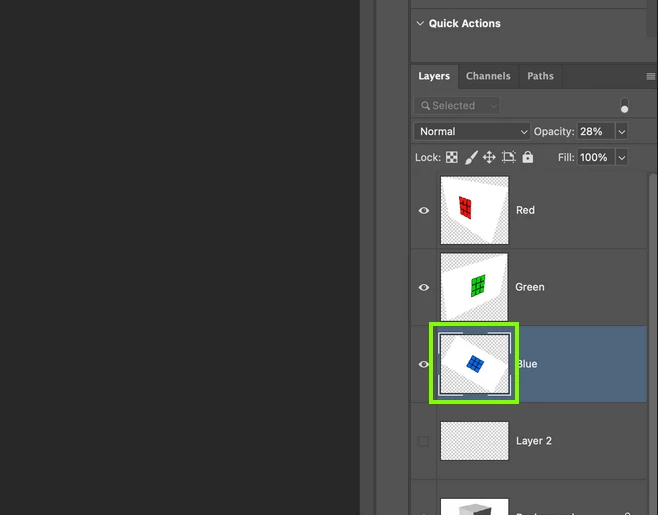
Just Ctrl click on the layers thumbnail, this will select anything without transparency
Already have an account? Login
Enter your E-mail address. We'll send you an e-mail with instructions to reset your password.
 AdChoices