

Transform with nearest neighbor not working correctly
Hello,
I have been using Photoshop for creating pixel art for about a year now. Recently I've updated Photoshop to 2020 and noticed a new issue.
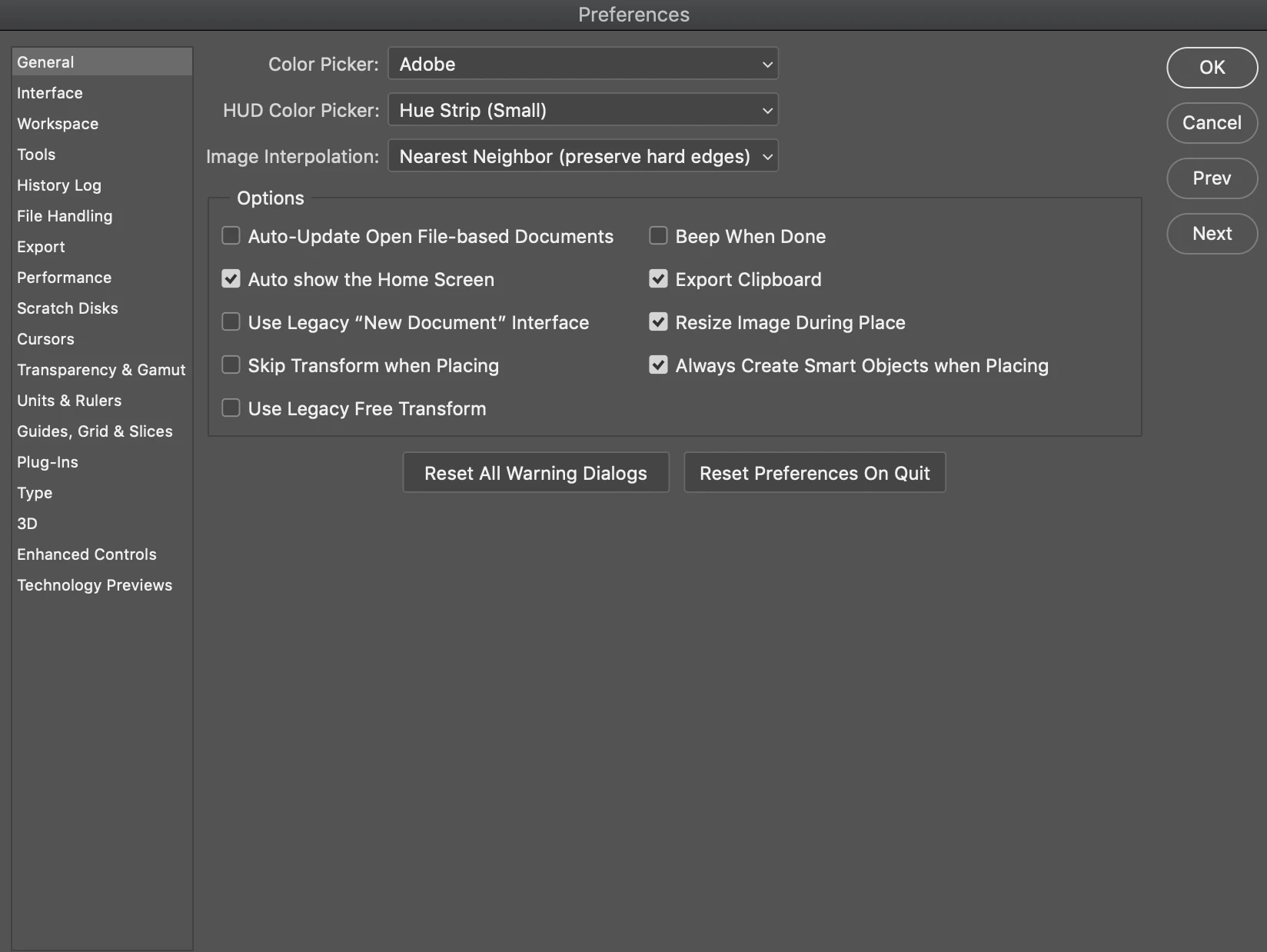
To double the size of pixel art, I have always transformed it by 200% with the settings on Nearest Neighbor (both in preferences and in the Transform option bar). As long as the math is correct, it has always scaled cleanly. Since updating, nothing will scale cleanly. It looks clean in the preview (except for the bounding box) and then when I click the checkmark, it gets distorted.
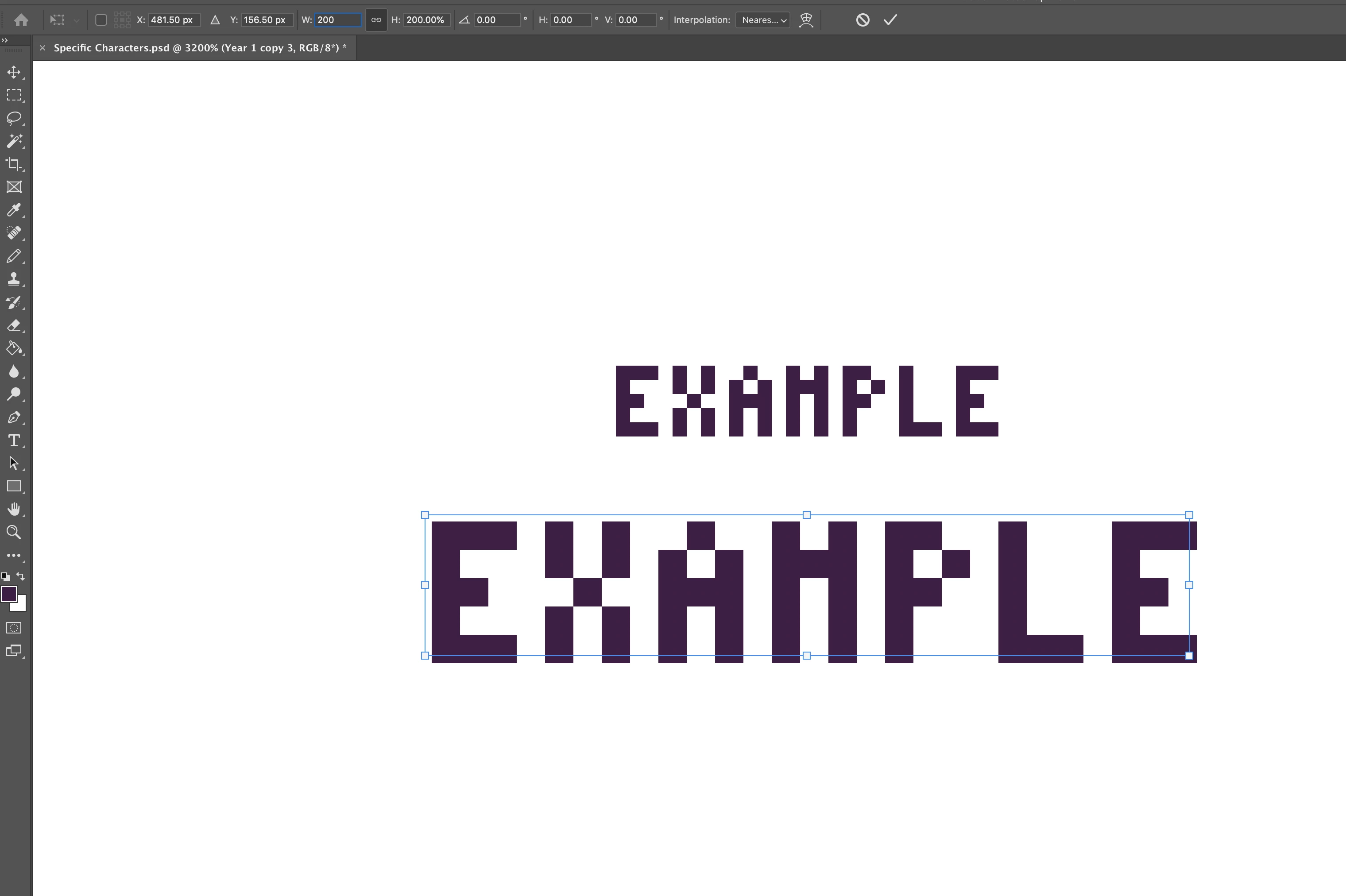
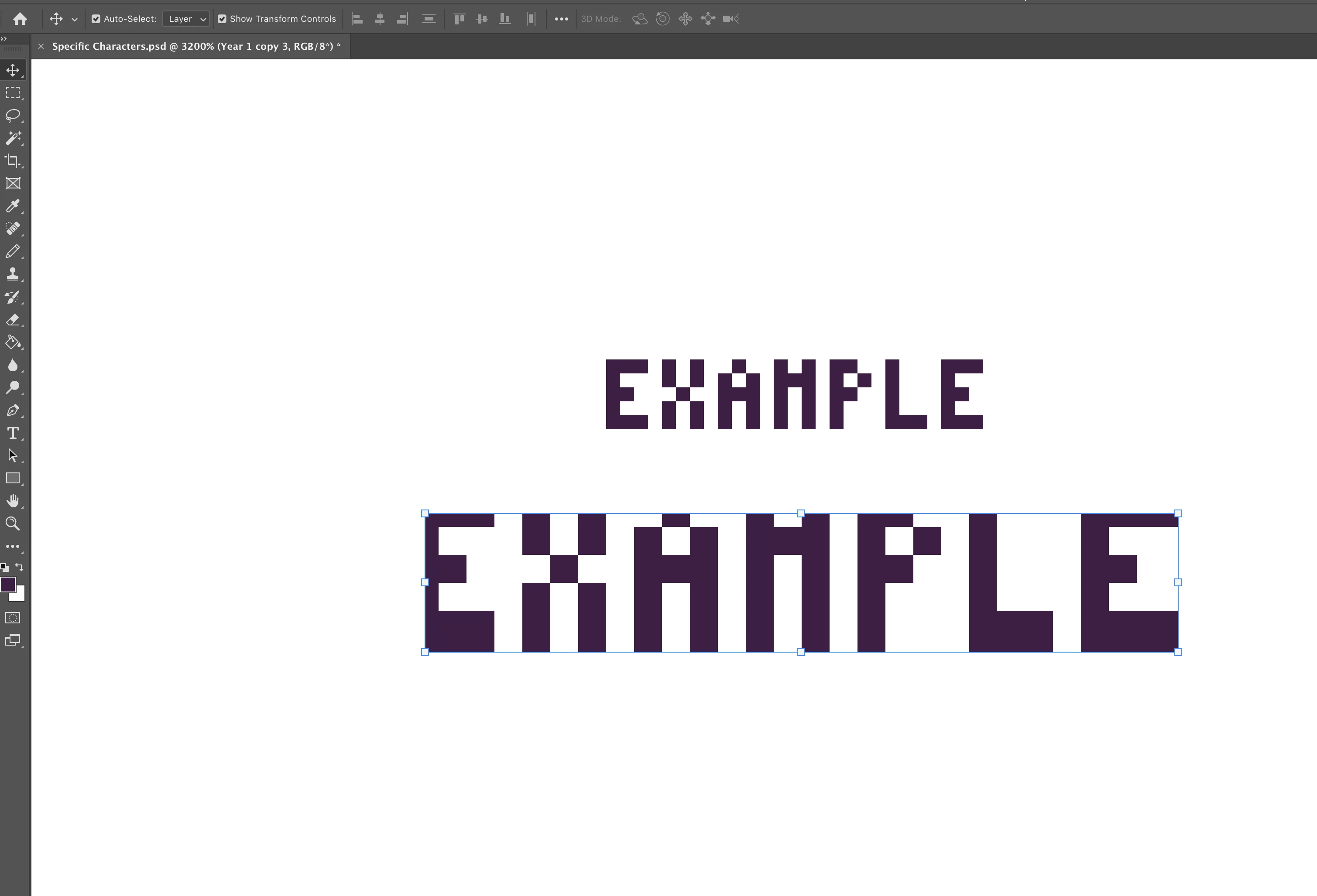
Oddly enough, if I try to free transform it and drag the corners to scale, it will scale cleanly around 198%.
Again, this did work properly before I updated. I have not changed any settings since then. Does anyone have any idea what could be causing this? Thanks in advance!
 AdChoices