
Transforming Rectangle without using Bounding Box
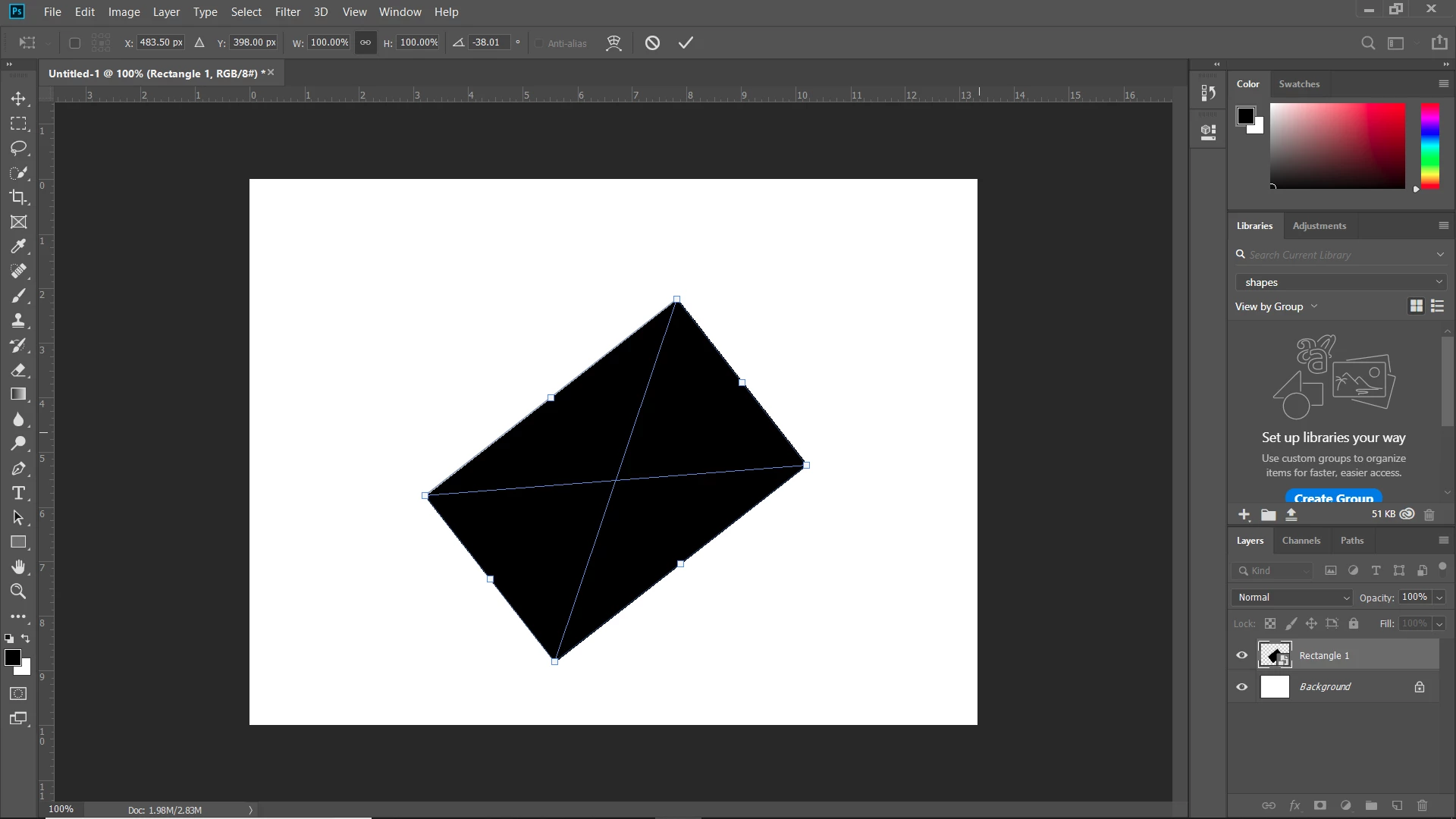
When I create a rectangle I have the option to transform it by moving the edges around. Once I place the rectangle on an angle and hit enter I lose this option. A bounding box appears around the rectangle and I can't change the length of the rectangle without changing the size. I have spent over an hour an a half trying to figure out how to transform the rectangle by it's edges and not with the bounding box. I know that it is possible to transform a rectangle on an angle by it's edges and not with a bounding box because I have done it a million times before. I'm not sure what is going wrong right now. PLEASE HELP.
Thank you!
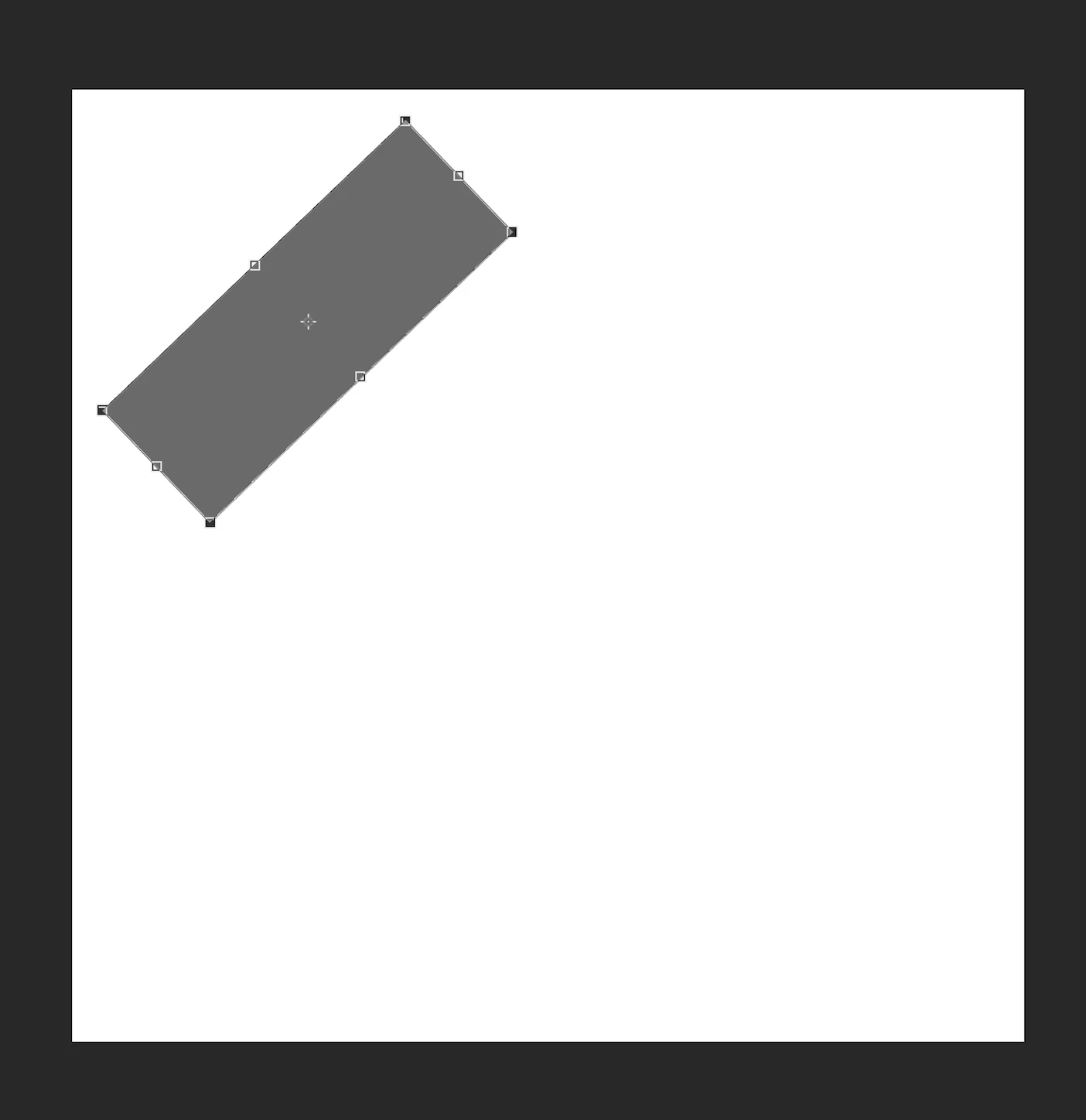
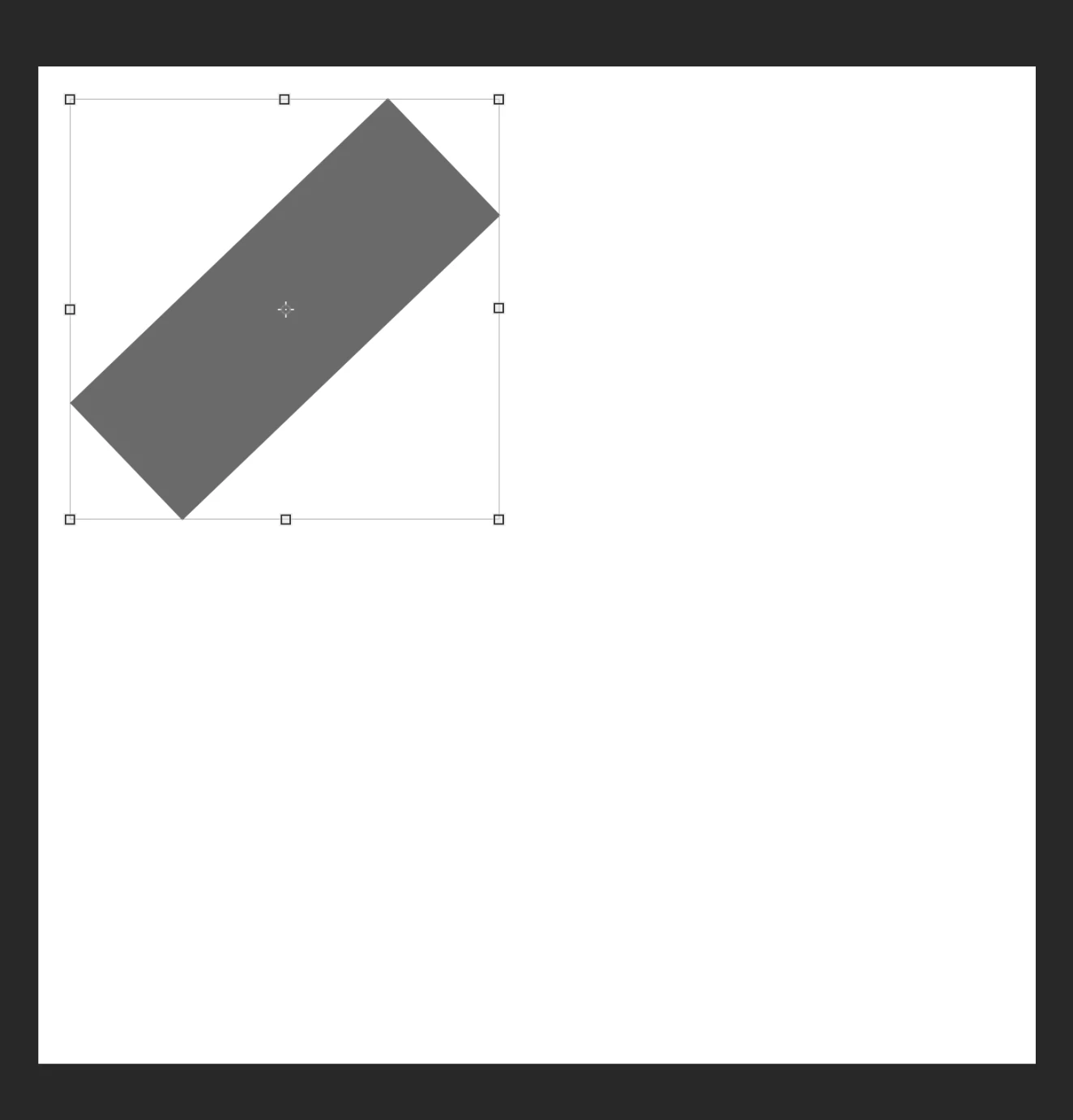
Below is the first image where I can transform the rectangle the way I want to and the second image is what happens after I hit enter. I really need to be able to transform the rectangle again in the way shown in the first picture, WITHOUT THE BOUNDING BOX.
I have tried:
-using free transform and regular transform
-rasterizing
-converting to smart object
-double-clicking rectangle
-free transforming path
-changing view options
-trimming
-rotating rectangle so it is not on an angle anymore
but nothing is working.
 AdChoices