
Answered
Transparency instead of an image
Hello. Just updated to the Photoshop 20 today, and I've noticed that when I am opening any 300 DPI file, I cannot see the part of an image. Instead of it I can see a transparency grid. Missing content appears after nudging in any direction, but it is gone again after panning or zooming. Any remedy for that?
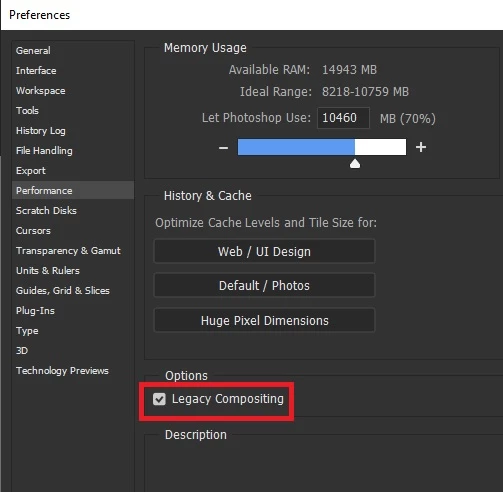
I was resetting preferences, playing with performance settings, even updated the graphic driver. I am on a Win 10 x64. Nothing solves it.
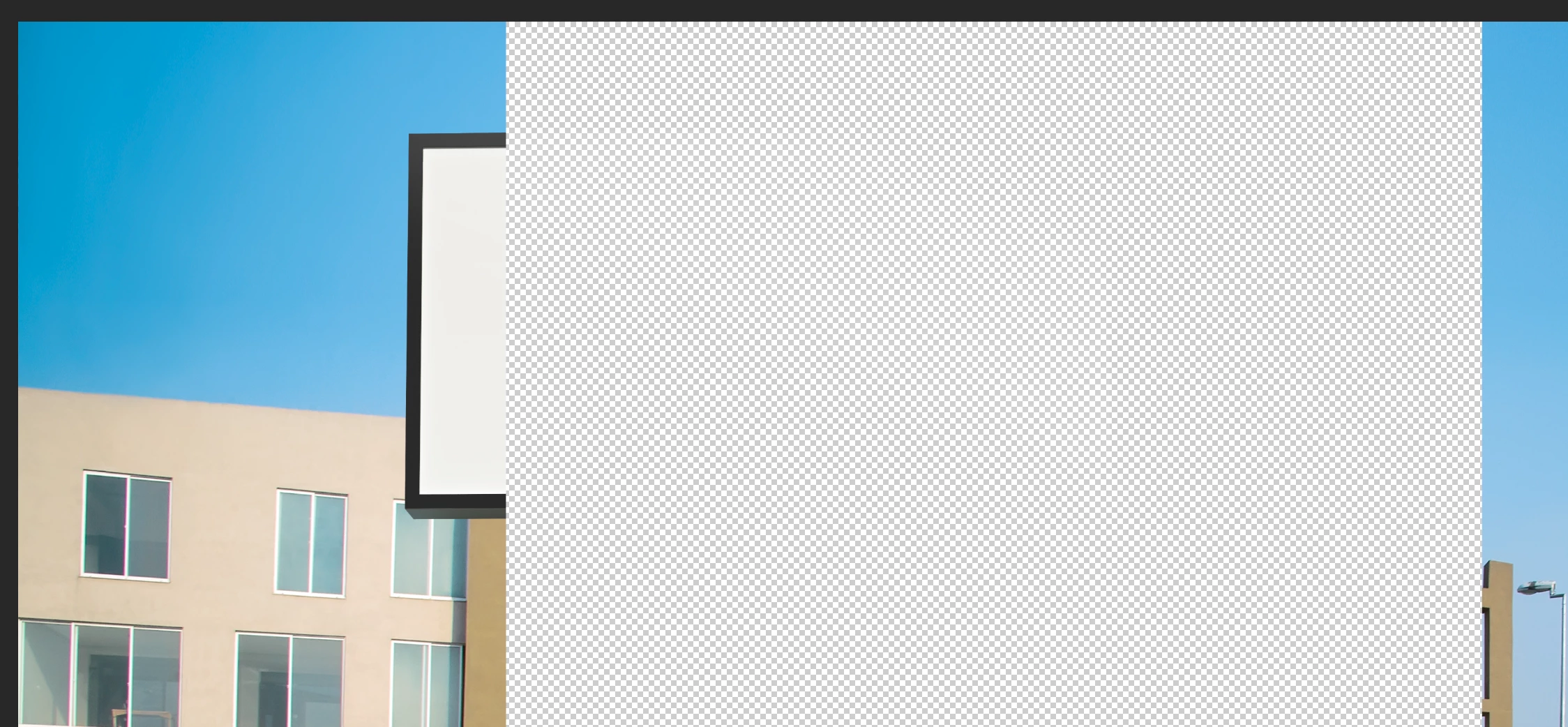
PS: I've just noticed that using command "copy merged" is copying only the part of the image that was visible at the very beginning. The rest is just like it was never there.
 AdChoices