
Question
Transparency through layers
Hi everyone,
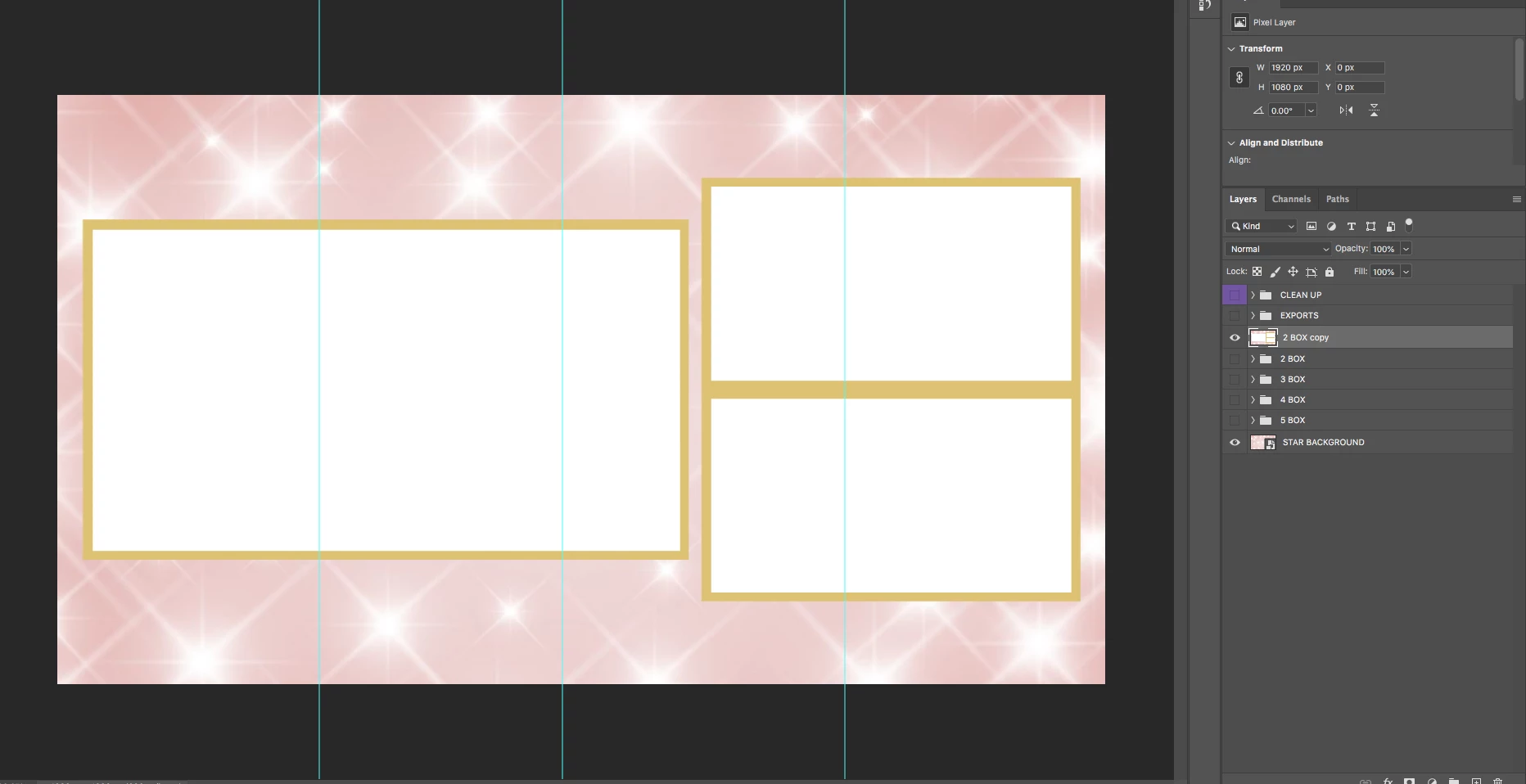
I'm sure this is a pretty basic question, but I can't figure out how to have the white in my boxes be transparent through the star layer behind them to the checkered background. Any quick tips? I'm an AVID editor who rarely has to use photoshop so my knowledge of the software isn't what it should be.
I previously hit 'merge' layers on the '2 box' folder (which is the boxes), and the 'star background'.
Thanks
Brendan
 AdChoices