Participant
November 2, 2022
Question

Transparent background showing black

  • November 2, 2022
  • 2 replies
  • 3868 views

Hi there,


Today, when opening a new file or opening an old png file with transparent background, it's showing up with a black or grey background. When I hover over it sometimes flickers into a transparent background.

How can I fix this? I'm on a mac and have restarted PS but nothing has changed.
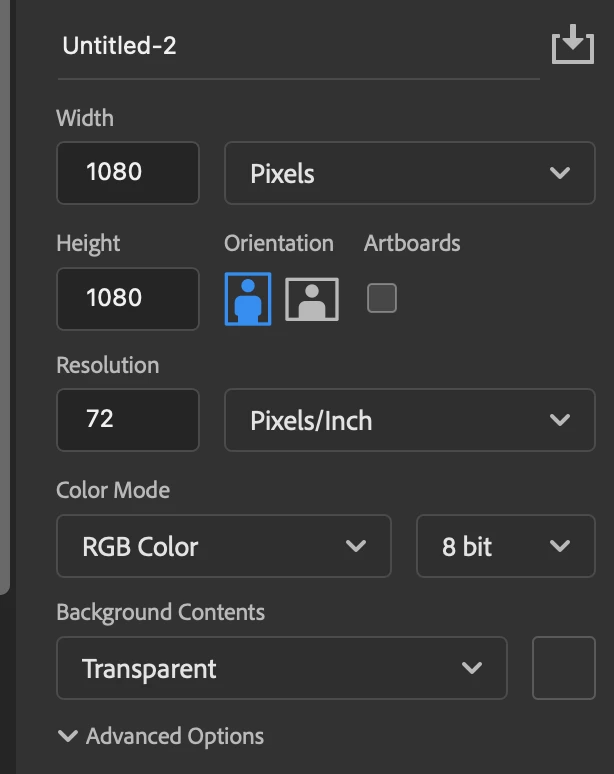
 

thanks so much!

This topic has been closed for replies.

2 replies

Legend
November 3, 2022

Alternatively, try restoring your preferences using this manual method:
https://helpx.adobe.com/photoshop/using/preferences.html#Manually
If that doesn't solve it, you can quit Photoshop and put the Settings folder back

Ged_Traynor
Community Expert
Community Expert
November 3, 2022

Hi

Try enabling this option in preferences and restarting Photoshop to see if it helps