Participant
June 12, 2017
Question

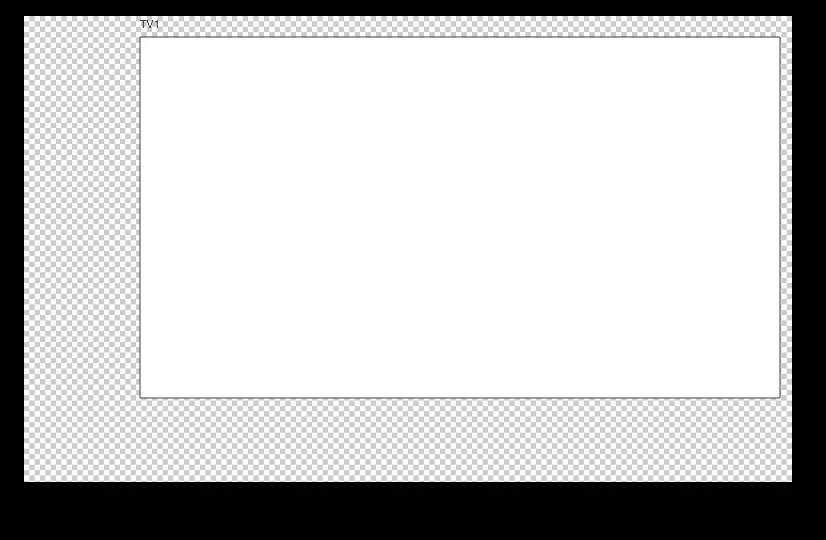
Transparent box behind artboard?

  • June 12, 2017
  • 2 replies
  • 563 views

For some reason, there is a transparent box behind my artboard that shows up on a certain file.

The file is being shared between PC's and the Mac I am using.

Is there a solution to this, or is it just a bug?

Thank you.
This topic has been closed for replies.

2 replies

jane-e
Community Expert
Community Expert
June 13, 2017

If it's Illustrator, turn off the Transparency Grid in the View menu. Are you in Illustrator?

Participant
June 13, 2017

No, this is in Photoshop

[Moved from Lounge to Photoshop General Discussion by Moderator.]

.

cmgap
Community Expert
Community Expert
June 13, 2017

Can you show a screen shot that includes the entire application with your layers palette open?

Or create a layer beneath the layer your screen shot shows > Fill that layer with a white background.

Moving forward when you create a new document, select white for background rather than transparent.

Peru Bob
Community Expert
Community Expert
June 12, 2017

Please tell us which Adobe software you are using so this can be moved from the nontechnical Lounge Forum to the proper forum for help.

Participant
June 13, 2017

Photoshop CC 2017