maciejd40700040
Participant
July 15, 2018
Answered

Transparent GIF Issue

  • July 15, 2018
  • 1 reply
  • 541 views

Hi Adobe Community,

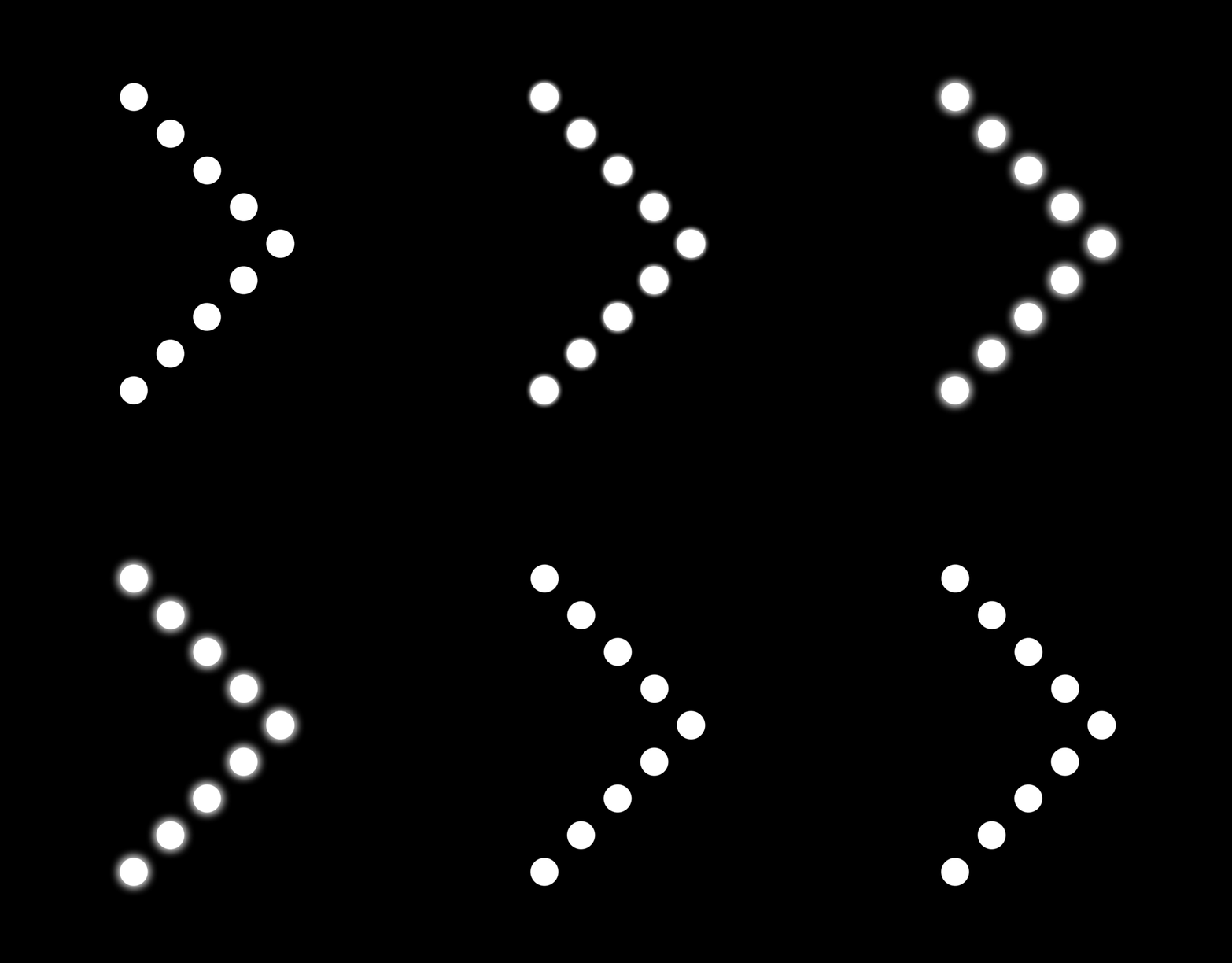
I have a problem saving my short gif file so it stays with a gradient but without background. I can only save it with gradient when I add a background to each layer of the gif and when I try to do it without background It merges the gradient area into one blob.

Please find attached examples of the two versions of the gif. Basically I want it to look like the one with black background (smooth with proper gradient), but without black background.

Best,

Matthew                                                                                                 This is how the gif without background is displayed
      

This topic has been closed for replies.
Correct answer Mylenium

A GIF will never be perfectly smooth. You don't seem to understand how this works. A GIF can exactly have one transparent color, not multiple. Everything else will have to be faked by enabling dithering, i.e. scattering fully opaque pixels randomly or in patterns to create a halftone that gives the illusion. check these options in the save dialog. Still, as I said, it will never be 100 percent smooth. Your designe is a perfect example of working aginst the limited capabilities of the format, so perhaps even consider a different idea.

Mylenium

1 reply

Mylenium
MyleniumCorrect answer
Legend
July 16, 2018

A GIF will never be perfectly smooth. You don't seem to understand how this works. A GIF can exactly have one transparent color, not multiple. Everything else will have to be faked by enabling dithering, i.e. scattering fully opaque pixels randomly or in patterns to create a halftone that gives the illusion. check these options in the save dialog. Still, as I said, it will never be 100 percent smooth. Your designe is a perfect example of working aginst the limited capabilities of the format, so perhaps even consider a different idea.

Mylenium

maciejd40700040
Participant
July 16, 2018

Hi Mylenium,

I understand, thank you for your help. I’ll problably try something else.

Thanks,

Matthew