

Transparent Image Prints with Shadow No Matter What I Try
Hello,
I'm new to Photoshop and want to convert Stock images I have purchsed so that they are tansparent. I am a teacher looking to start selling materials I have created on Teachers Pay Teachers. I have learned how to delete the background of an image and also how to isolate an image from a background, save it in a new layer, and delete the original background. Everything looks great in Photoshop and on my screen (PowerPoint, Word).
After I export my images and print them, the images are not truly transparent and a faint shadow box appears behind the image. What is driving my crazy is that sometimes some of the images print fine one moment and then when I do it again, the box shows up. It is so inconsistent and I can't figure out why. I have tried printing directly from Word, PowerPoint, printing/saving as a pdf, and the results are still inconsistent. I have printed several images one day that were fine, only to copy and paste them the next day into a new project and have them not be ok.
I did a bunch of research on this subject and tried many of the suggestions from past threads, to no avail. I am attaching photos of all the combinations I have tried, with the accompanying results. I won't bother attaching screenshots, because everyting looks fine on the screen. It's just when I print.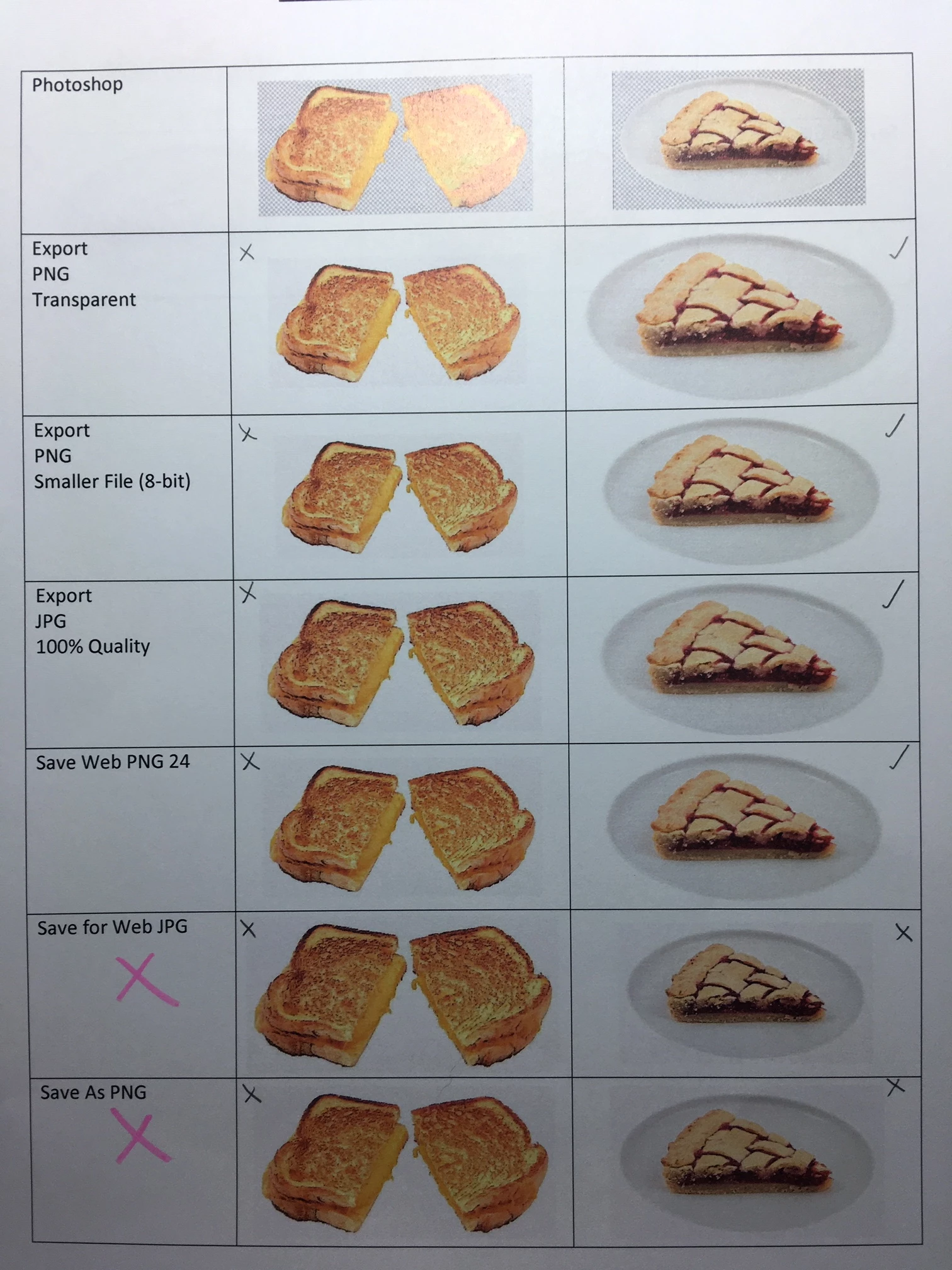
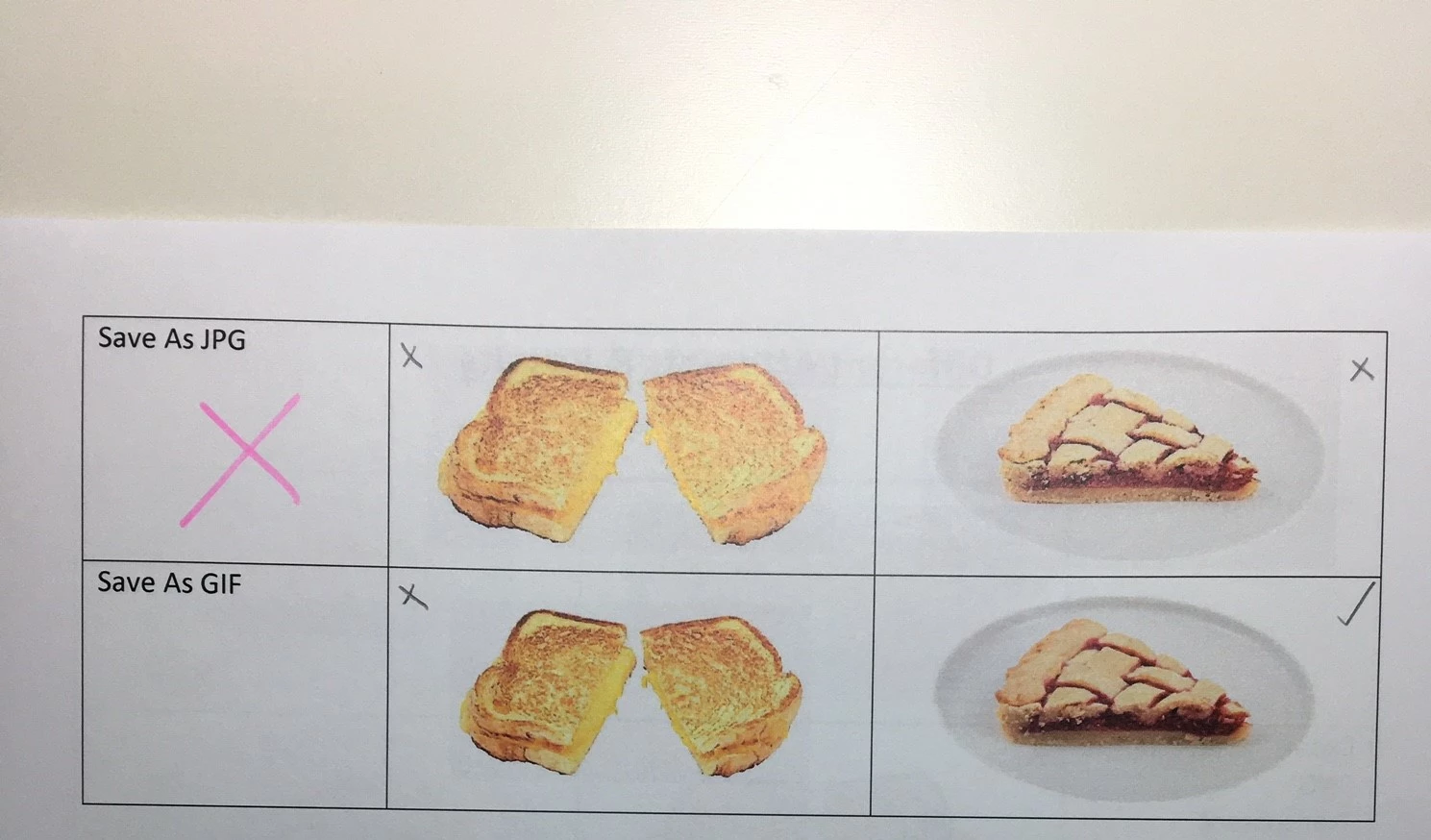
Any suggestions or help would be highly appreciated. I am about to lose my mind and have spent umpteen hours trying to make this work.
Maria
 AdChoices