



Transparent Pixels Along Edge when Cropping to Full Width or Height
Hello,
When cropping images to the full height or width of the image (or crop along any side of the original canvas), then a 1px semi-transparent edge appears. For dark images, this causes a light strip when flattening/saving as a new JPG.
For example, if I crop the image like this, going all the way to the left and right edges of the image:

Then a transparent strip appears along the left & right sides:
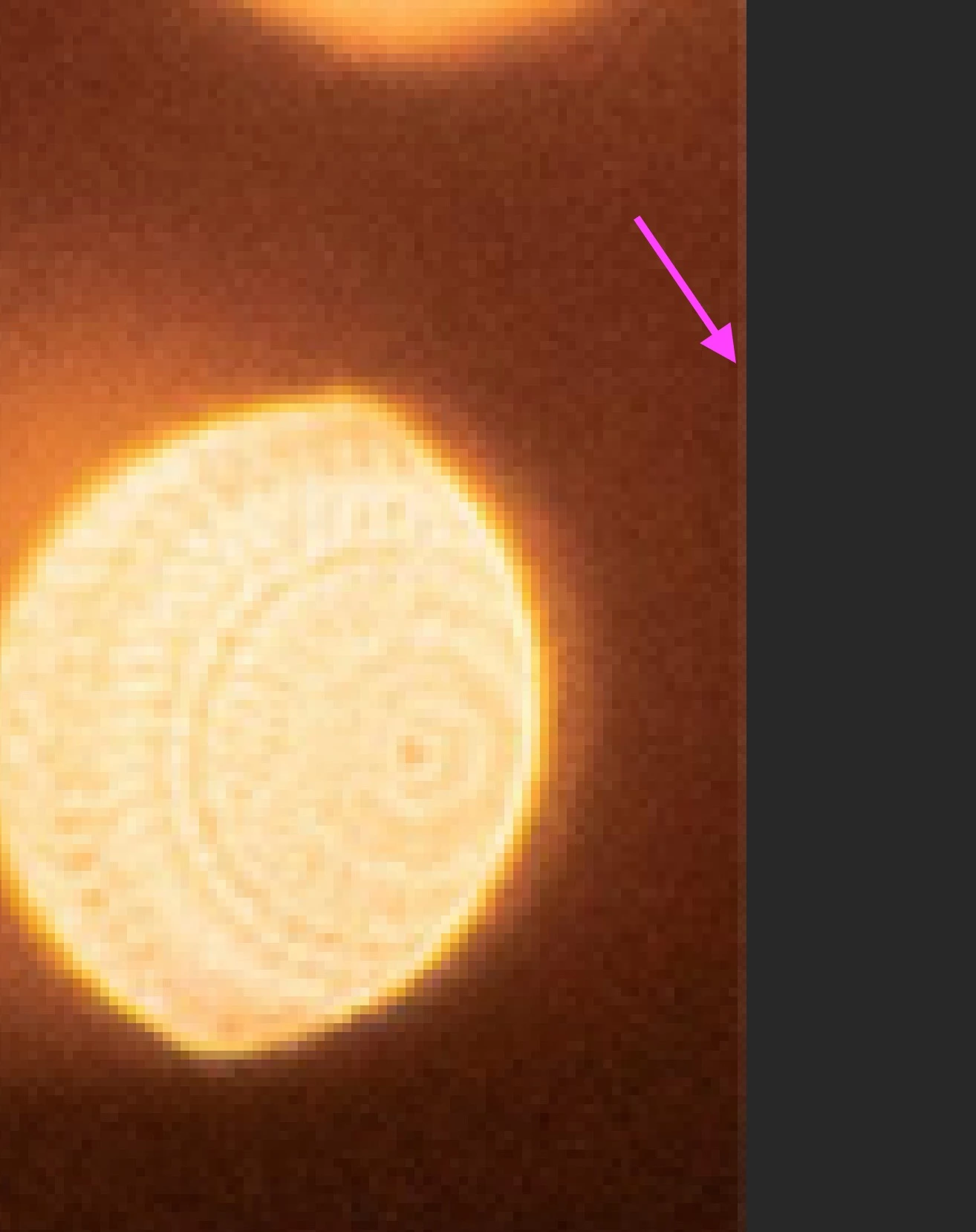
When flattened to save as a new JPG, it's still visible:
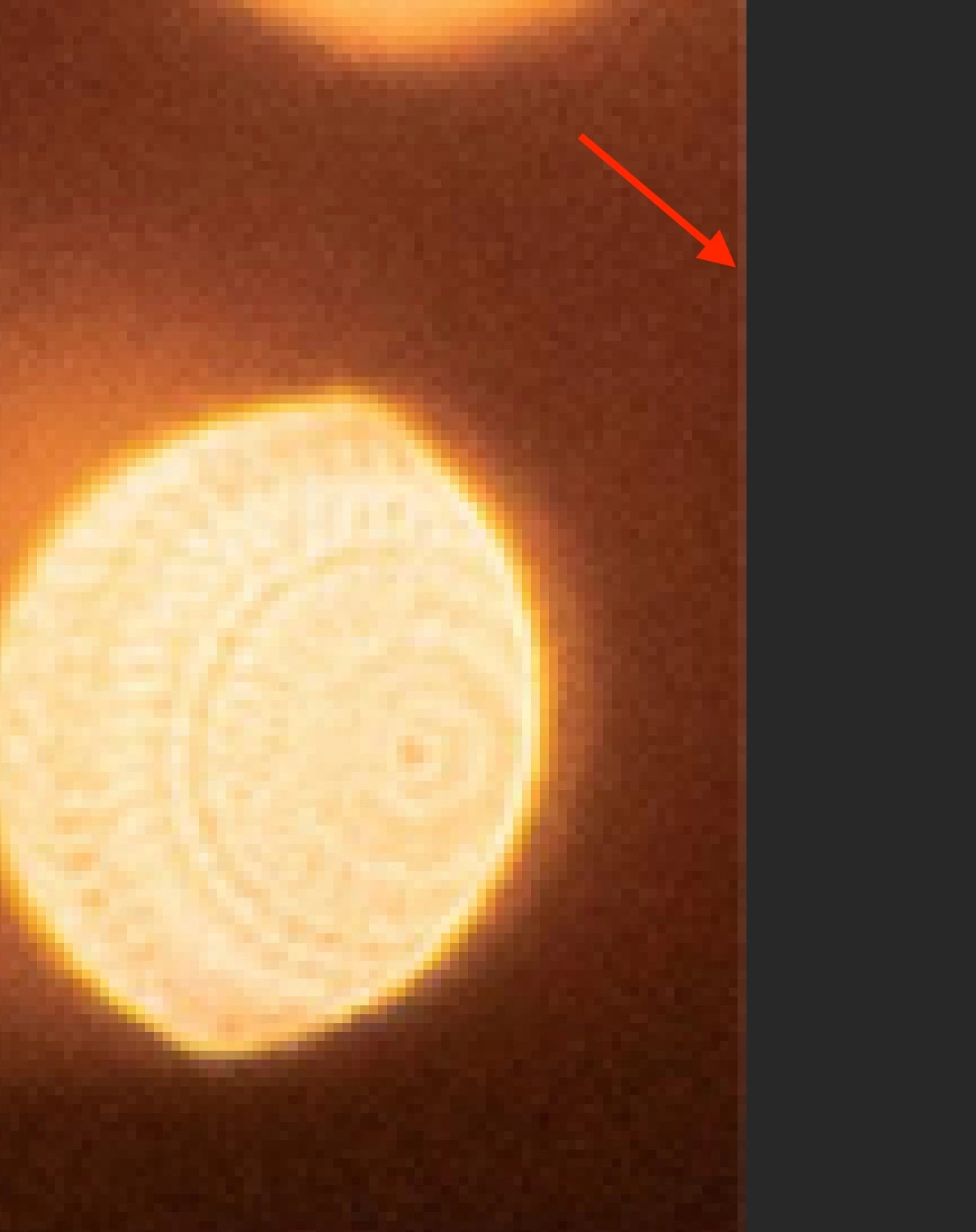
This doesn't happen if I check "Delete Cropped Pixels", but then I can't finesse placement after cropping. It also doesn't happen if I bring the crop handles in a few pixels from the edge, but it's very tedious to do that for the high volume I work with, it's much more efficient to let it snap to the full width/height of the canvas. I tried adding a black fill layer below, which helps a little, but there's still a visible line.
Is there any other way to avoid this?
 AdChoices