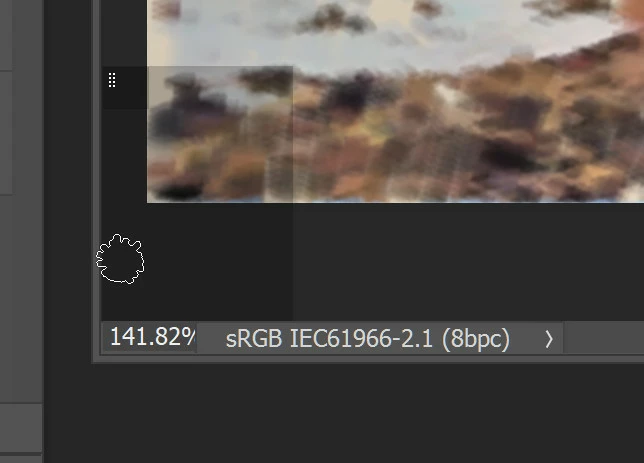
Dave, thanks very much for pursuing this. Further experimentation shows me that the phantom rectangle does indeed happen on click, not hover, I was wrong about that. Also it occurs when a brush (or tool) with a Bristle tip is used and carries on when a brush tip is then changed in the brush attributes palette for an ordinary brush like a Spatter. If you then select a different tool, and then go back to the brush with the ordinary brush tip, the rectangle does not reappear. It must be some strange action of a bristle tip brush. I wonder what the two vertical lines of small white dots at the top left of the rectangle signify?
David
The more I'm reading about this the more I'm feeling it's a bug and needs to be reported to Adobe, anyone else's suggestions will
just be temp fixes.
To hopefully get a permanent fix you should post here; Feature Request/Bug Report Form
I'd also use some of Dave's info when writing your report and maybe Dave can help you get to exact reason as to why this is happening.
if he can it will help the Adobe team in fixing it!
Best of luck.

 AdChoices