ivann89717222
Participant
September 4, 2018
Answered

Trasparence on 3d layer

  • September 4, 2018
  • 1 reply
  • 436 views

Hi. I have to create distorted label that has a transparent background, starting from the graphic file to applied into a photo bottle. I created a 3d layer in photoshop, I applied the label graphic file, but in the transparencies I see the default gray color of the background solid. how can eliminate the gray defoult color applied to solids in 3d photoshop?

Ths

    This topic has been closed for replies.
    Correct answer JJMack

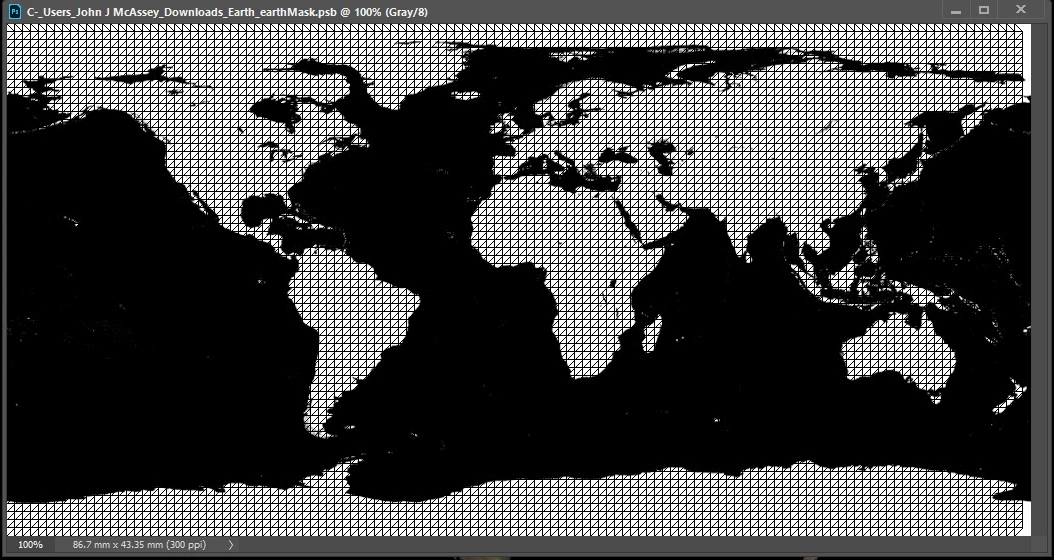
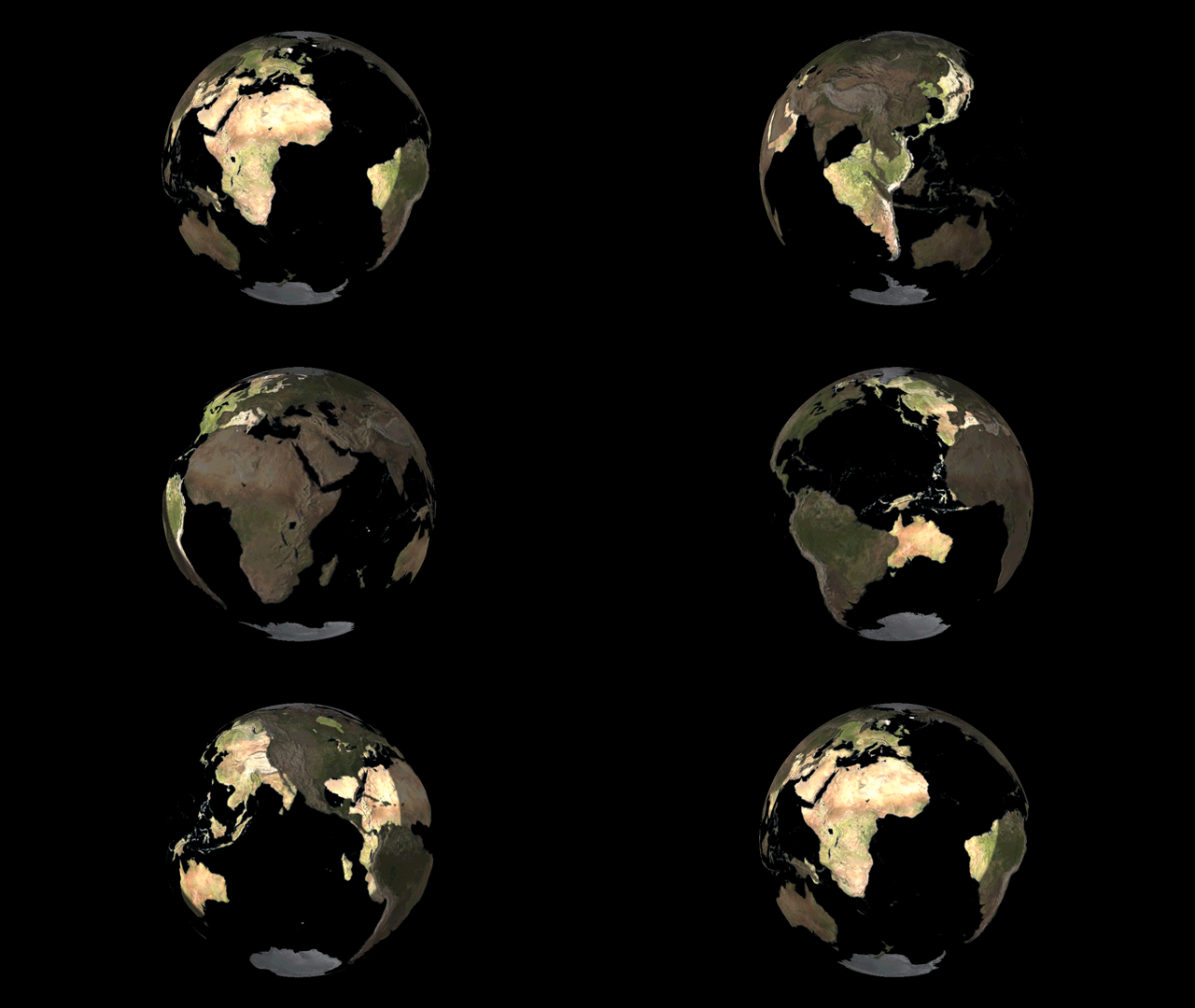
    Edit its opacity map Black and white gray like any other Photoshop Mask there is also a slider to adjust how is is applied.

    1 reply

    JJMack
    Community Expert
    JJMackCommunity ExpertCorrect answer
    Community Expert
    September 4, 2018

    Edit its opacity map Black and white gray like any other Photoshop Mask there is also a slider to adjust how is is applied.

    JJMack
    ivann89717222
    Participant
    September 4, 2018

    This works thanks but it creates a new problem. I have to cut the texture to not see the back label through.

    JJMack
    Community Expert
    Community Expert
    September 4, 2018

    Then I thing this may work. Select the black background area  add an empty layer and fill the selection with a color. With the work file still open edit the surface texture containing the label and drag the colored layer from the opacity map work file into the surface texture work document with the shift key held down. Then delete the layer in the Opacity map work document. Save the surface texture with the colored glass and adjust its opacity with the opacity map slider

    JJMack