Participant
March 7, 2017
Question

Trim, Fit, and Canvas size Script

  • March 7, 2017
  • 1 reply
  • 4039 views

Hello everyone, I've been racking my brain trying to figure this out. I have many images with a product cut out on a pure white background and I need to figure out how to get it to fix on a canvas with a ratio of 2000/1778 with the product fitting either horizontally or vertically. if the product is larger than 2000/1778 the action I created works perfectly but, if it is smaller it leaves too much room either on the top or sides. the action I created goes like this:

CROP

Trim

> based on: top left pixel color

>with Trim Top

>with Trim Bottom

>with Trim Left

>with Trim Right

Fit Image

>height: 1778 pixels

>width: 2000 pixels

>With Don't Enlarge

If

>current document is landscape

>Then Play Action: action "horiz crop"

>Else play Action: action "vertical crop"

Horiz crop

>Canvas Size

     > Height: 1778 pixels

     >vertical: bottom

     >Extension Color: background color

Vertical Crop

>Canvas Size

     >Width: 2000 pixels

     >Horizontal: center

     >Extension Color: background color

If the images are larger than 2000/1778 all goes well and they come out like this (Black border only used to distinguish it from background):
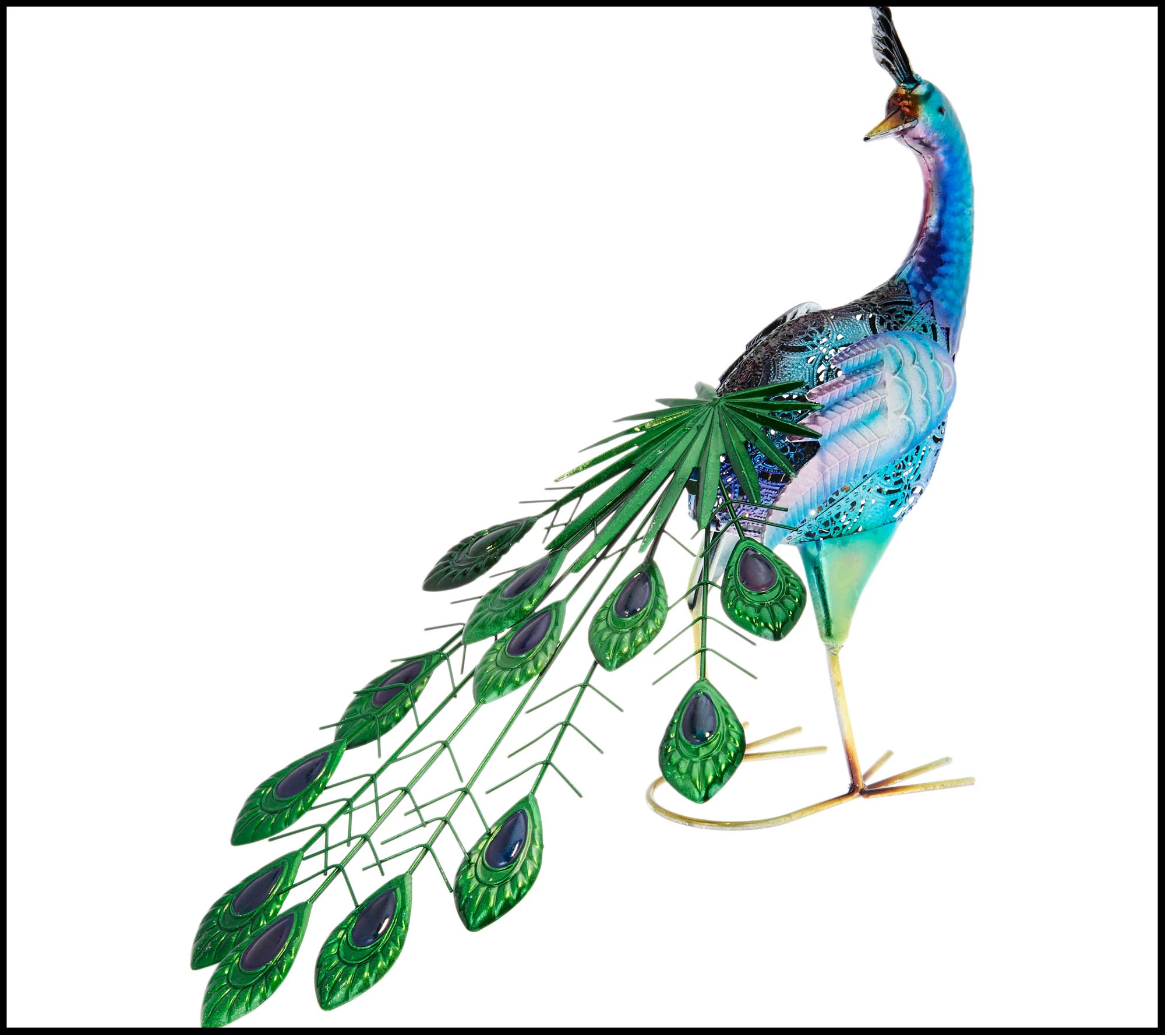
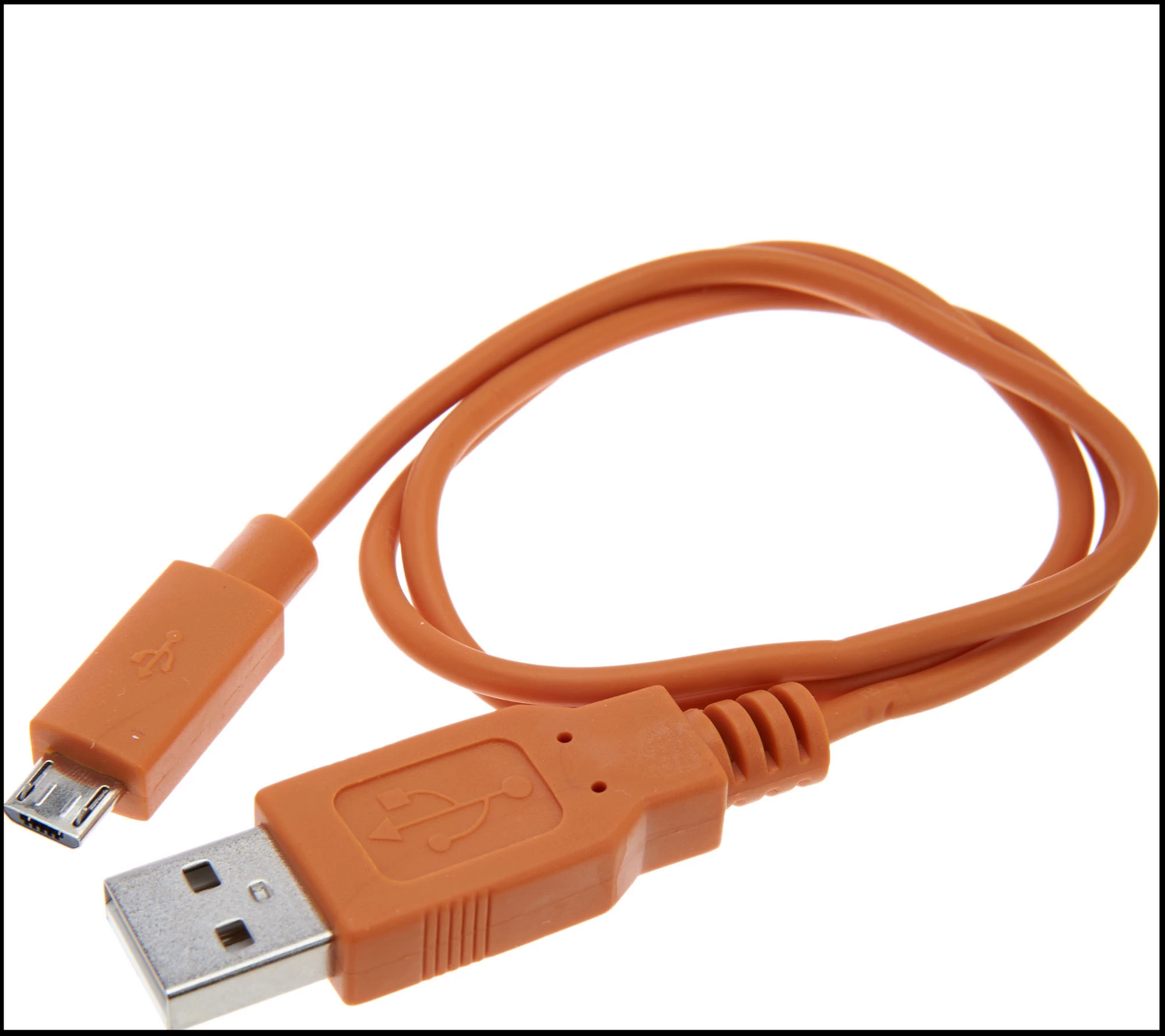
if they are smaller they come out like this (Black border only used to distinguish it from background):
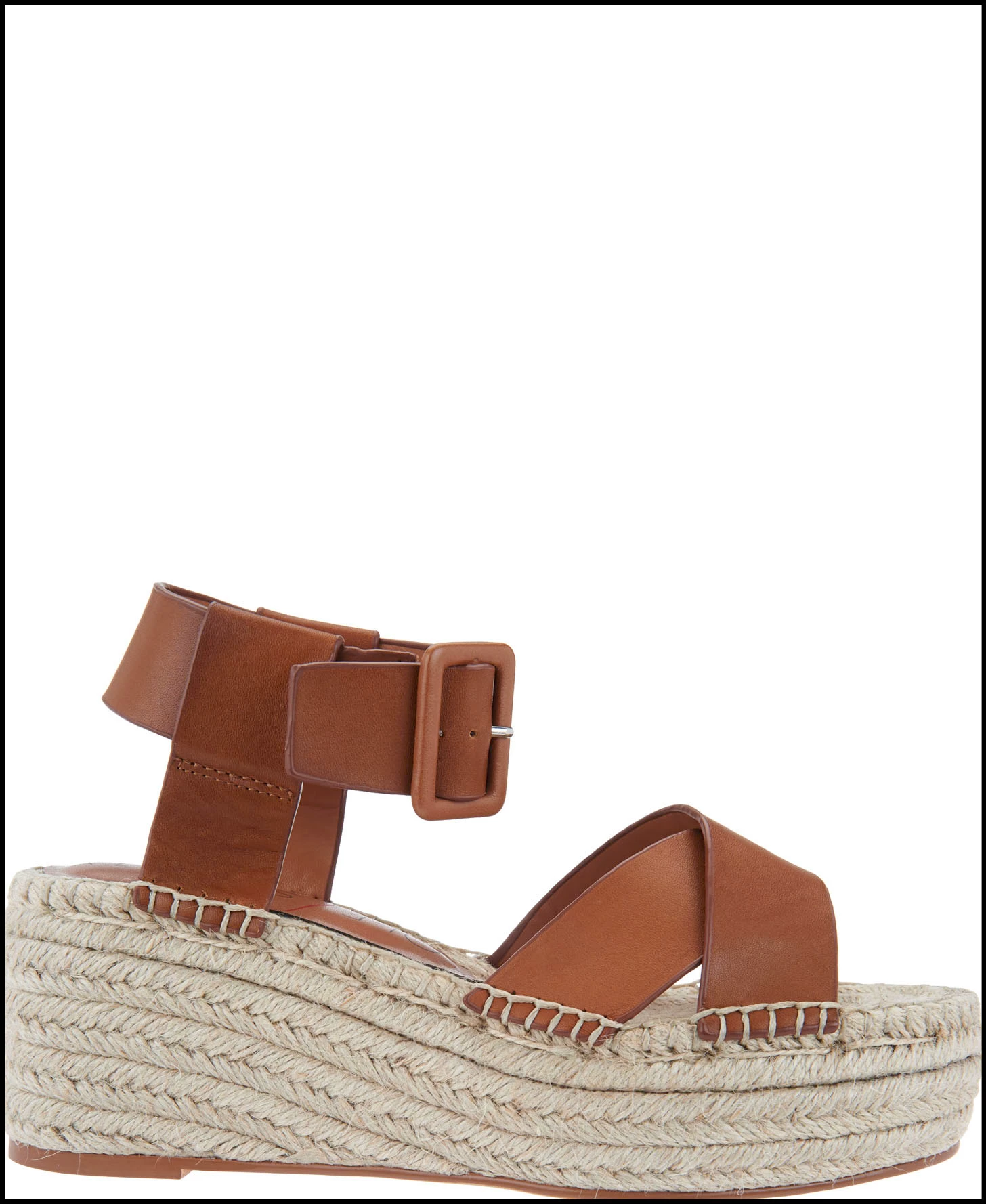
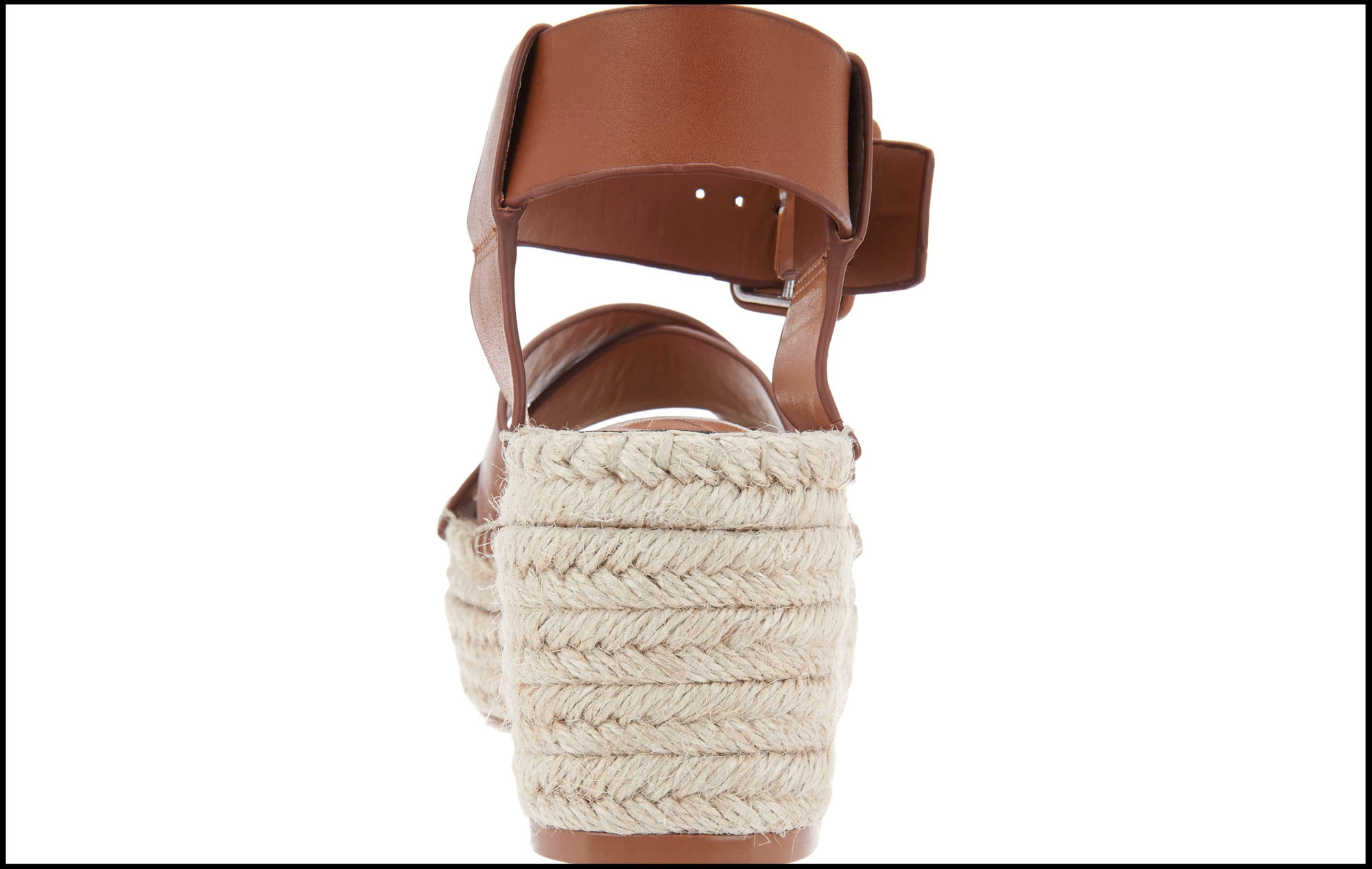
Any help anyone could give me would be greatly appreciated.

This topic has been closed for replies.

1 reply

Jarda Bereza
Inspiring
March 7, 2017

You don't need script.

Trim, Fit Image, Crop, conditions based on document orientation... all of these is in Photoshop CC.

Try Actions panel.

Create actions in Adobe Photoshop

Participant
March 7, 2017

I've tried all of those and put them in place in my action. The part where I'm having the most trouble I guess is the resizing of the canvas. I need it to fit a canvas ratio (not exact dimensions) of 2000x1778 and I can't seem to make that work using actions which is why I thought it might need a script.

Jarda Bereza
Inspiring
March 7, 2017

Ok, in this case will be script probably required. I don't have Idea how to do it without script.

1) install script listener Installing Script Listener on Photoshop CC 2014

2) do actions same as you would record it

3) look into dektop... there should be script listener.log

4) open extend script toolkit program

5) paste the code inside

6) conect with photoshop

7) get document size from the middle your code something like: var width = app.active.document.something.something

8) do some calcualtions according image orientation

9) send these numbers into crop function

10) save script if this works good for single image

11) open batch dialog in PS

12) assign your script to the batch

13) run batch