Thanks for the input but the white in image that I am working with have been sampled and are clean, see attached.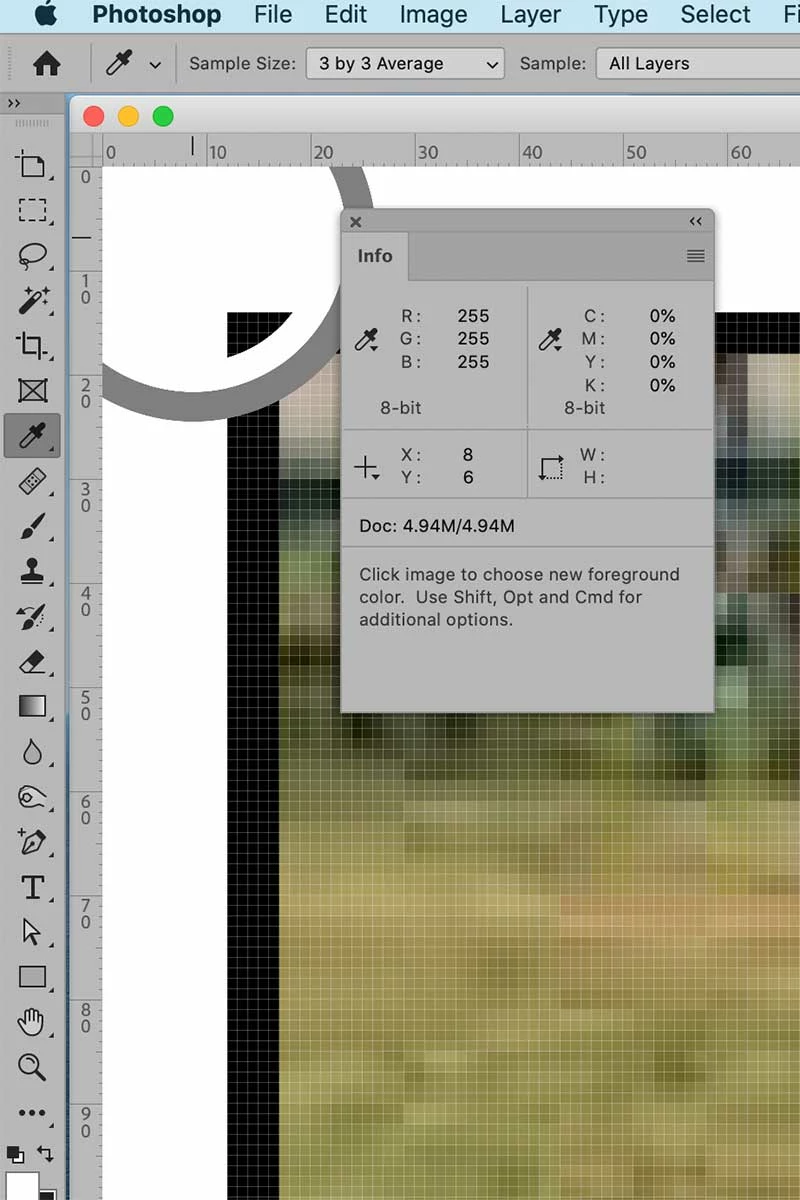
I also looked at the posted image, and I agree: Sampling with the Eyedropper tool is flawed because it measures only the value where the pointer is, or a small area around the pointer. But if the non-white pixels are widely spaced, it’s too easy for the Eyedropper tool or color sampler to miss them.
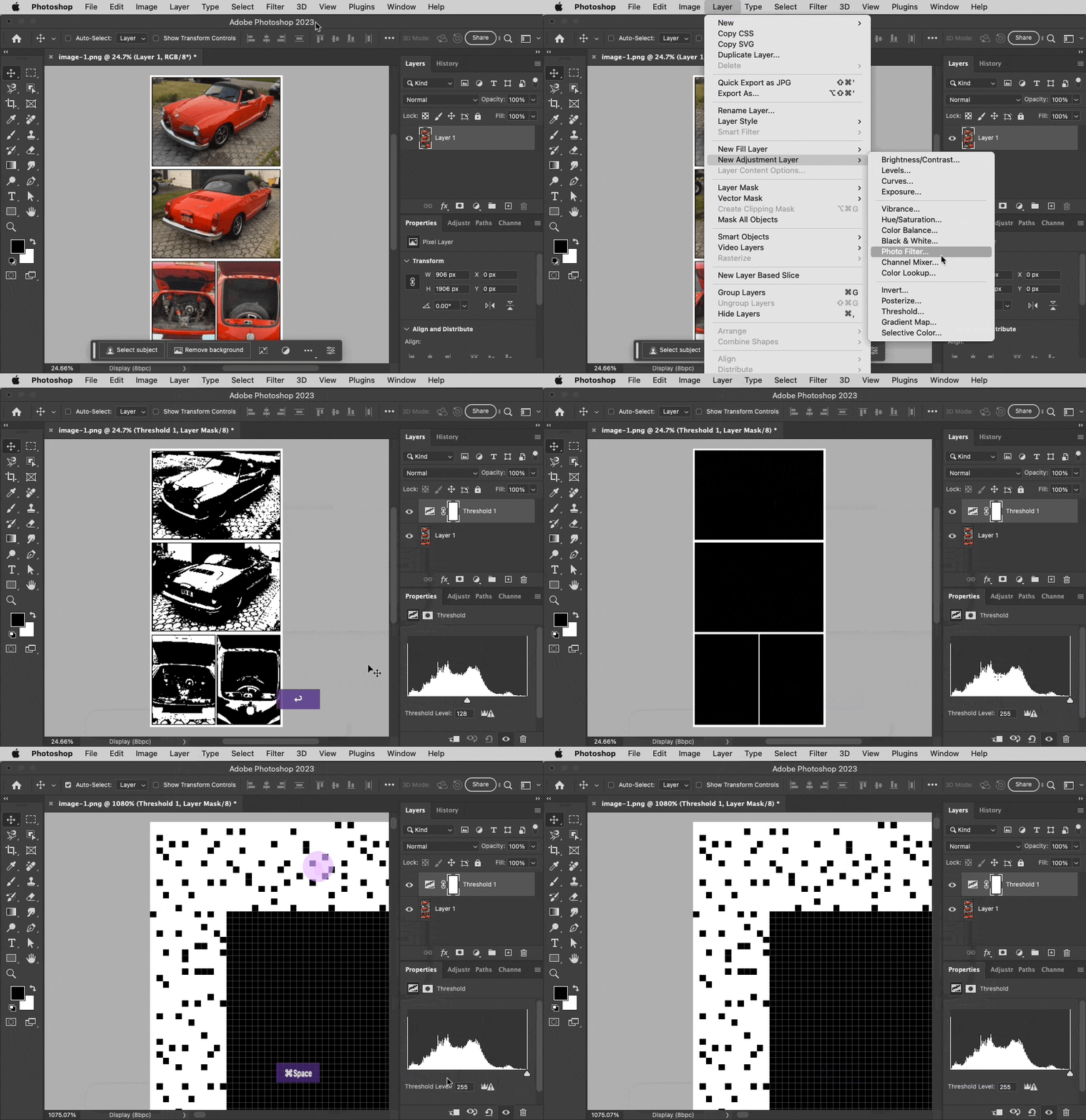
When troubleshooting the Trim command, another useful method is to use a temporary Threshold adjustment layer, and drag the slider across the entire tonal range while looking at the image edges. Setting the Threshold Level to level 255 clearly reveals all non-white pixels as solid black, no matter how small or widely spaced they are. For this image, we can now see that there are non-white pixels right up at the current edges of the image, so Trim would decide to not bring them in at all.
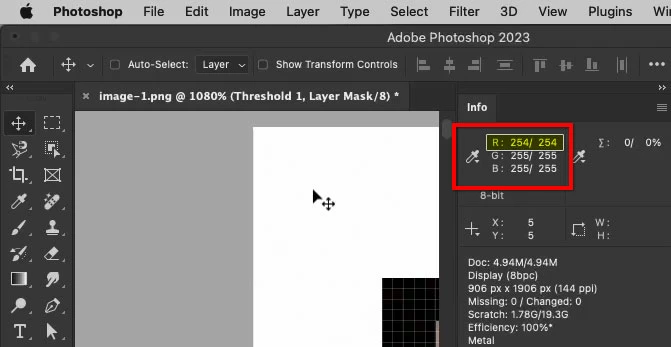
When one of those pixels is inspected with the Eyedropper tool, the problem is revealed: Some pixels are just one level away from white, in only one channel: RGB(254,255,255). It is the smallest possible difference from white, but that is all it takes for Trim to say “nope.”
So the problem is, again, in the image…not a bug in Photoshop.




 AdChoices