

Question
Trouble exporting correct opacity in Photoshop to png
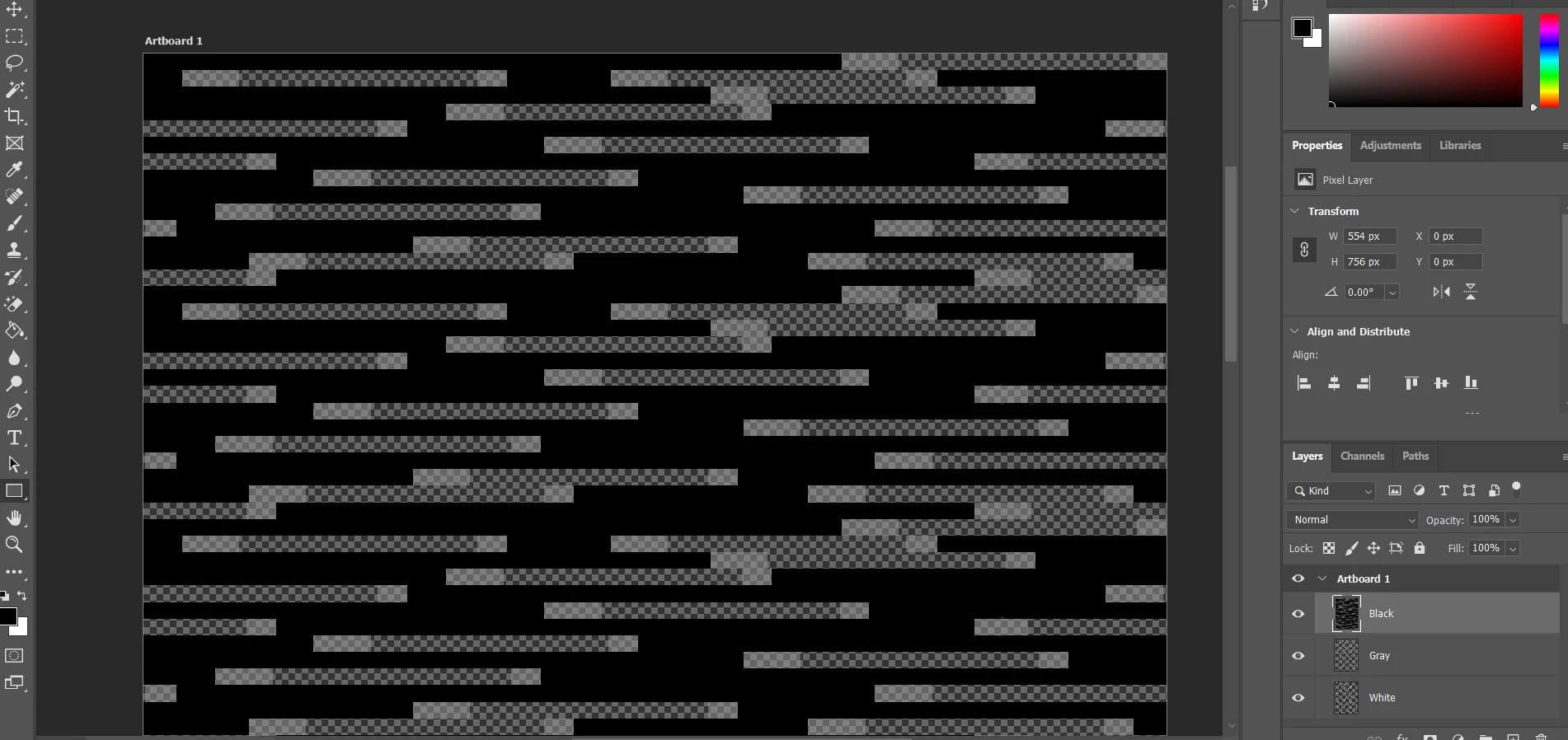
I am working in Photoshop 2022 and have a simple 3 layer desing with black, white and gray blocks. The black blocks are at 100% opacity, the gray at 20% and the white at 10%. There is also some areas with no blocks showing the translucent background. Everything is fine until I go to export and around the gray and white blocks there is a darker border. My goal is to get the exported png to look like the design in PS. What can I do to acheive this?
Please see pictures for an example.
Thanks

 AdChoices