Participant
October 16, 2024
Question

Trouble with copy and pasting a selection into illustrator

  • October 16, 2024
  • 1 reply
  • 113 views

How can I paste a selection from photoshop to illustrator without the white background?

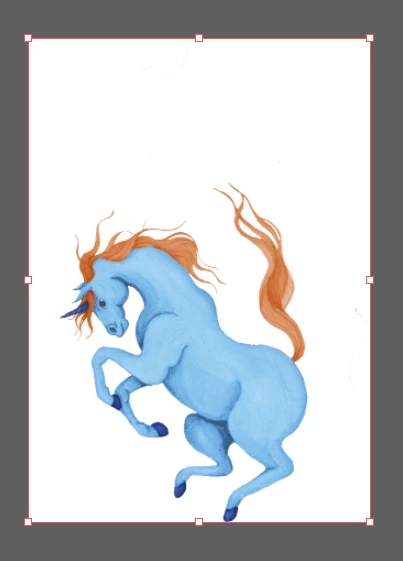
I selected the horse, and used copy and paste into illustrator, but comes with an white background that is not in the selection: 
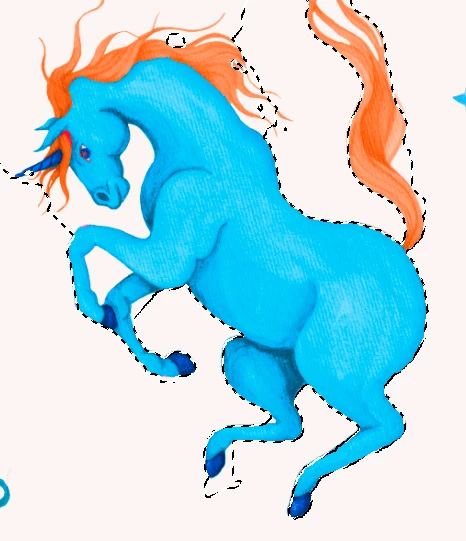
I already did that before and it worked, but i don´t know why this isent working now.
Is that any settings or way to copy and paste that without the background? 


This topic has been closed for replies.

1 reply

Rene Andritsch
Community Expert
Community Expert
November 15, 2024

If you create the horse with a transparent background I would save it as a PSD file an then import the psd (linked or embedded) into Illustrator. If you place it as a linked file you always have the possibility to go back to Illustrator to adjust your image and then update it in Illustrator.