RussellRoofTile
Inspiring
April 9, 2024
Answered

Trying to add solar panel to a roof

  • April 9, 2024
  • 2 replies
  • 811 views

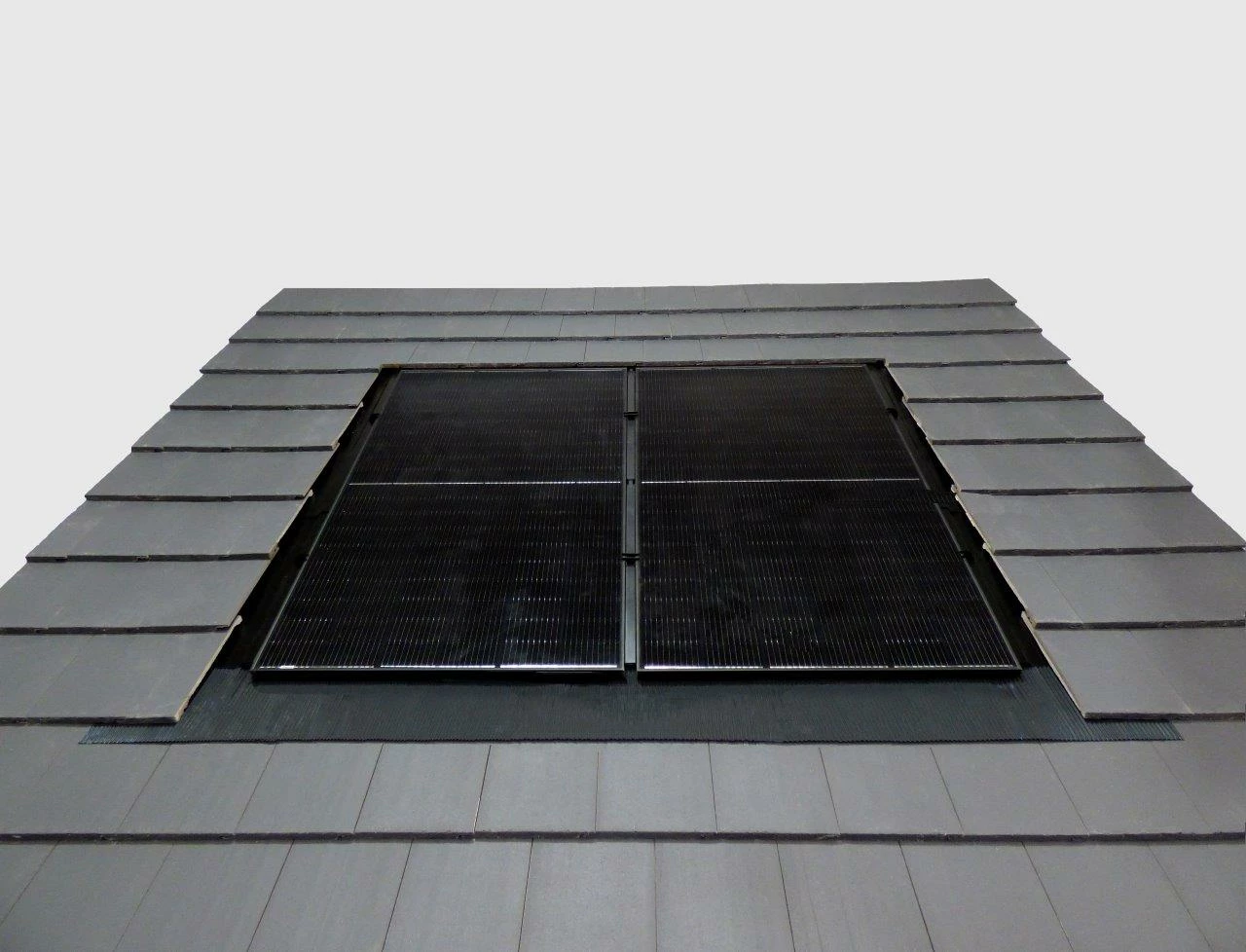
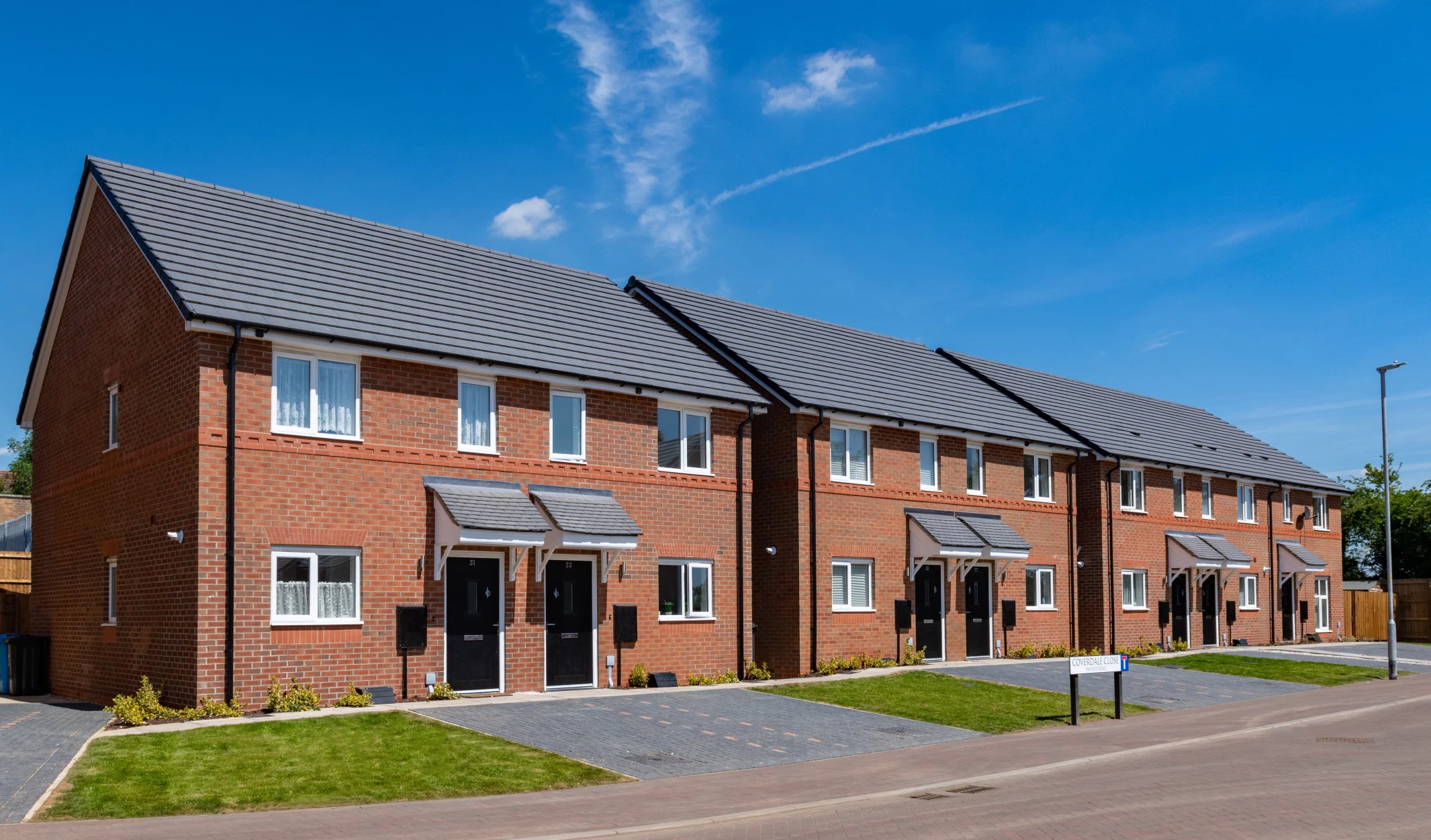
I'm trying to create a mock up of how a solar panel would look on a roof. Attached is an image of the panel and the flashing surrounds and also the roof I would like to apply it to in 3 locations across the roof


I've tried using the perspective warp tool but I don't think i'm doing it correct.y


Can anyone offer some advise? 


thanks 
This topic has been closed for replies.
Correct answer EuanWilliamson

Open both images

Select the solar panel onto its own layer
Drag it onto the roof image

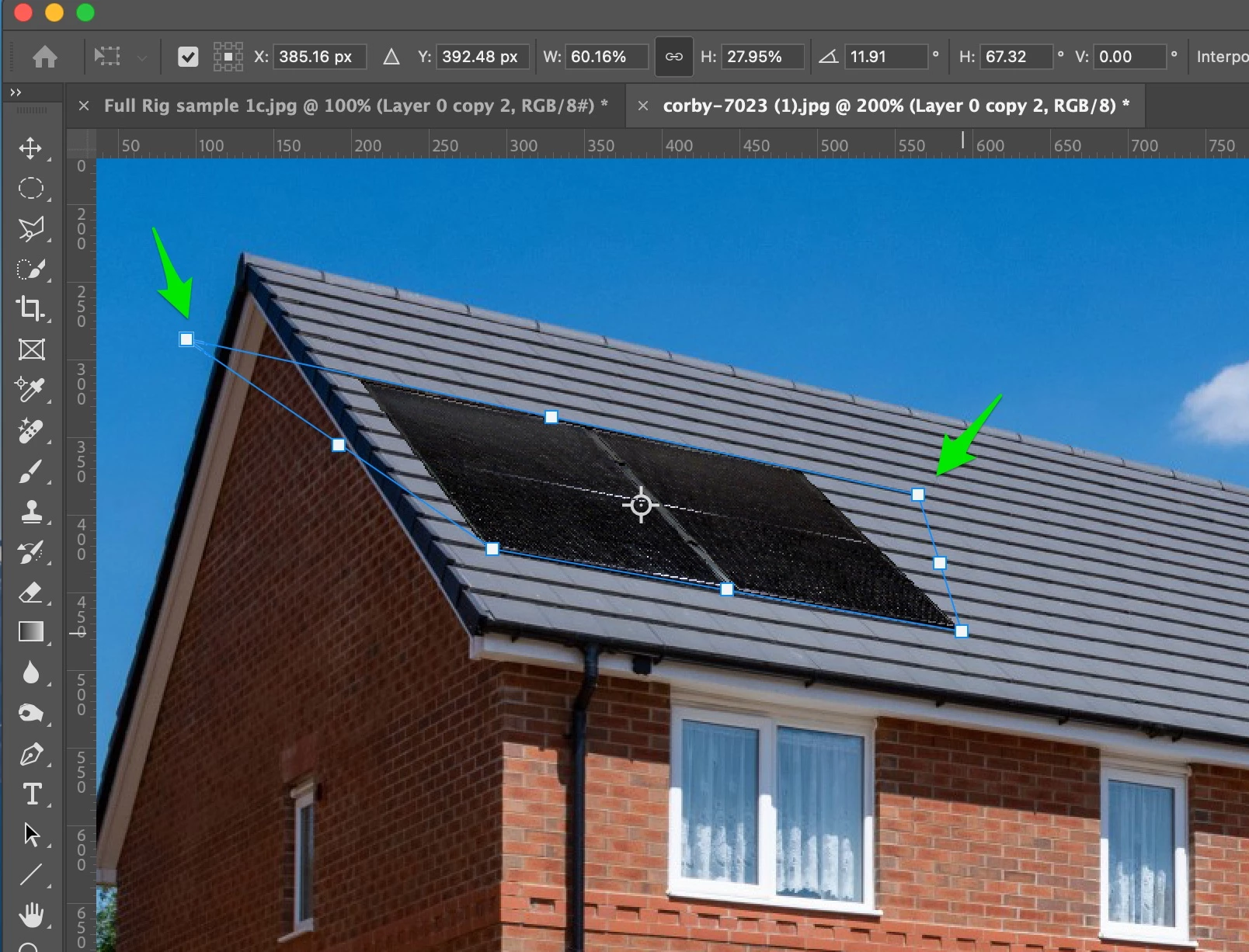
Use Edit > Free transform or CMD T,  CTRL T on that layer
Pull the corners (marked) using CMD or CTRL and mouse which allows you to set the
correct perspective and size on the roof
Duplicate that layer twice and move into place


2 replies

EuanWilliamson
Community Expert
EuanWilliamsonCommunity ExpertCorrect answer
Community Expert
April 9, 2024

Open both images

Select the solar panel onto its own layer
Drag it onto the roof image

Use Edit > Free transform or CMD T,  CTRL T on that layer
Pull the corners (marked) using CMD or CTRL and mouse which allows you to set the
correct perspective and size on the roof
Duplicate that layer twice and move into place


Best regards, Euan.
Semaphoric
Community Expert
Community Expert
April 9, 2024

I would do the same , but convert the solar panel layer to a Smart Object.

Legend
April 9, 2024

This should be easy, find some stock photos showing mounted solar panels as a guide. I believe the panel goes over the edge of the roofing though, without a cutaway.