
Trying to adjust yellow saturation from images to match another image
Hello everyone,
Foremost, I am a complete novice when working with Photoshop. I have been searching in google to figure out how to change or remove yellow oversaturation from an entire image to make it comparable to, or the exact same, color scheme from an image that does not have the same oversaturated yellow effect.
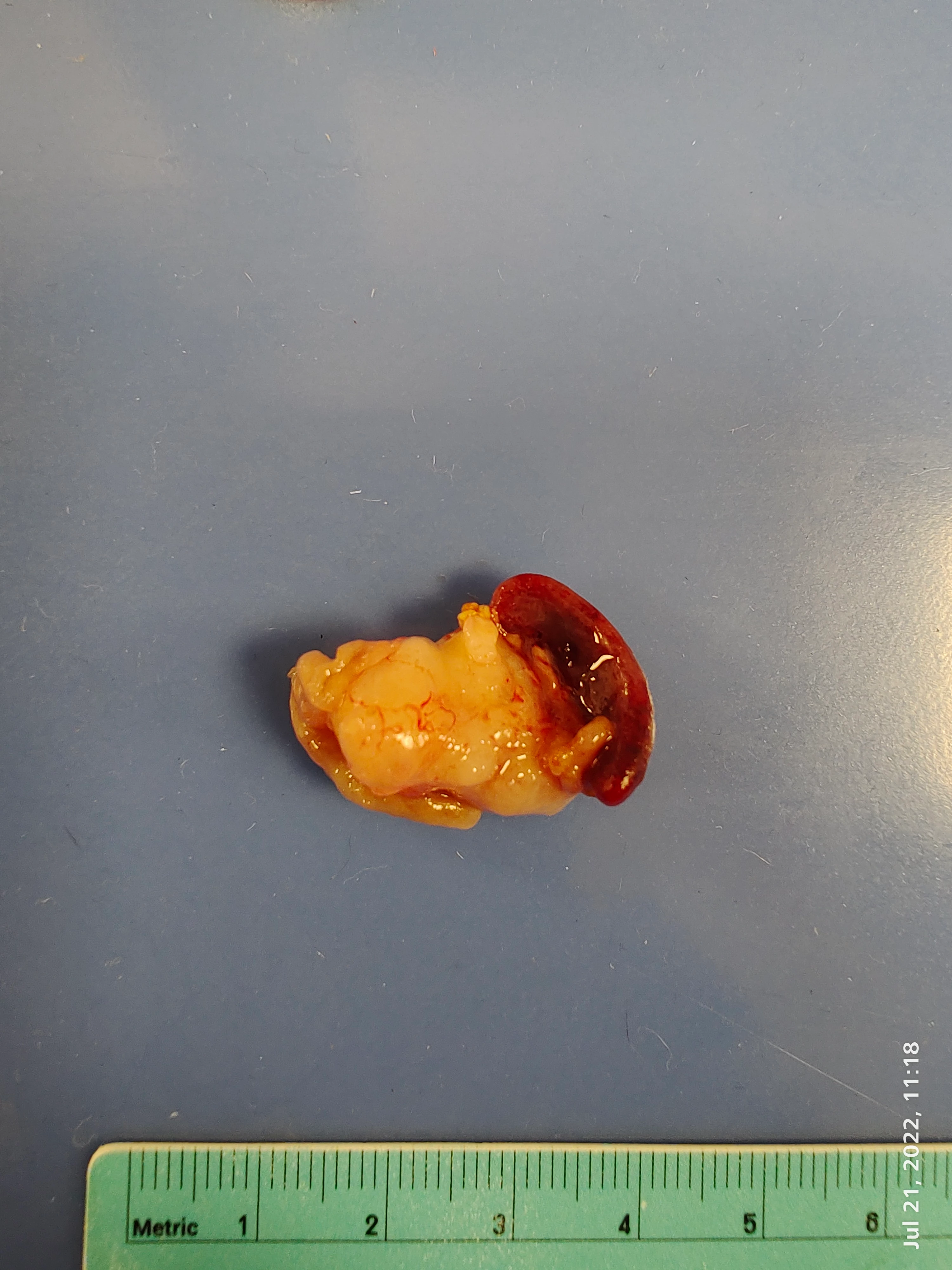
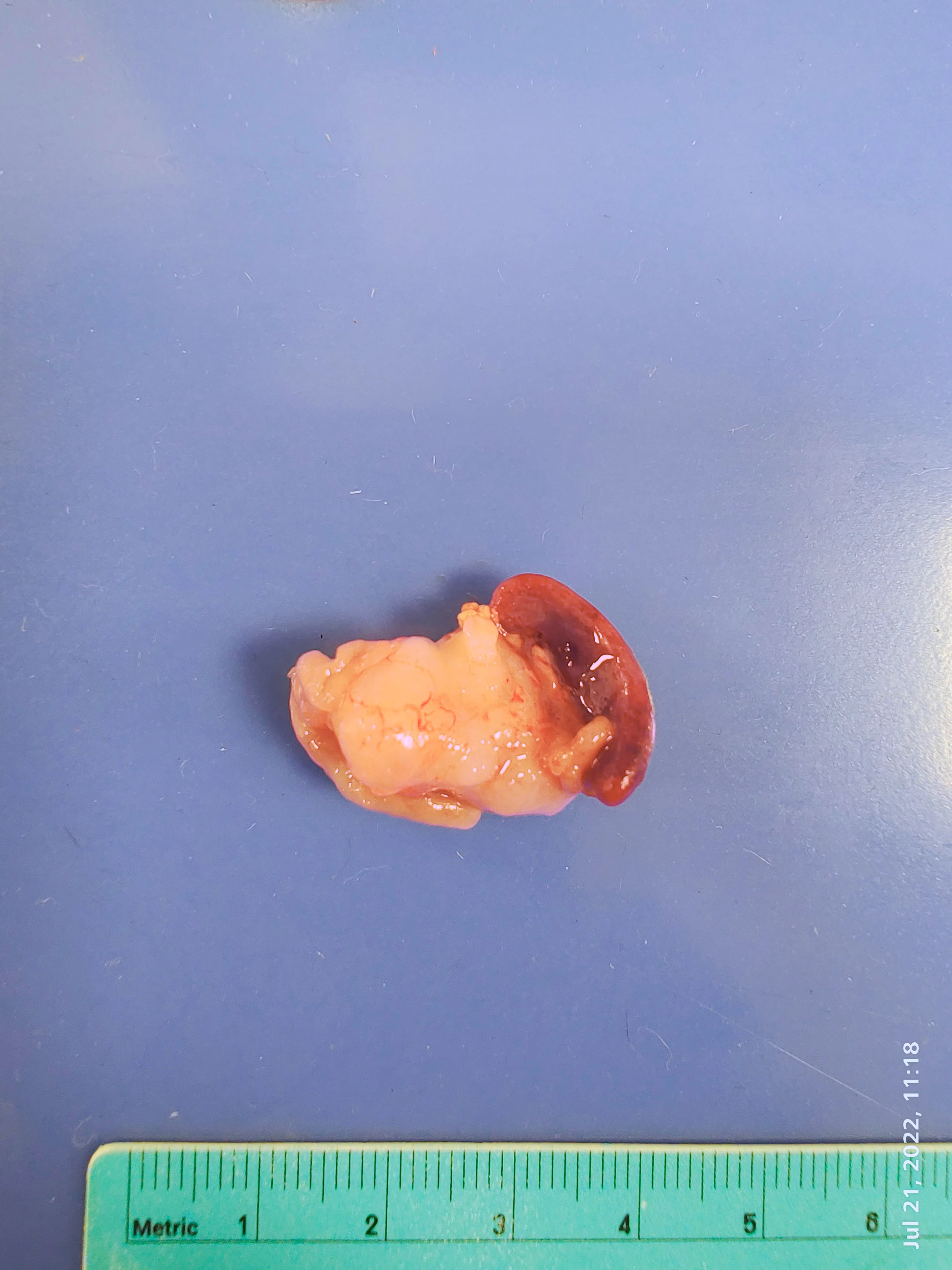
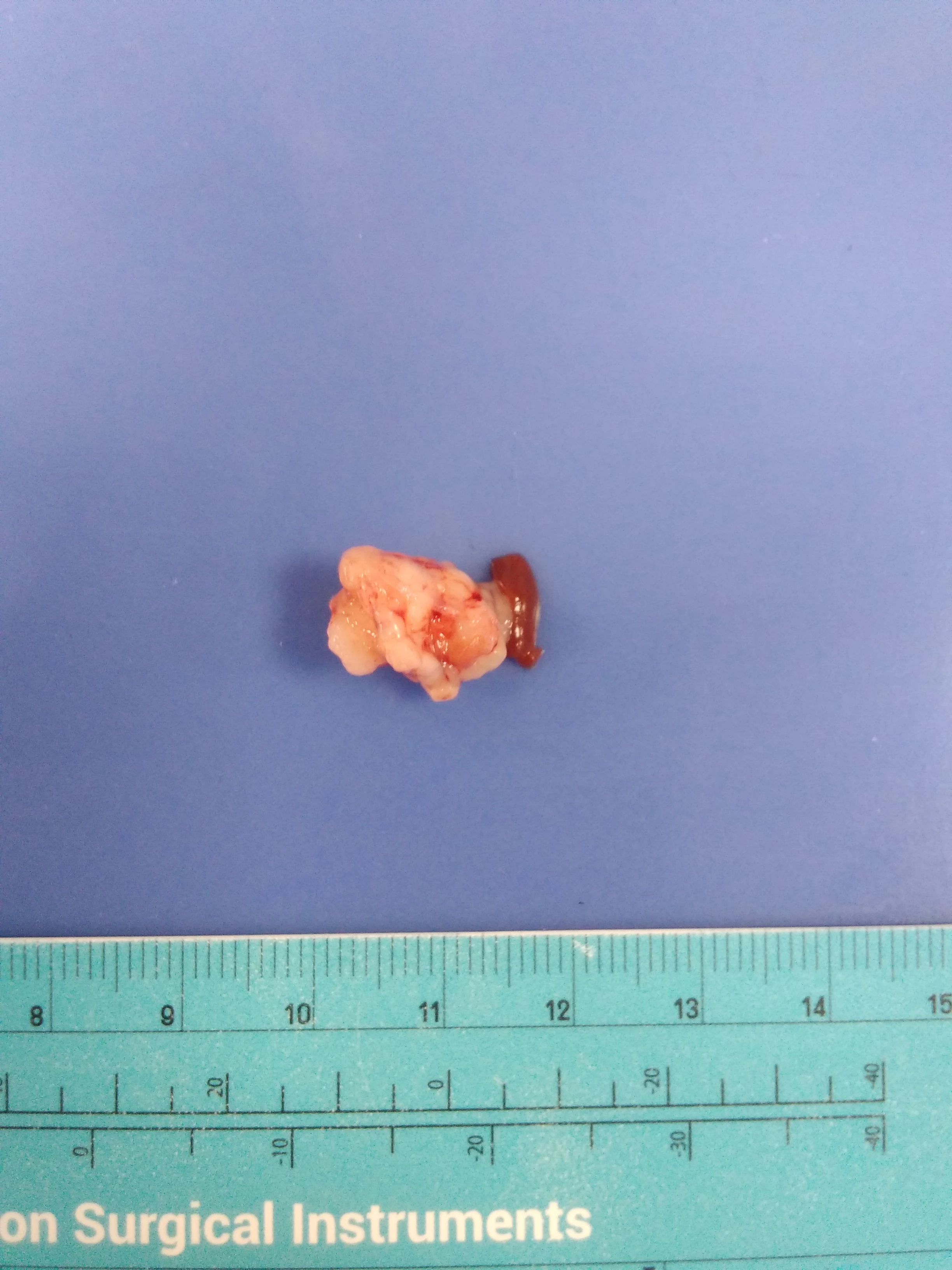
A little background, I work in research, I have images of tissues from 3 different phones. One of those phones causes a yellow tint on all the images that is unnatural, it creates good images but due to the blue background, it causes the image and tissue to look unnaturally yellow compared to the others.
I've tried using hue tool, looked at RGB color palates, saturation/desaturation tools, but have been unable to match the color profile of the more natural image to modify the image with the yellow tint. I am attaching two images that I am working with. Does anyone have suggestions on how to correct this?
Sincerely appreciative!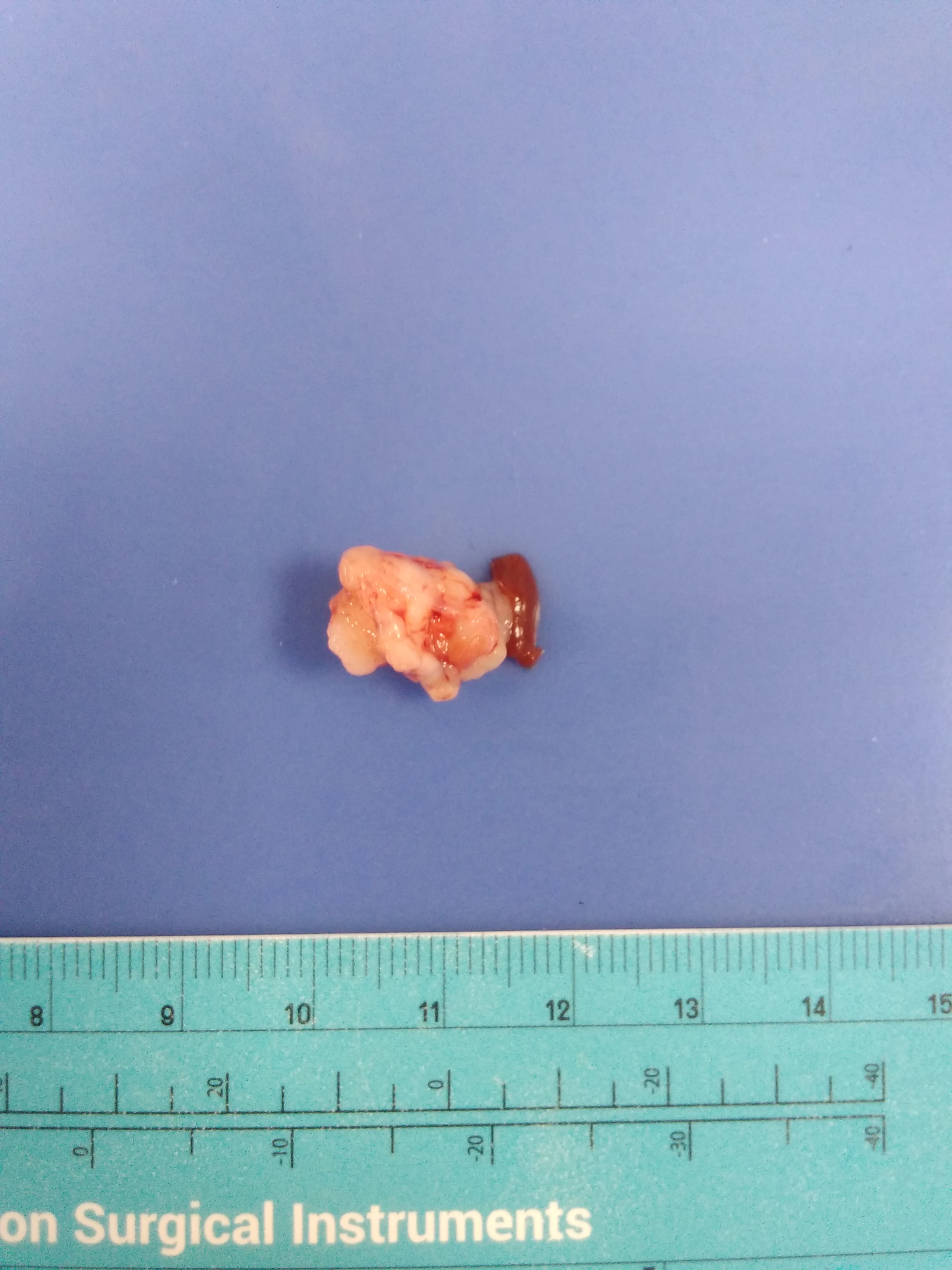
 AdChoices