Participating Frequently
March 2, 2023
Question

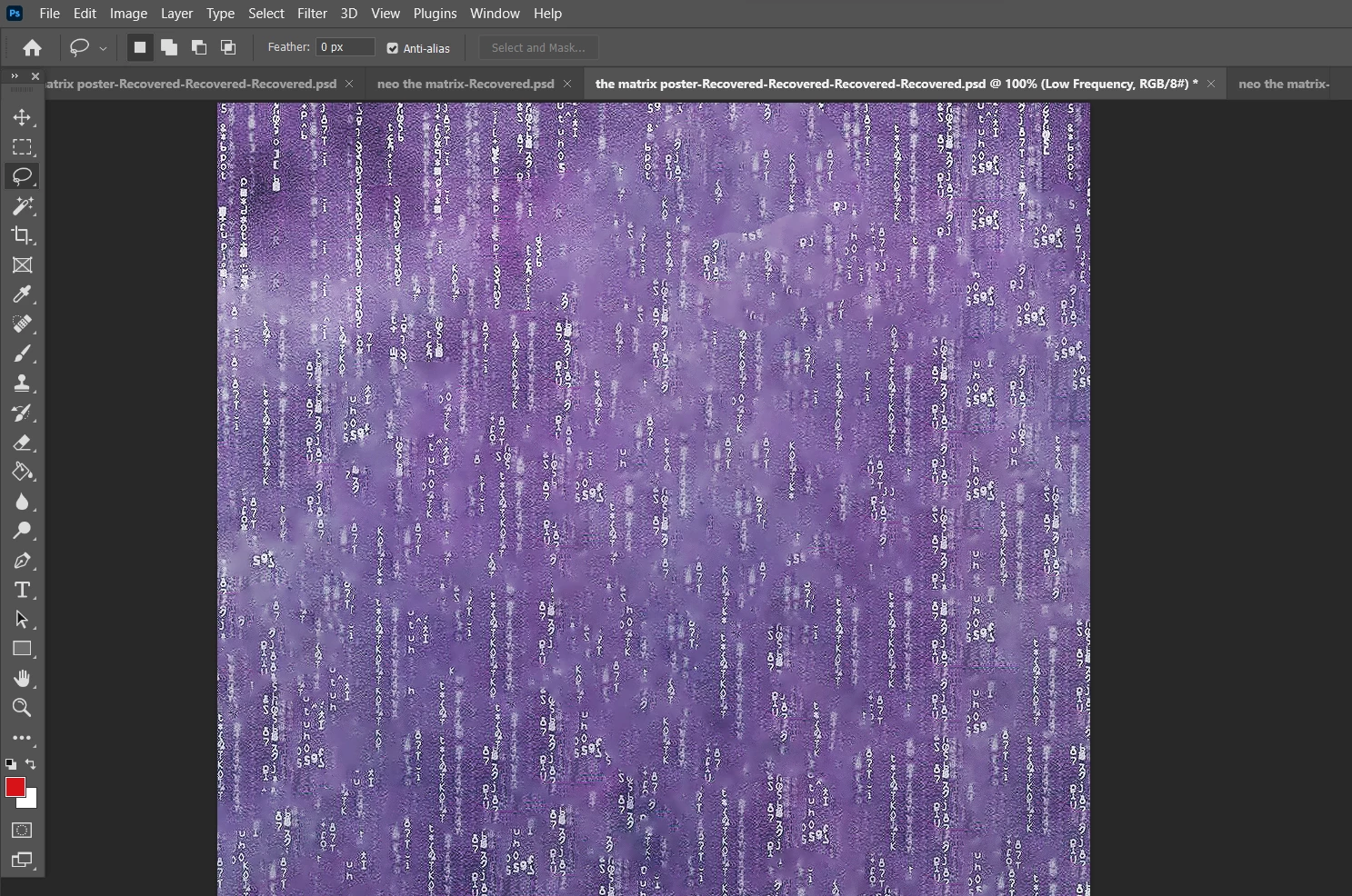
Trying to clean out the spots in this picture but it doesn't work out.
  • March 2, 2023
  • 1 reply
  • 534 views

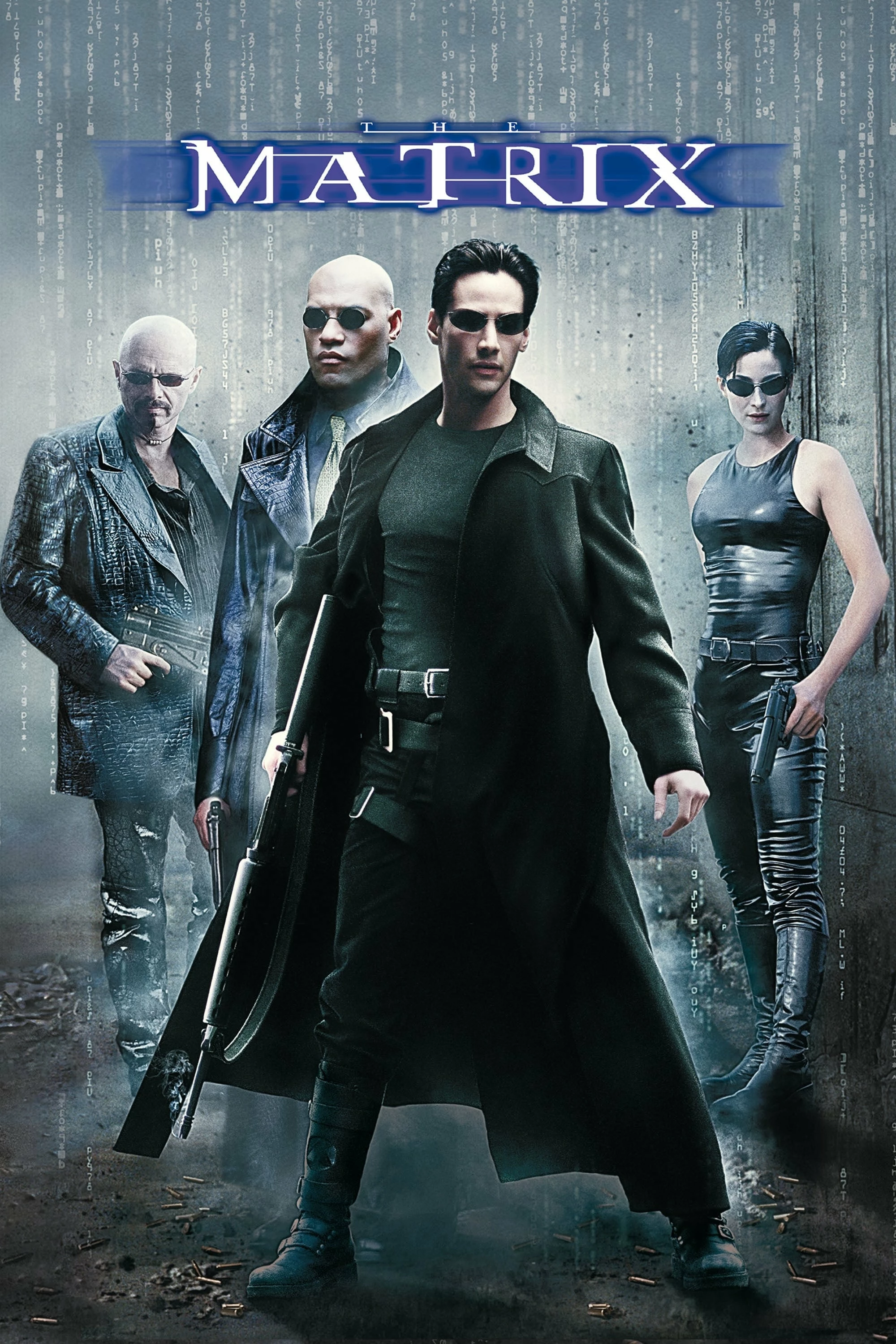
As you can see I took the Matrix poster and cut some parts in order to make it look like the codes of the film. I ended up with the result below but unfortunately I was left with alot of marks on the design and I've trying to clear it out with content-aware fill but to no avail. What should I do?

This topic has been closed for replies.

1 reply

Myra Ferguson
Community Expert
Community Expert
March 2, 2023

You can remove a lot of the noise with a few steps:

  1. Convert the content to a Smart Object so that you're working non-destructively (with the layer selected, right-click in the Layers panel to the right of the layer name and select Convert to Smart Object or go to Layer > Smart Objects > Convert to Smart Object)
  2. Go to Filter > Camera Raw
  3. In the Basic section, drag the Clarity slider all the way to the left (-100)
  4. In the Basic section, drag the Dehaze slider about halfway to the left (-50)
  5. In the Detail section, drag the Noise Reduction slider all the way to the right (100)
  6. Click OK
  7. Go to Filters > Dust and Scratches and try Radius at 1 and Threshold at 100