Question
Trying to color line art but the colors come out as grey
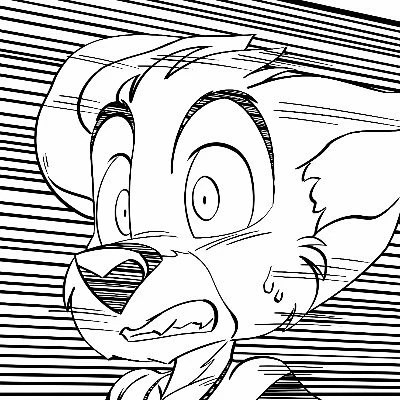
Recently, a drawing I did was scanned into a computer and I was ready to color it. I seperated the lineart from the background as usual and created my layer to color it there was one issue, the colors come out as blue. I also noticed in the Channel section there was no RGB, red, green, and blue. Did something go wrong during the scanning process? Was there a specific way I had to save the scanned file as? (png or jpeg)
 AdChoices