Answered
Trying to copy a high resolution image into a new Document getting error
I'm trying to past a cutout of a high resolution photo into a new document inside of photoshop and I'm getting this error. How do I fix it?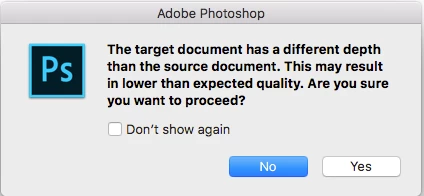

I'm trying to past a cutout of a high resolution photo into a new document inside of photoshop and I'm getting this error. How do I fix it?
The dialogue is warning you that you are going to change your imported document from 16 bit to 8 bit (or 32 bit to 16 bit) . In most cases just carry on - or if you need the higher bit depth - click "No" then change the document you are pasting into to the higher bit depth ( Using Image - Mode) then re-try.
Dave
Already have an account? Login
Enter your E-mail address. We'll send you an e-mail with instructions to reset your password.
 AdChoices