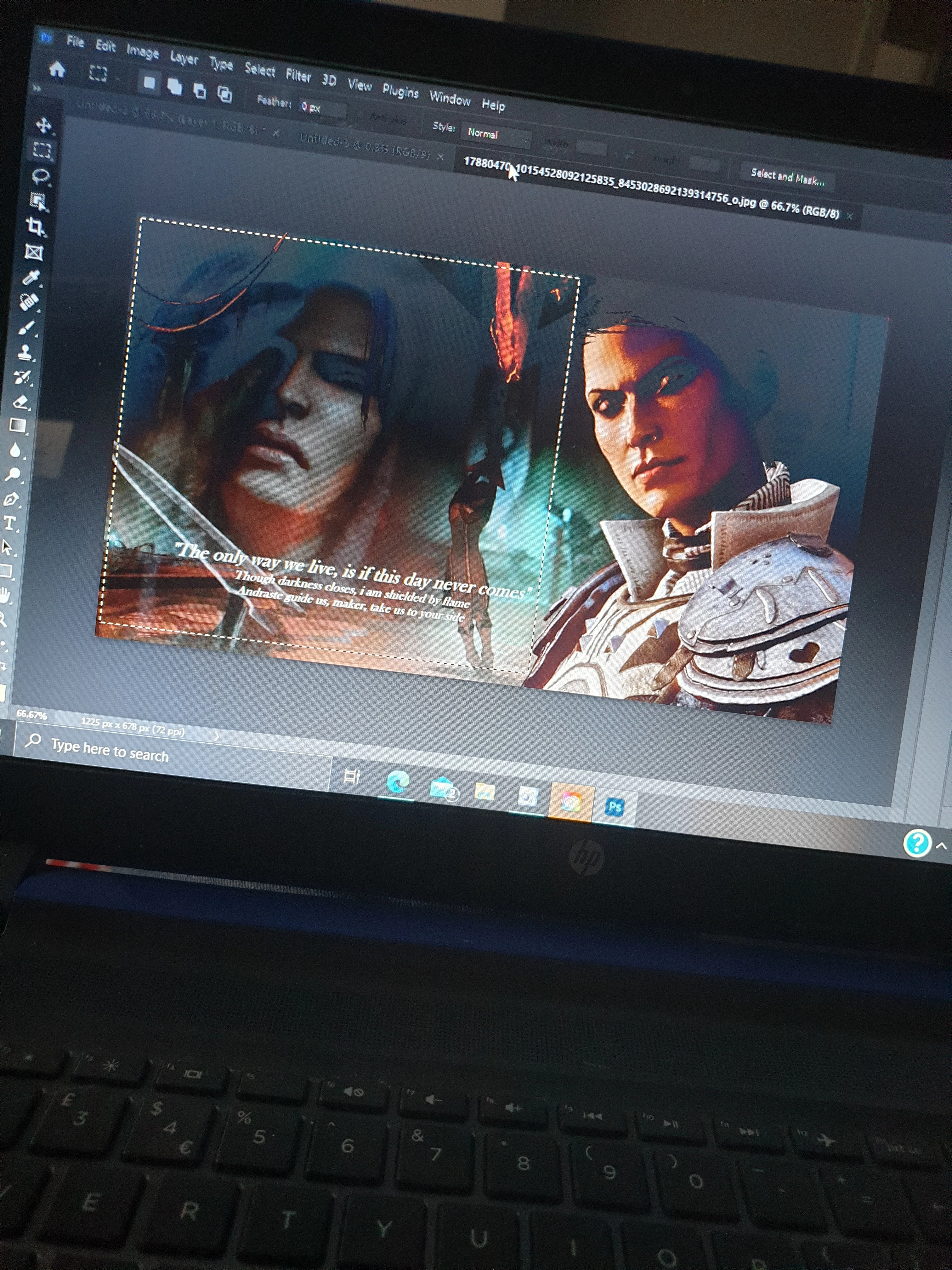
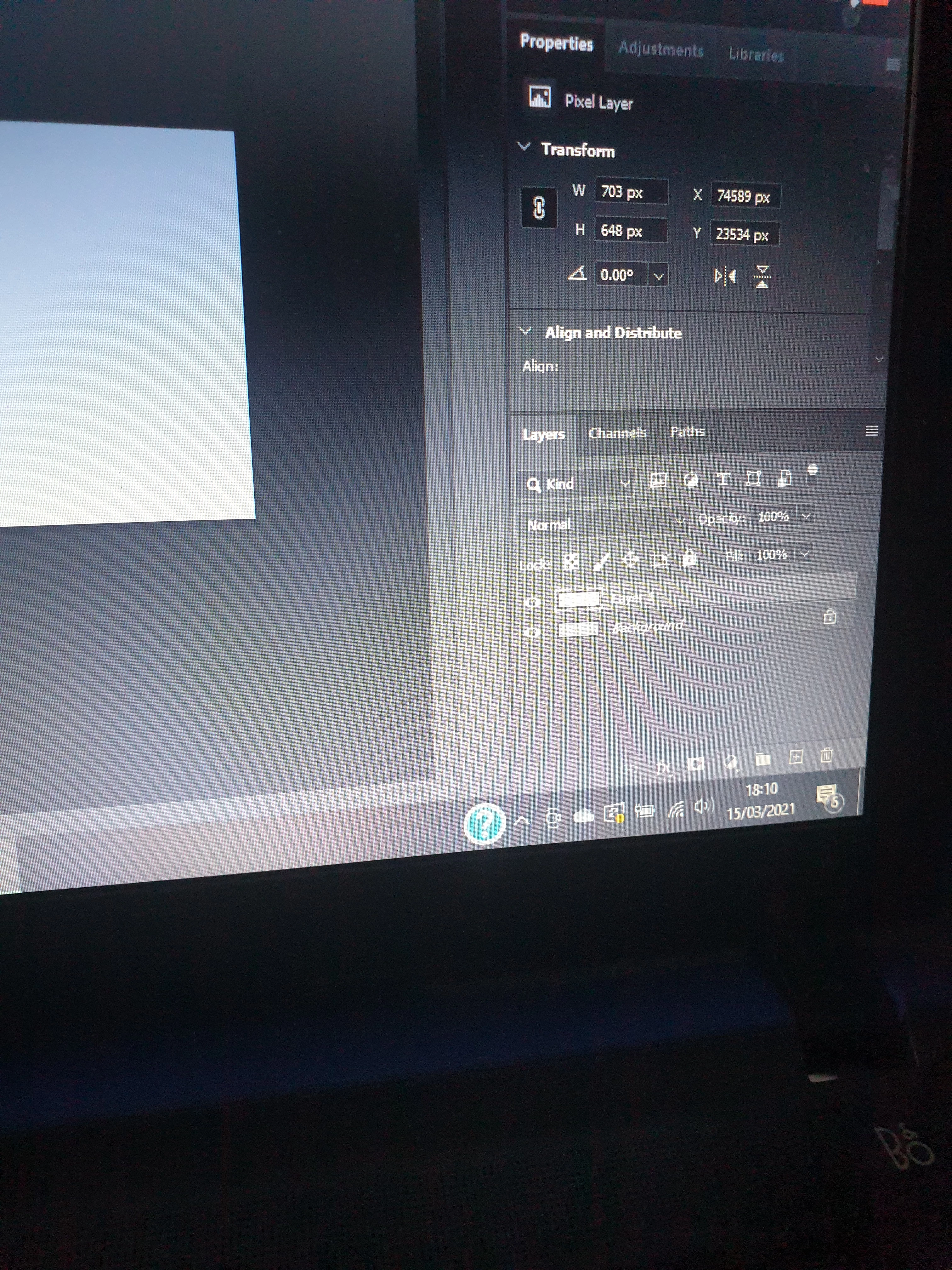
when I copy the image and try to paste it here the 'layer 1' shows as a transparent form of the background. Any idea why? I'm new to this program. I have selected the part of the image I want to copy but it pastes as a transparent copy of the background.
Learn how to use windows shortcuts to capture the desktop, or the active window, or ans area your desktop. So you can paste useful images hers. When you select an area of a layer like your background. Then do a Copy and a Past. The copy will copy the select area of the background to the clipboard and the Paste will add a layer the has the content of the keyboard and be located over the selected area. If you do a second Paste the New layer content will be centered over the canvas.