Participant
August 4, 2022
Answered

Trying to install plugins to PS 2022

  • August 4, 2022
  • 1 reply
  • 1410 views

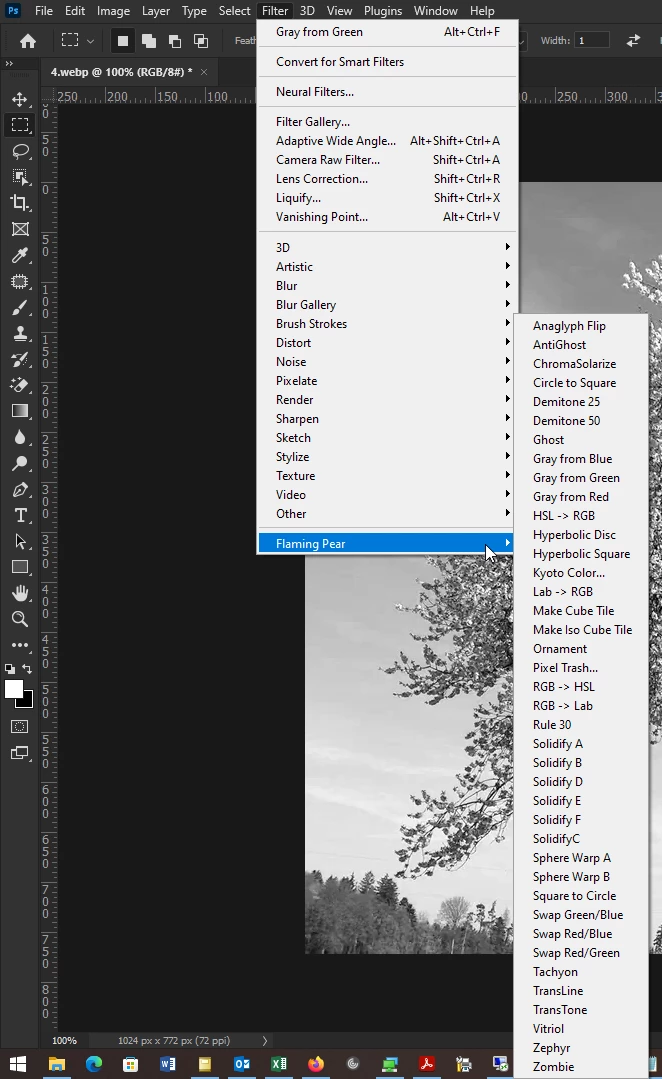
Hi, I realised that I can not add the plugins I use for my workflow in 2022 Photoshop. 

I tried to download an earlier version (2021) in hopes of it creating its own register/path so it would have a Plug-ins folder - but it is installed together with the other through Creative Cloud with no other option but the exe files. 
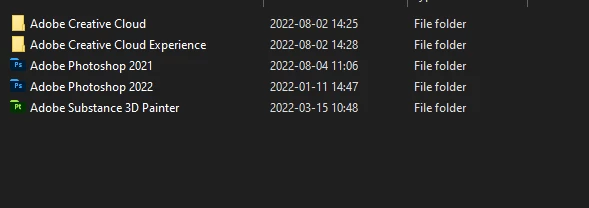


Is it possible to download and install another path without this happening? 

The plugin I use is the Flaming Pear Solidify. Please help. 
This topic has been closed for replies.
Correct answer Ged_Traynor

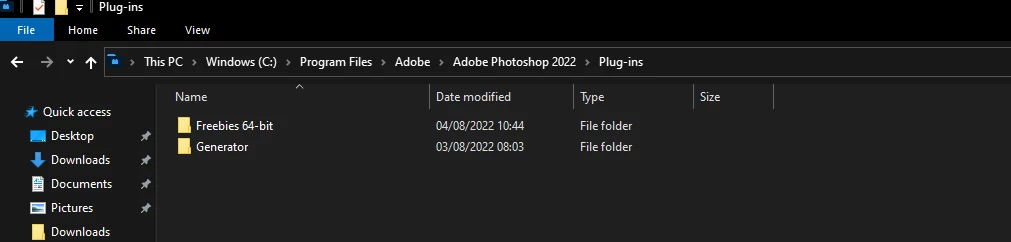
Copy and paste this into file explorer address bar C:\Program Files\Adobe\Adobe Photoshop 2022\Plug-ins

1 reply

Ged_Traynor
Community Expert
Community Expert
August 4, 2022

Hi

Did you check out the support page http://www.flamingpear.com/support.html

TherraAuthor
Participant
August 4, 2022

Hi, 

Yes I did, but their instructions is to drag and drop their plugin to the plugins folder, which 2022 doesn't have. 
Which is why I'm asking if it is possible to download and install PS 2021 with the old path so the Plugins folder can be used in the older version at least. 


Picture taken of Photoshop 2020 path from Google for reference
 

Ged_Traynor
Community Expert
Ged_TraynorCommunity ExpertCorrect answer
Community Expert
August 4, 2022

Copy and paste this into file explorer address bar C:\Program Files\Adobe\Adobe Photoshop 2022\Plug-ins