
Trying to MANUALLY clean up scanned photograph of pencil sketches! Please help!
Hello! I am a children's book illustrator & pretty new to Photoshop. I used to illustrate on paper only, but I have recently been using a pad and stylus in Photoshop to trace over the photographs of my original sketches & then deleting the photo layer to get much cleaner line drawings. (I prefer to start with a pencil sketch and then move to Photoshop because I find proportions and image composition to be much easier on paper.) This method has helped me achieve my desired end result, but the process of tracing over the entire image takes forever. In an attempt to speed things up, I have scoured the internet trying to find a way to convert my photograph layer into a black and white image that I can MANUALLY clean up with the brush and eraser tool, but to no avail. Can anyone tell me if this is possible???
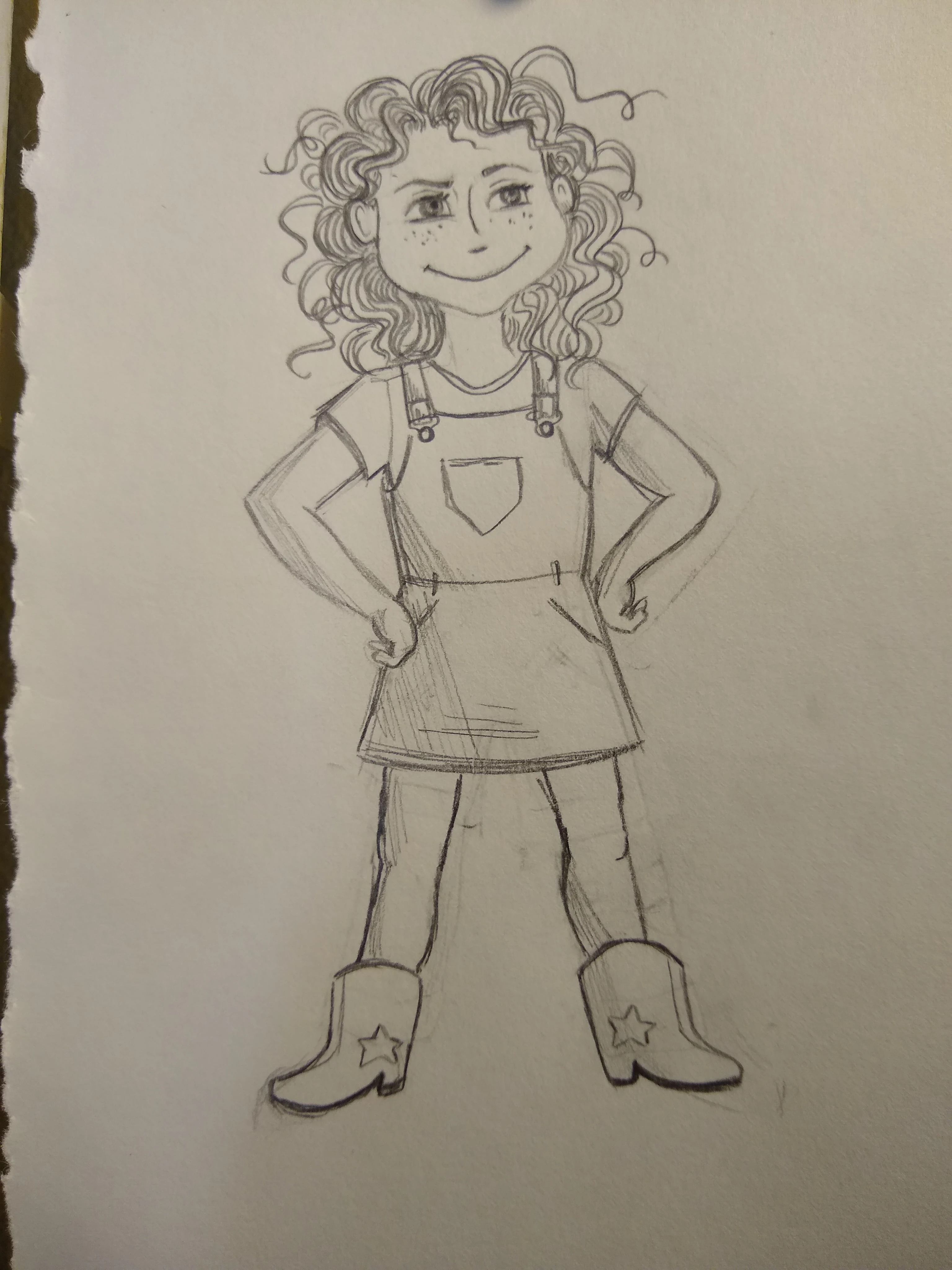
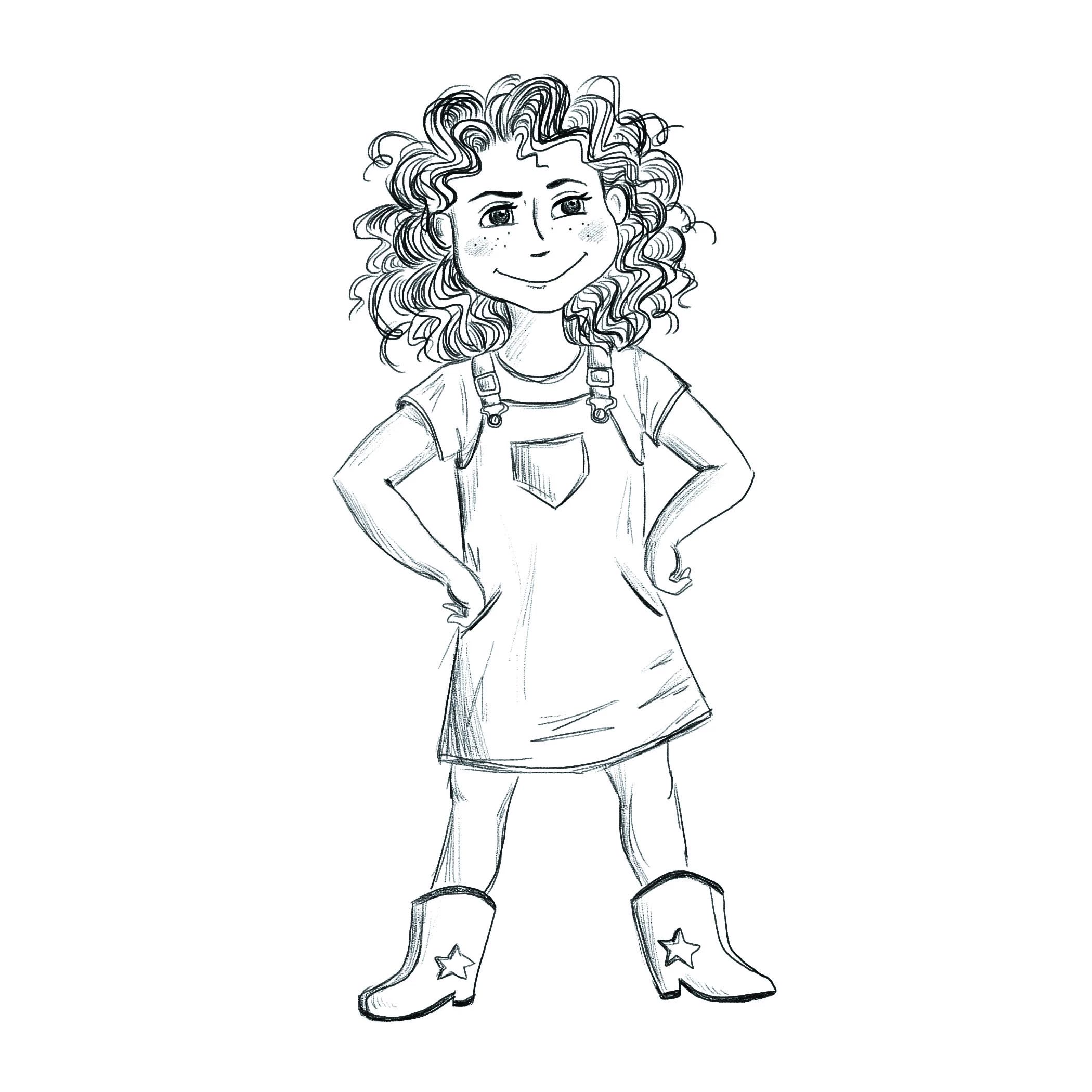
I've attached images for reference. I want to be able to open the sketch (left) in Photoshop, adjust the color/contrast to black and white to look like the finished product (right) and then sharpen lines/erase smudges manually.
 AdChoices