

Question
Trying to sharpen up objects from a drawing imported into Photoshop
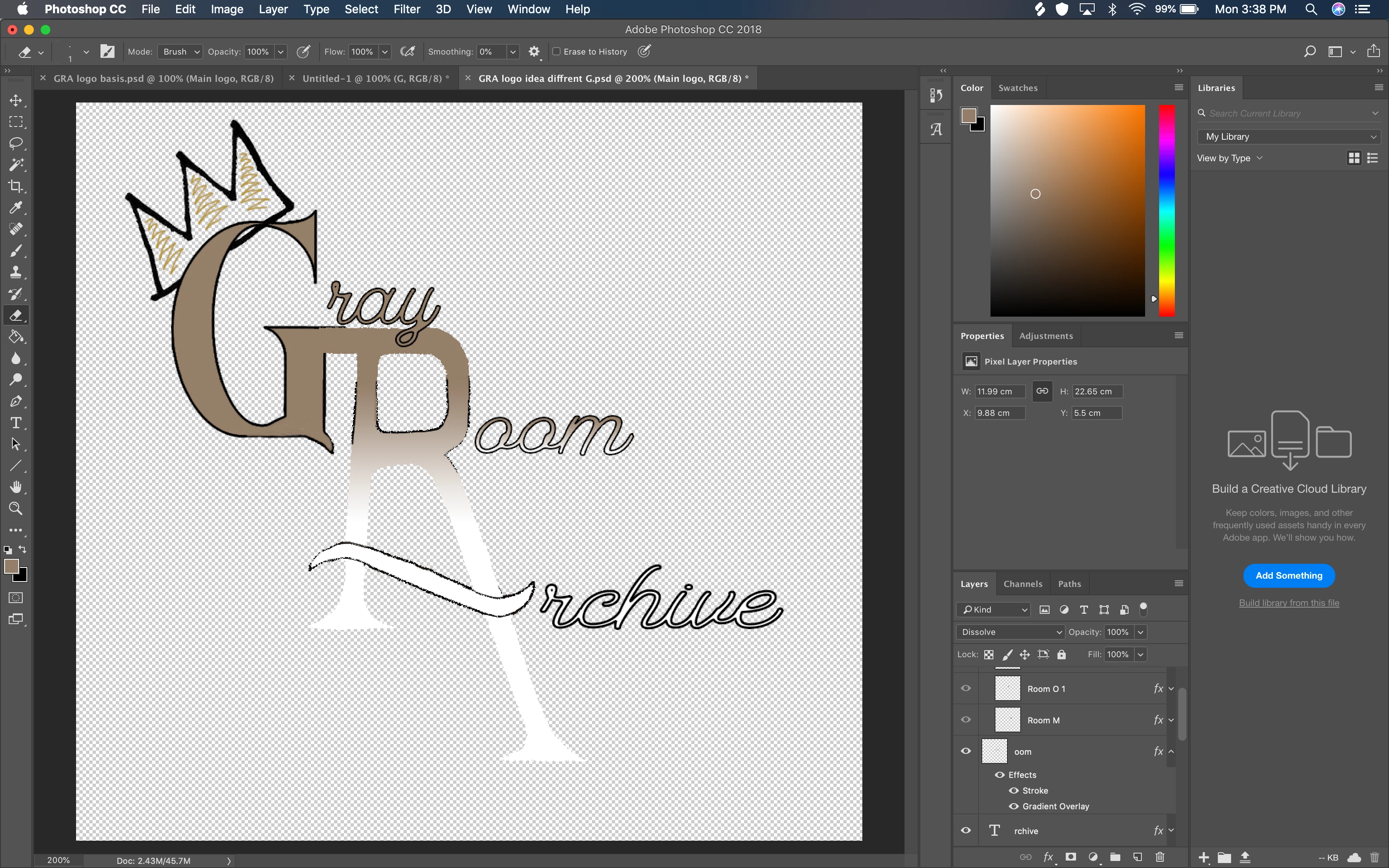
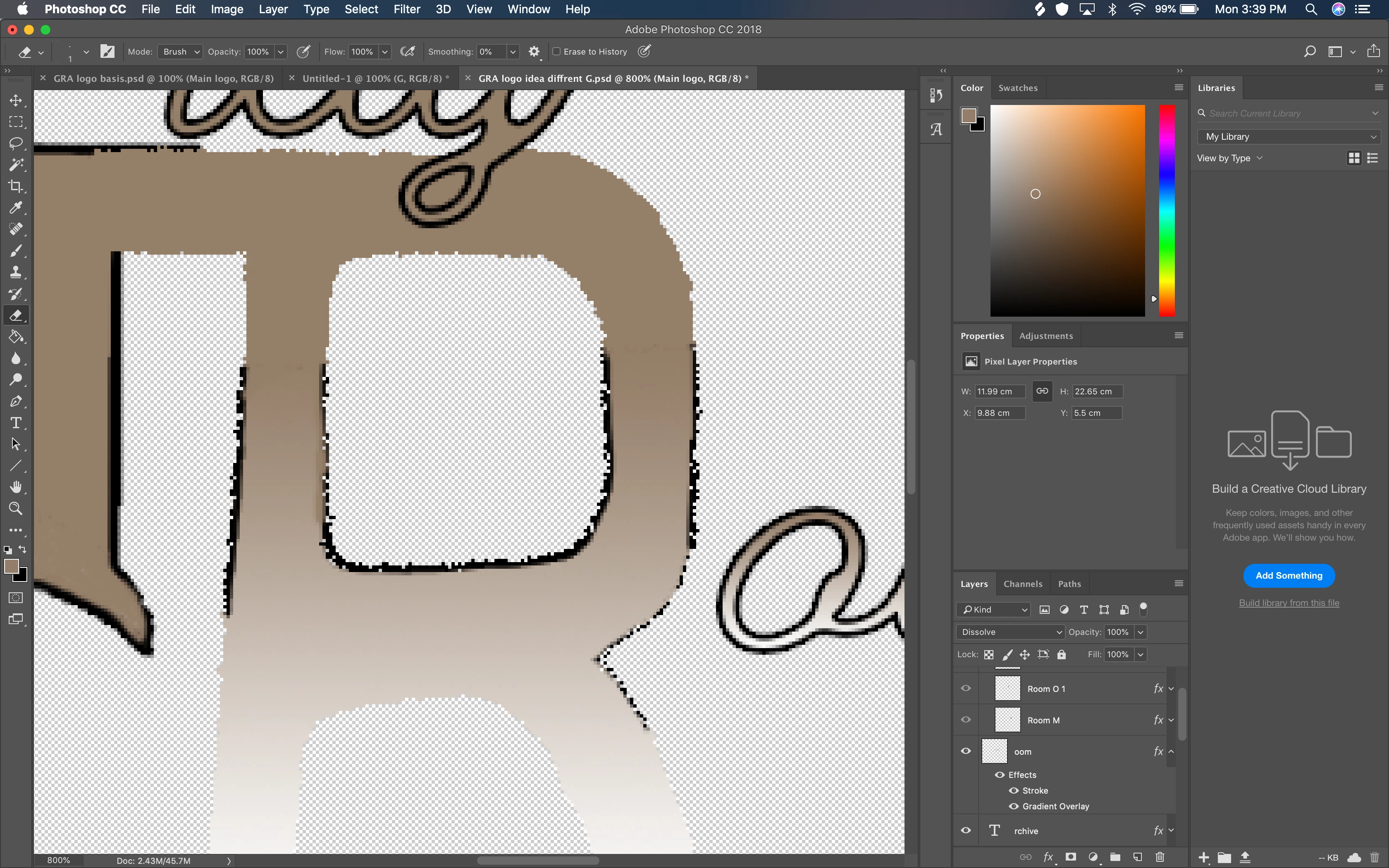
I am currently working on a logo for my friend's online store he's starting. I am working off of a drawing that I put into photoshop and have been reworking. As you can see in the 2nd image, the R/A is not nearly as clear or sharp as I'd like it to be. I'm a bit new to photoshop and was wondering if there was a tool that could help me out with that, or if I just need to bite the bullet and do it manually with the paint tool. I already have the R/A in its own seperate layer.
 AdChoices