
Together In Time Photo
Participant
June 18, 2020
Question

Turning off welcome screen

  • June 18, 2020
  • 1 reply
  • 243 views

hello lovely people 🙂


I hope you are all well and dandy 🙂 


Could someone please tell me how to turn off the 'welcome screen' in Photoshop? It's doing my head in not being able to find the place where I can disable. I know I'm thick as it's somewhere prettyobvious but I can't remember it!
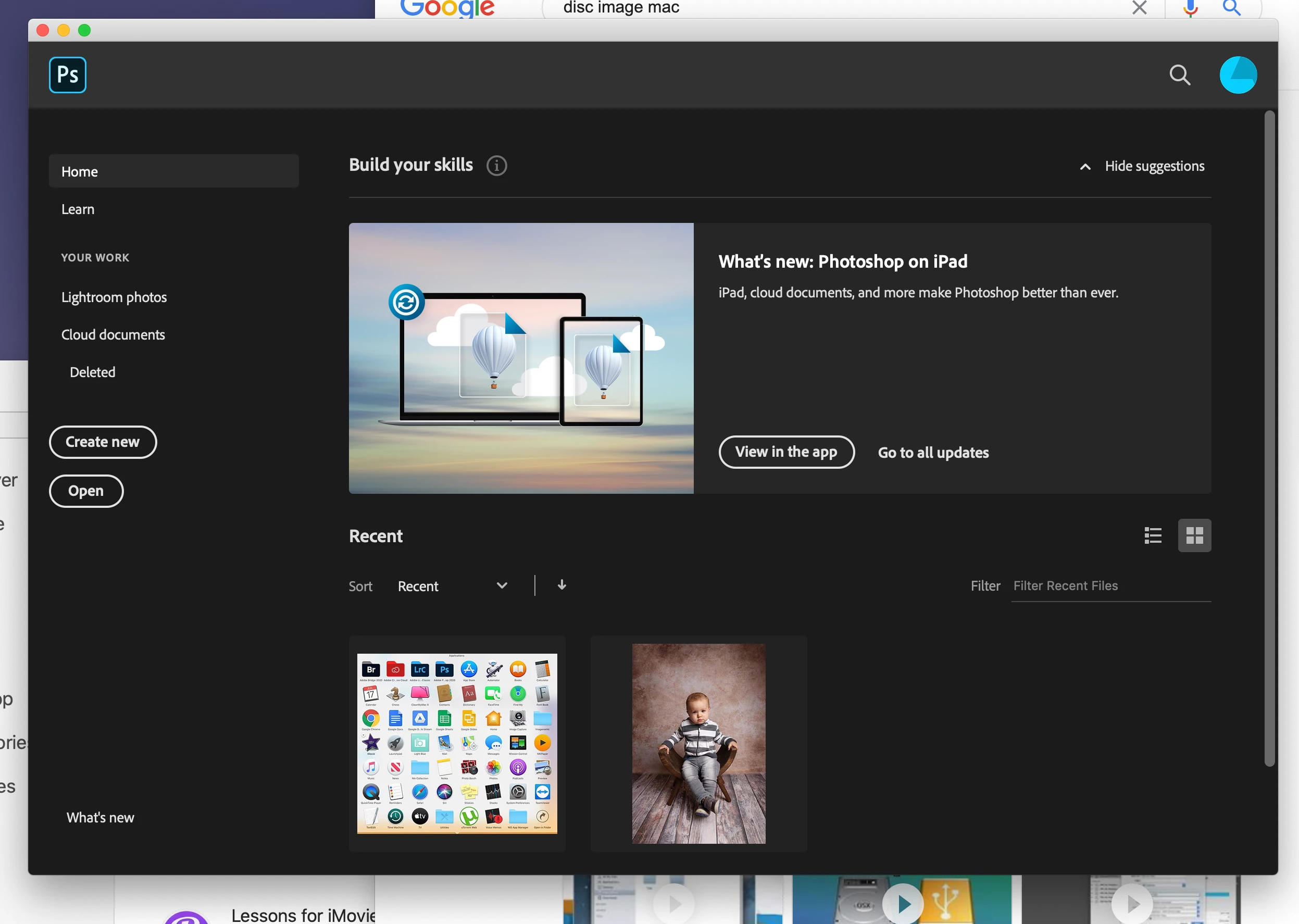
Thanks in advance


Nika x

This topic has been closed for replies.

1 reply

June 18, 2020

Hi

Go to Edit > Preferences > General and uncheck/check the following, restart Photoshop

You may get the same screen again with you open Photoshop, just open any image and close Photoshop again and it should go away for good, at least that's what I had to do

Together In Time Photo
Participant
June 23, 2020

worked! thank you!x